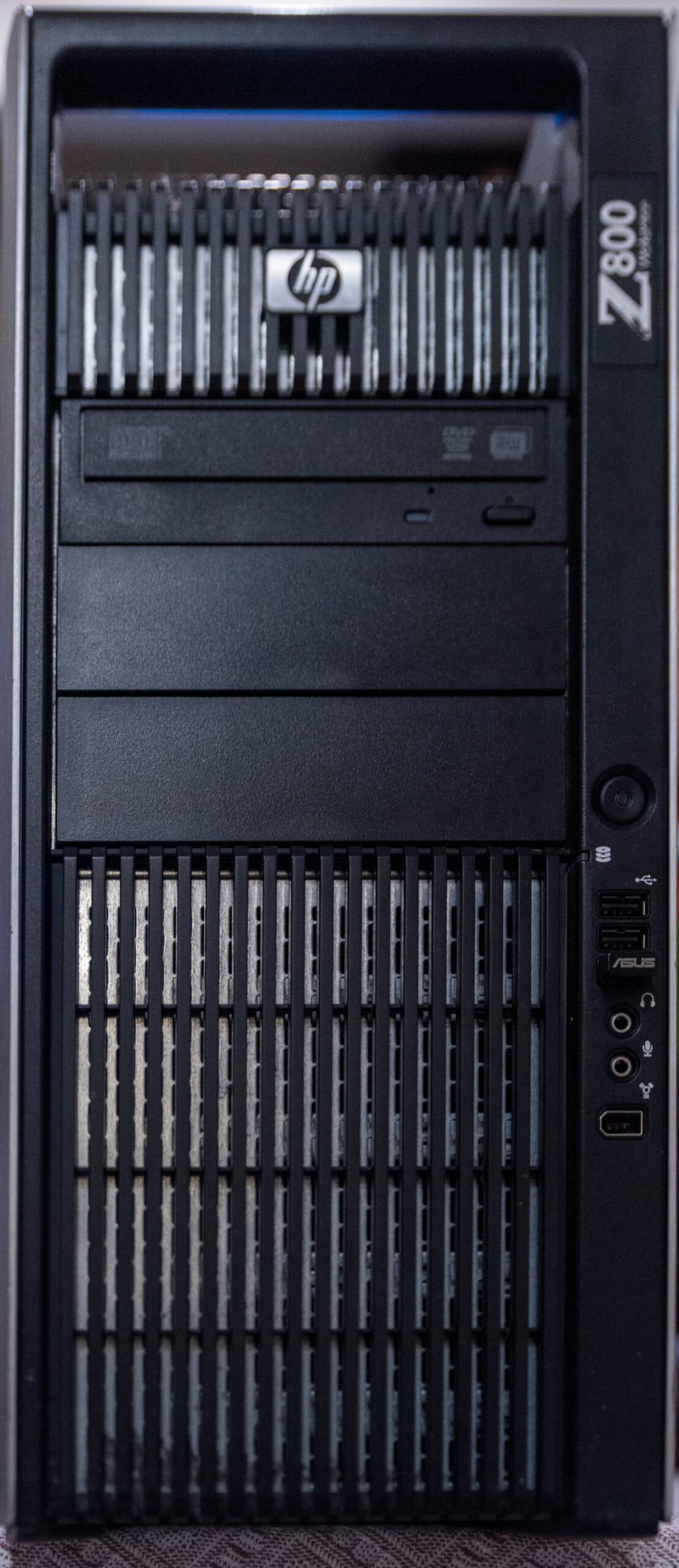
About ten years ago I bought an HP Z800 Workstation, mainly for my Adobe Photoshop and Lightroom work. Back then a dual CPU workstation at that price was a strong deal. I ran the Z800 for three or four years and it never let me down: no hard drive trouble, no CPU or RAM issues. After that I moved on to Intel 3, 5, 7, and 9 series CPUs. I have never been an AMD fan, mostly because of the heat and the noise, which I hate when I am working. Intel based chips have also felt more stable to me, at least for what I do.
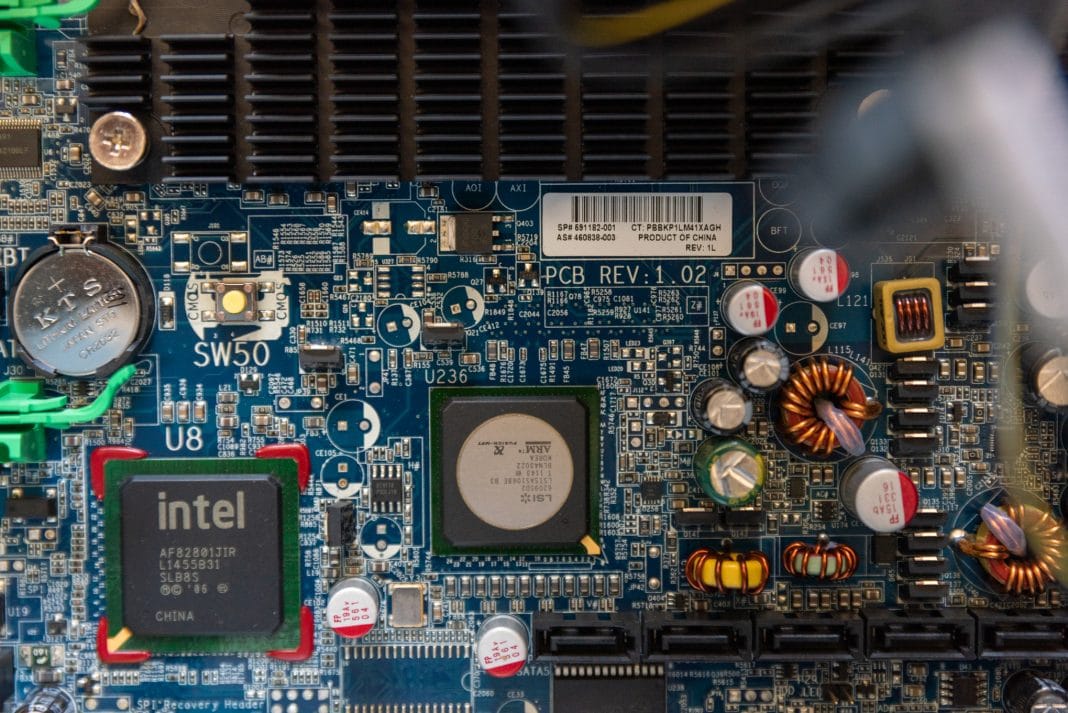
So the old Z800 sat in storage for years. In 2019 I turned it into a NAS and a CentOS based WHM box for some server testing. My SAS drives were refurbished, and one of them failed. To be honest, I salvaged the 48GB of DDR3 and a few other parts and threw the rest of the old Z800 away. The other reason was the motherboard: it was a v2 board, so I could not run a pair of X5690. That sent me hunting for a version 3 motherboard, which supports the X5690s.
On eBay the prices for the 460838-003 (the v3 HP Workstation Z800 motherboard) run between $200 and $300, and I was reluctant to pay that. This is a common problem with older workstation parts: the good boards are scarce, listings vary wildly, and it is hard to know what condition you are actually getting. Danny Sullivan, writing about the close of the Yahoo Directory in 2014, described how human-edited lists were once the internet’s most important way to find things before crawler-based engines took over. Buying legacy hardware still feels a bit like that older web. You rely on scattered listings and the judgment of other people who have done the same build.
Anyway, two weeks ago I found a system with the 460838-003, a 1100W PSU, chassis, and cables for about $120. I ordered it instantly. This is it:
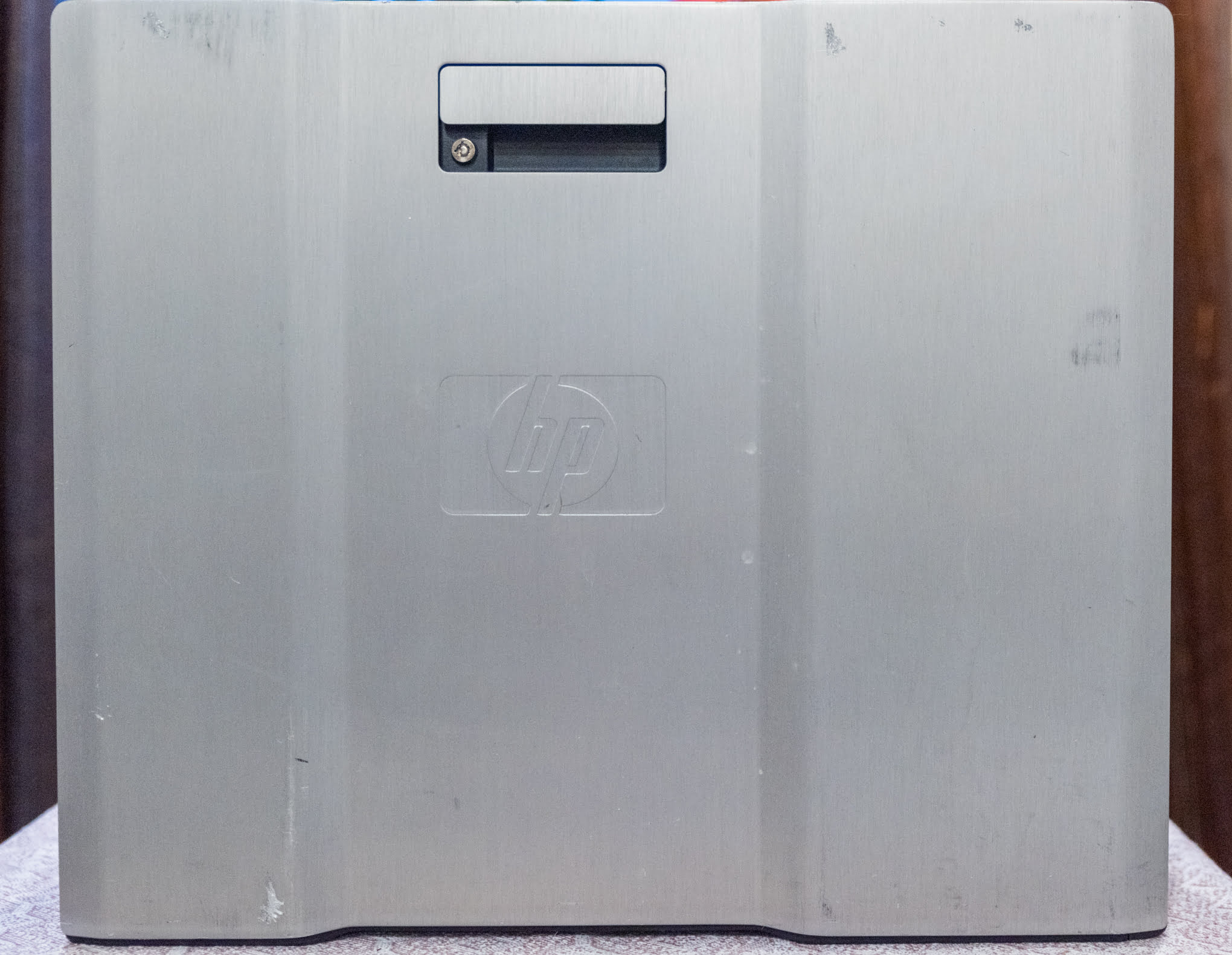
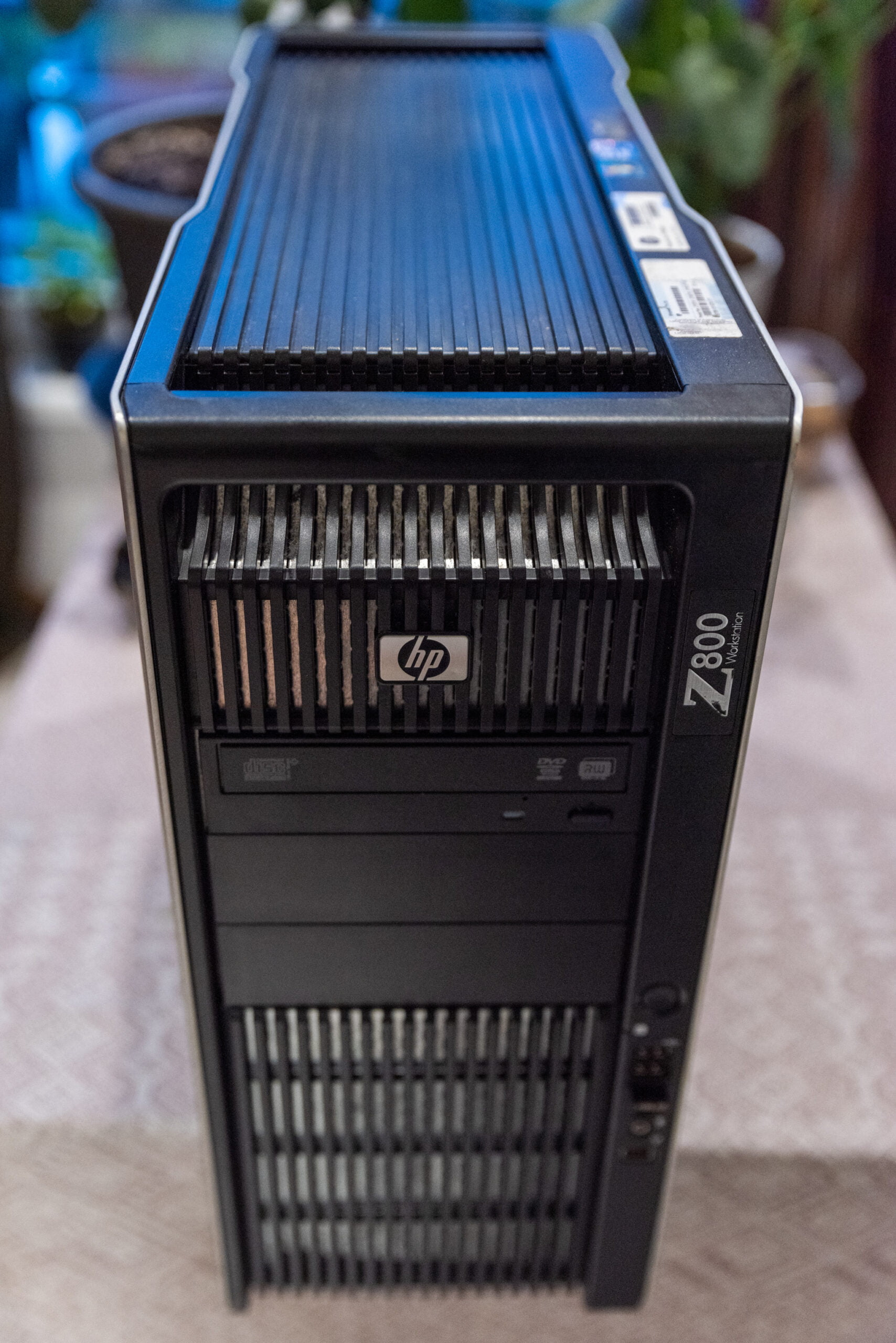
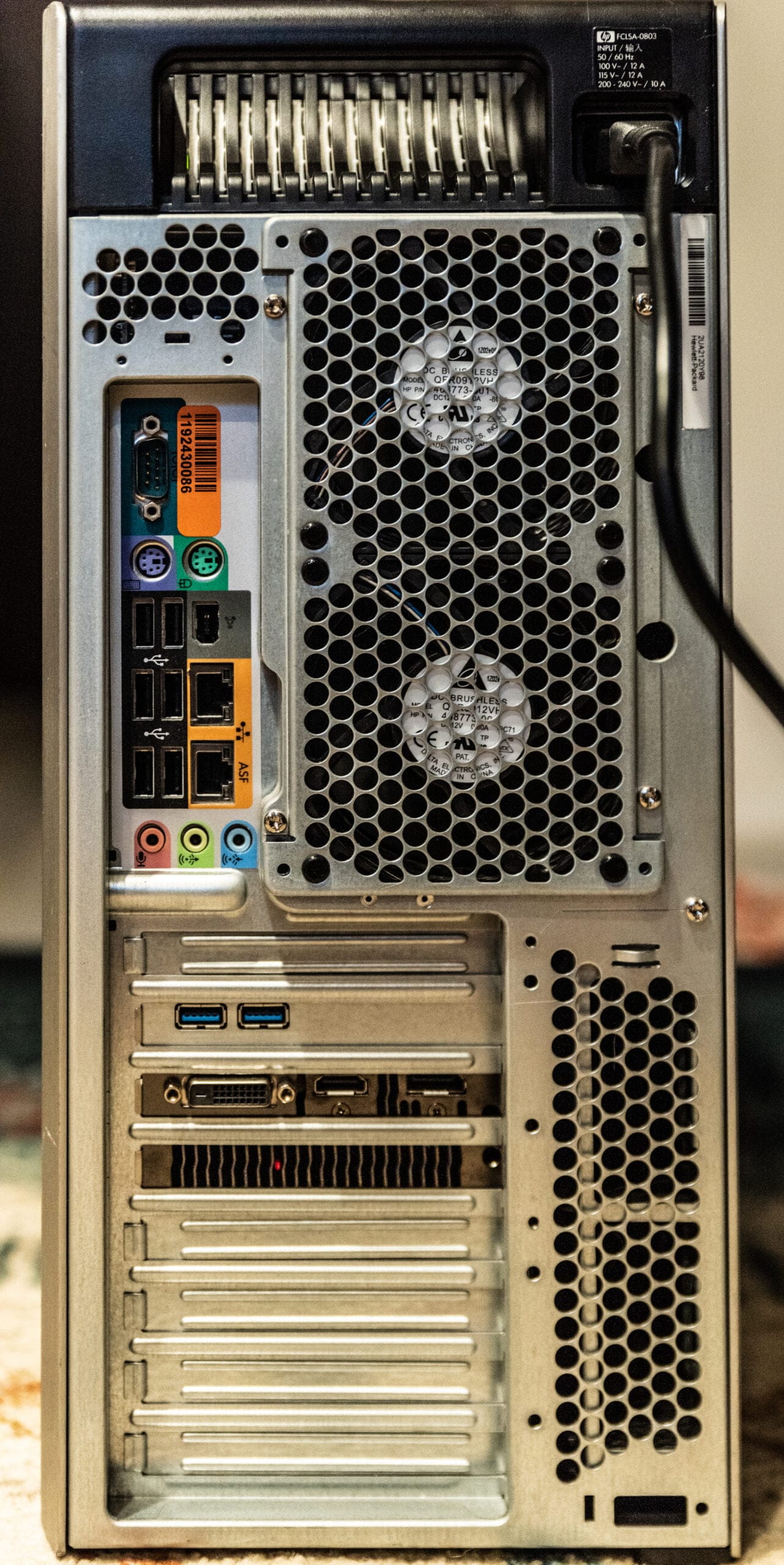
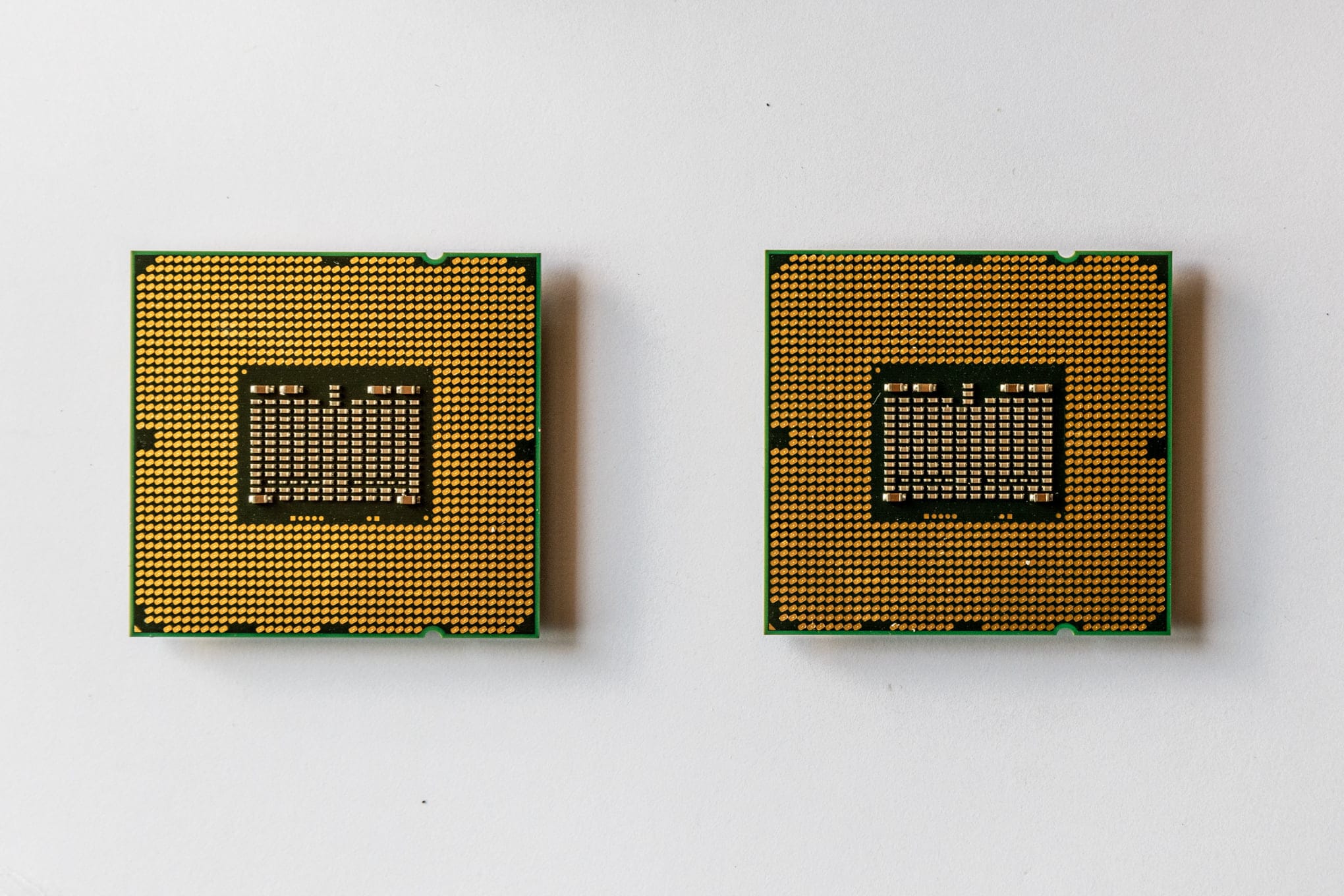
The first thing I checked after fitting the pair of X5690 (more on that below) was the BIOS version, which needs to be 03.61. My new Z800 shipped with BIOS 03.54, so I updated it from the official software and drivers forHP Z800 Workstation center. If you are doing this yourself, get the BIOS right before you install anything else, because the wrong version can leave the CPUs unrecognized and send you chasing a fault that does not exist.
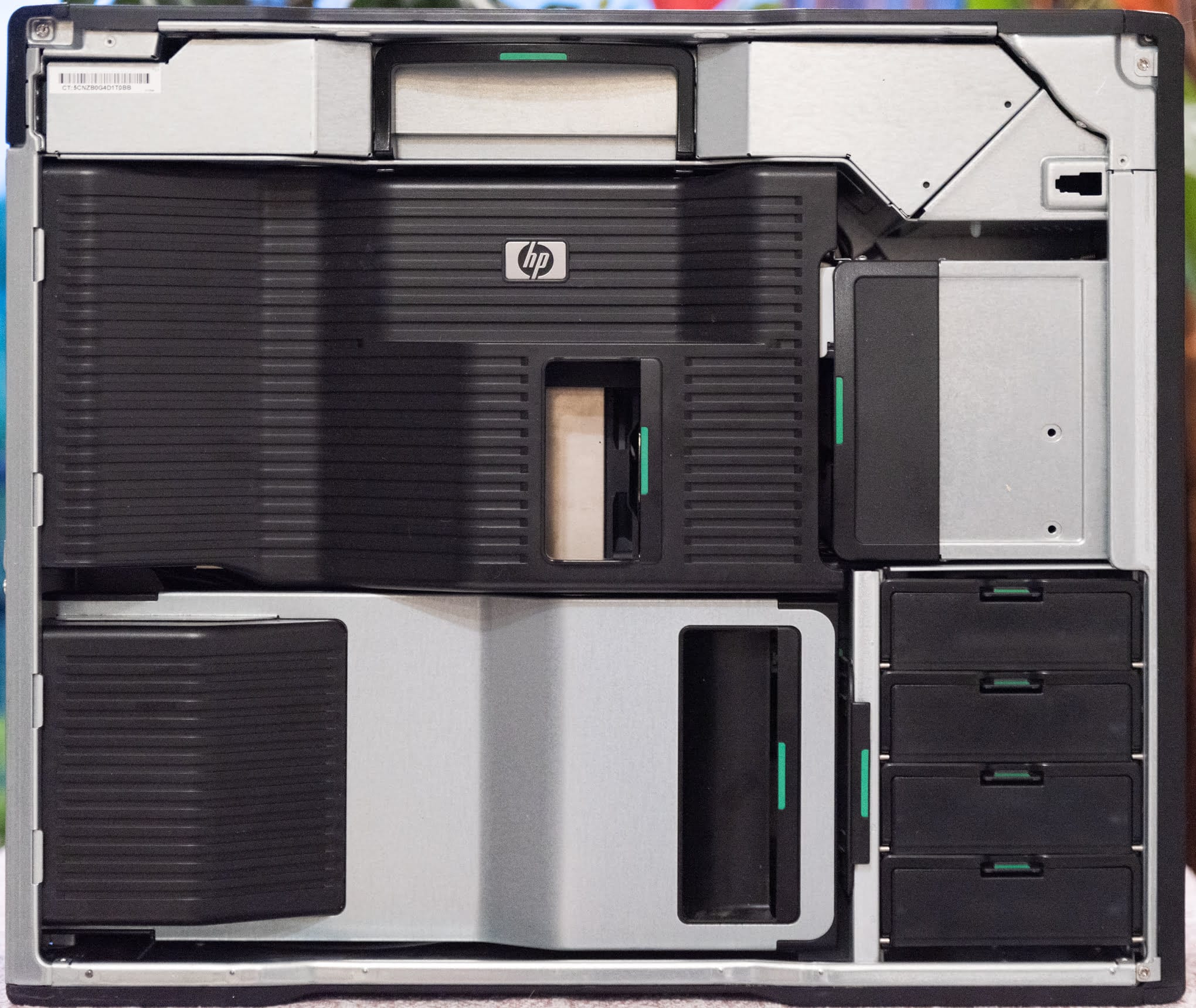
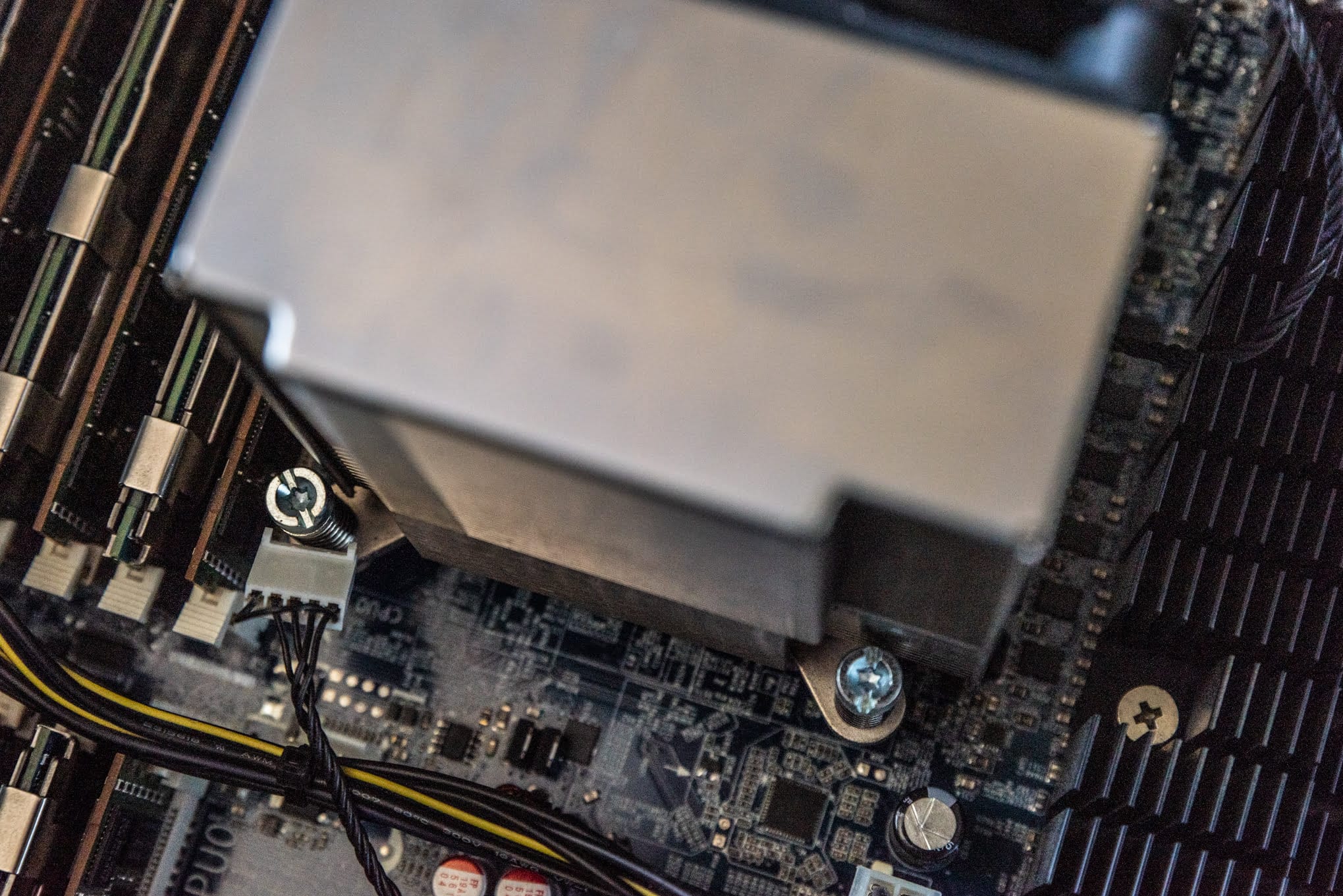
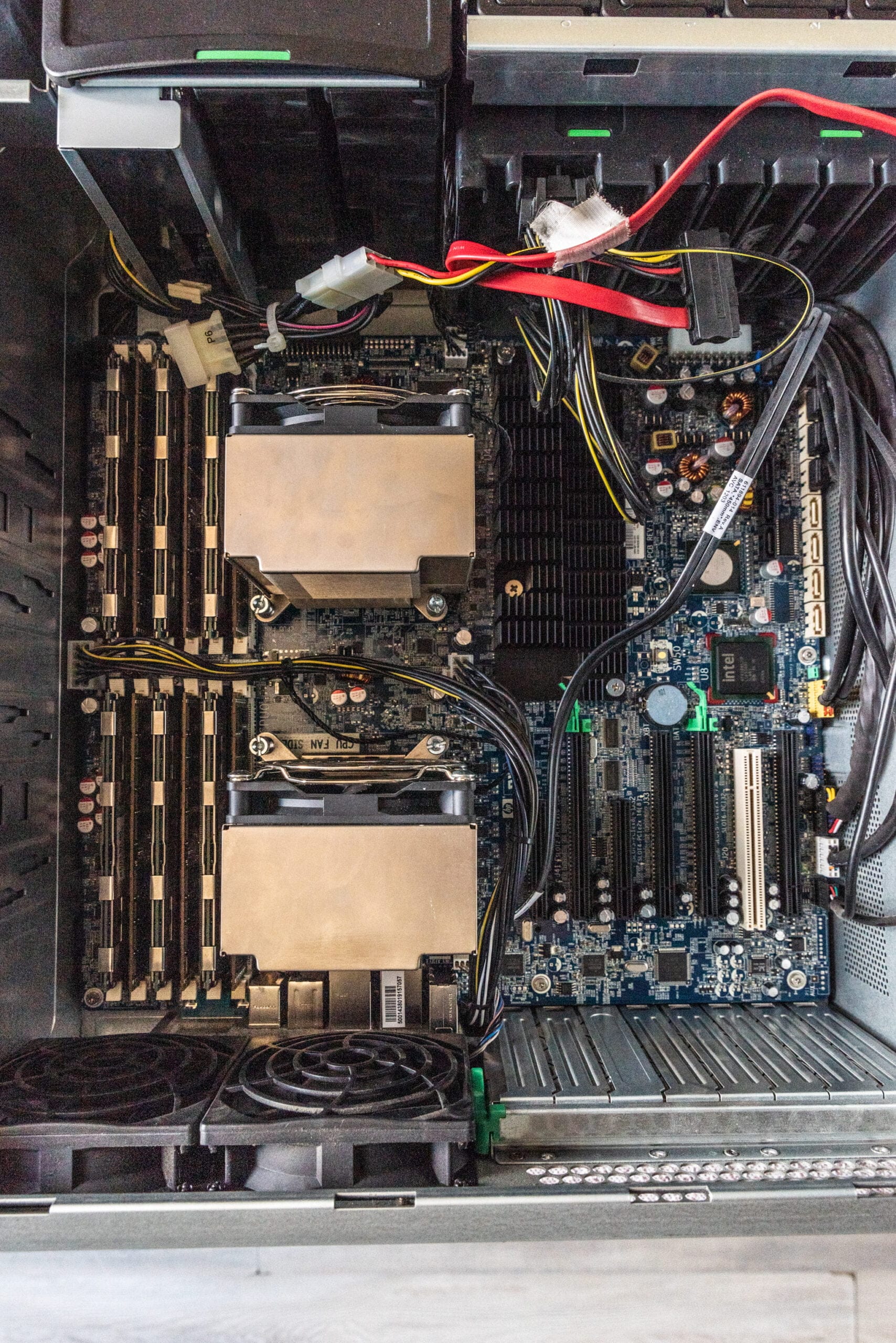
Opening the Z800 case
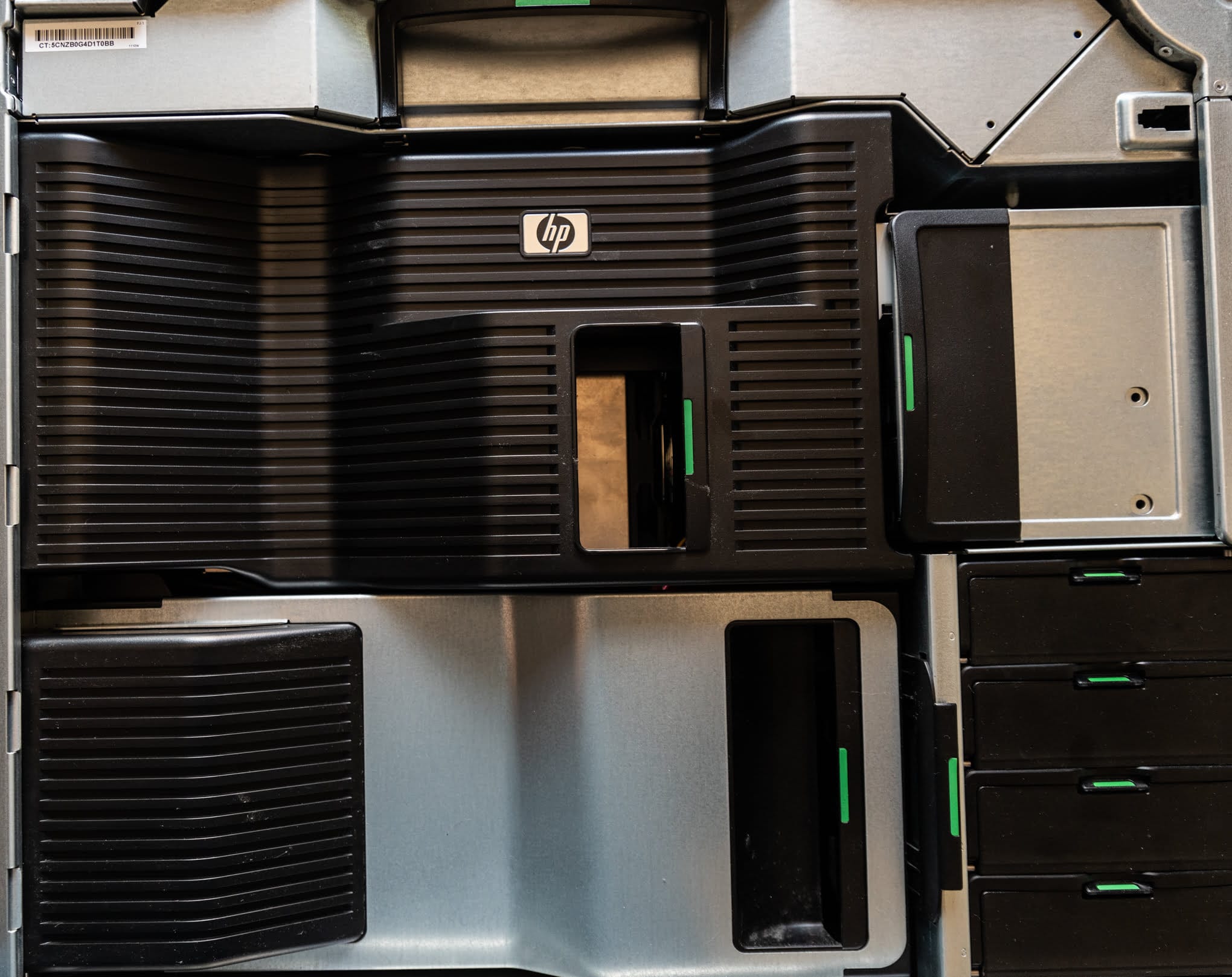
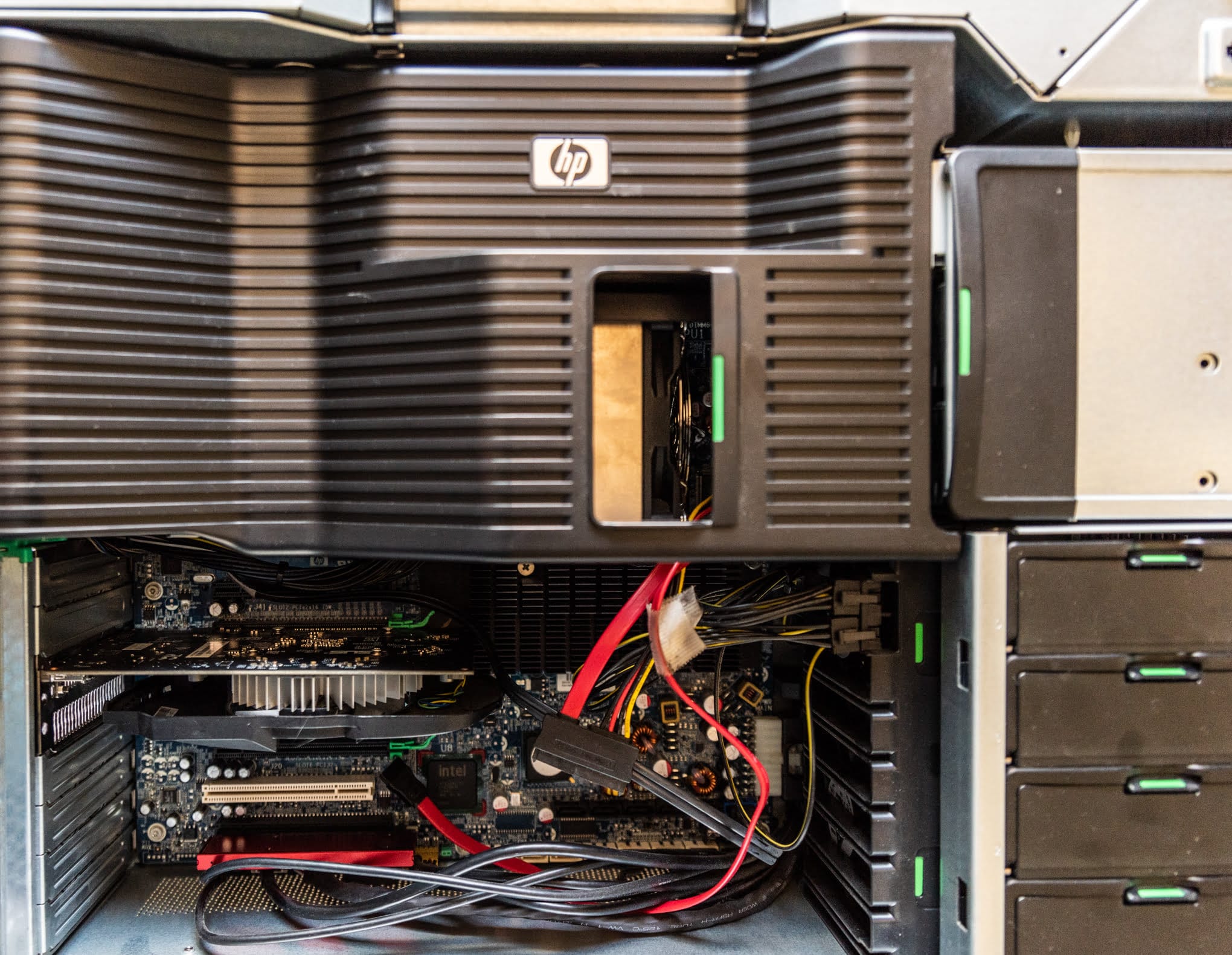
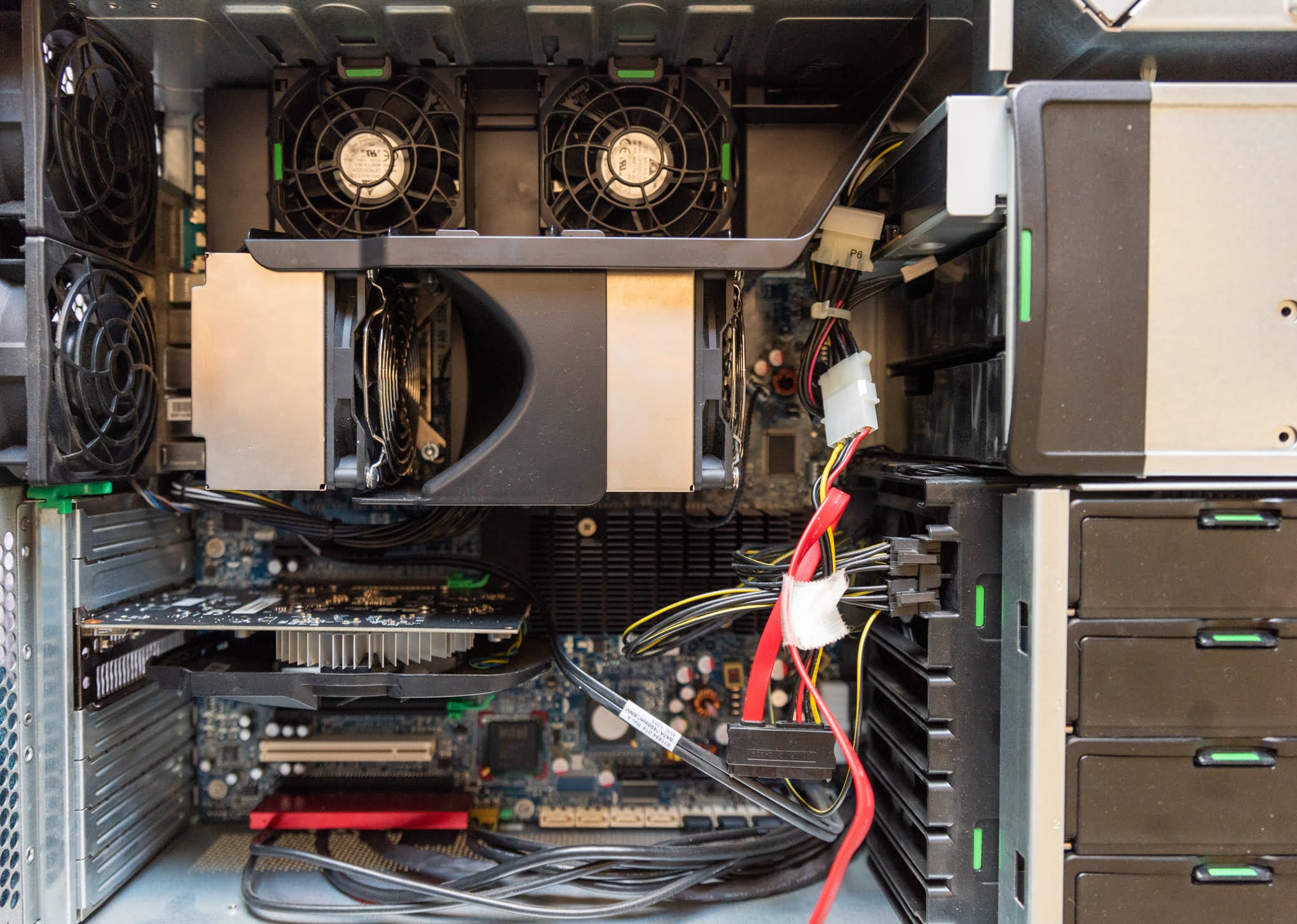
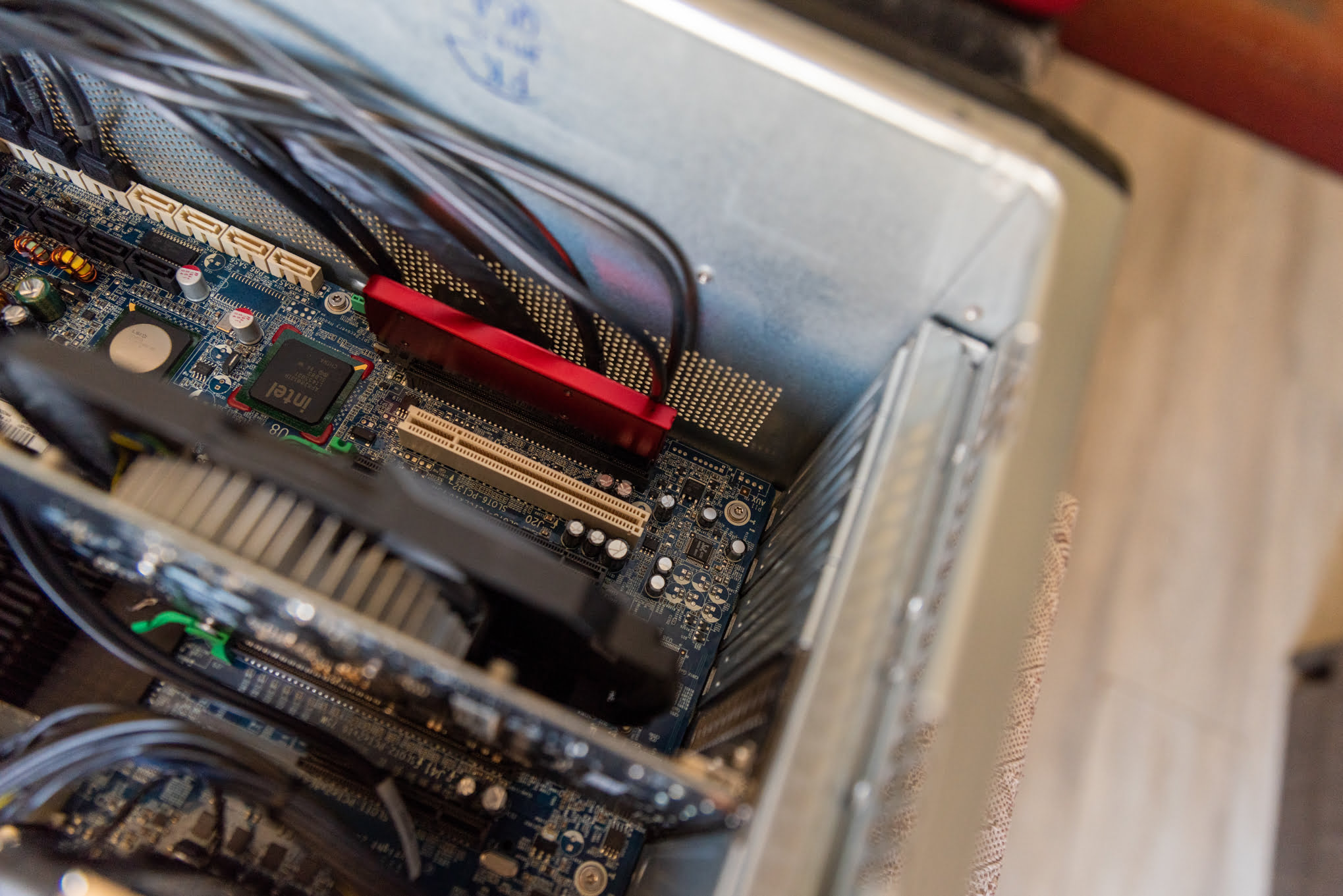
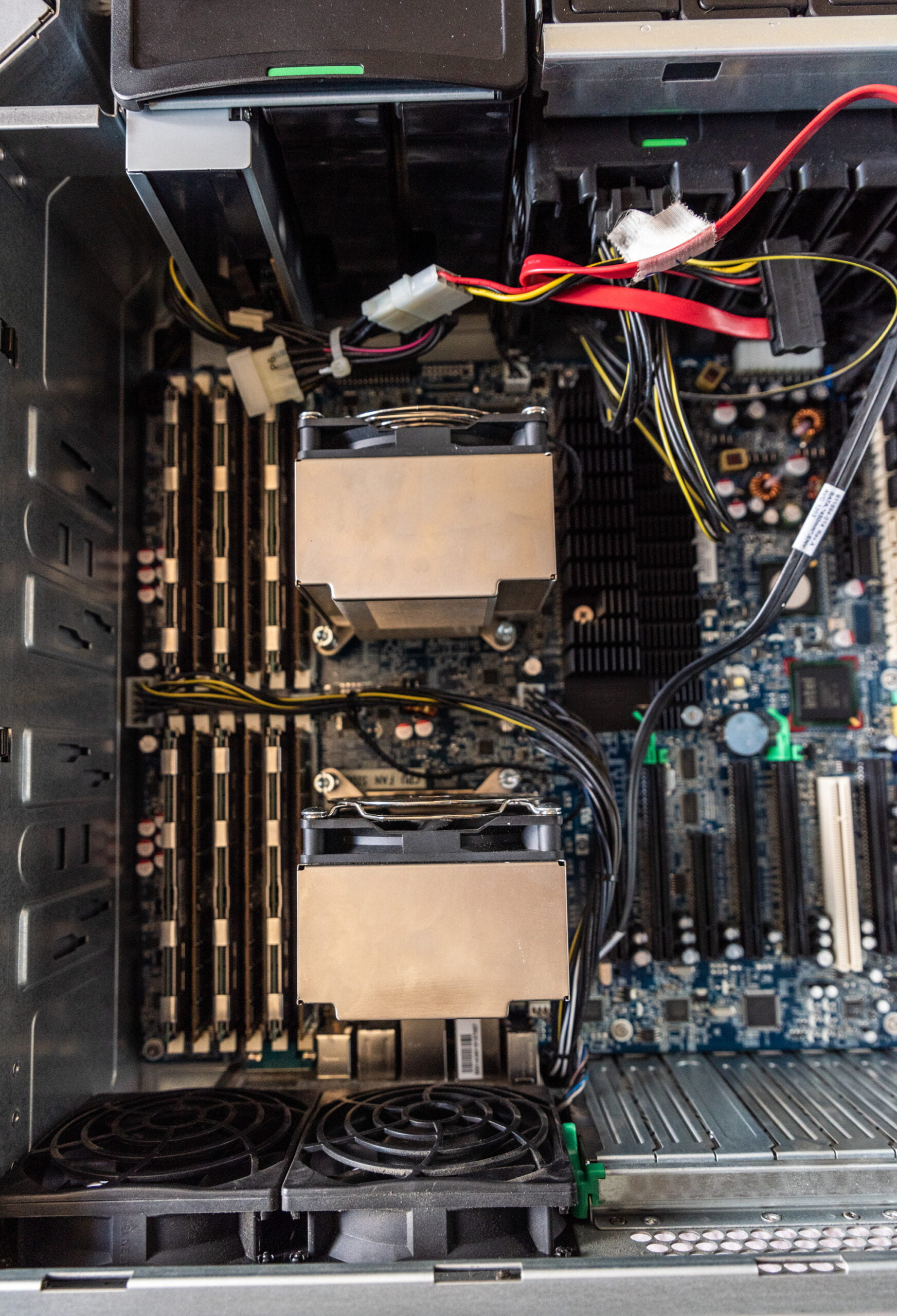
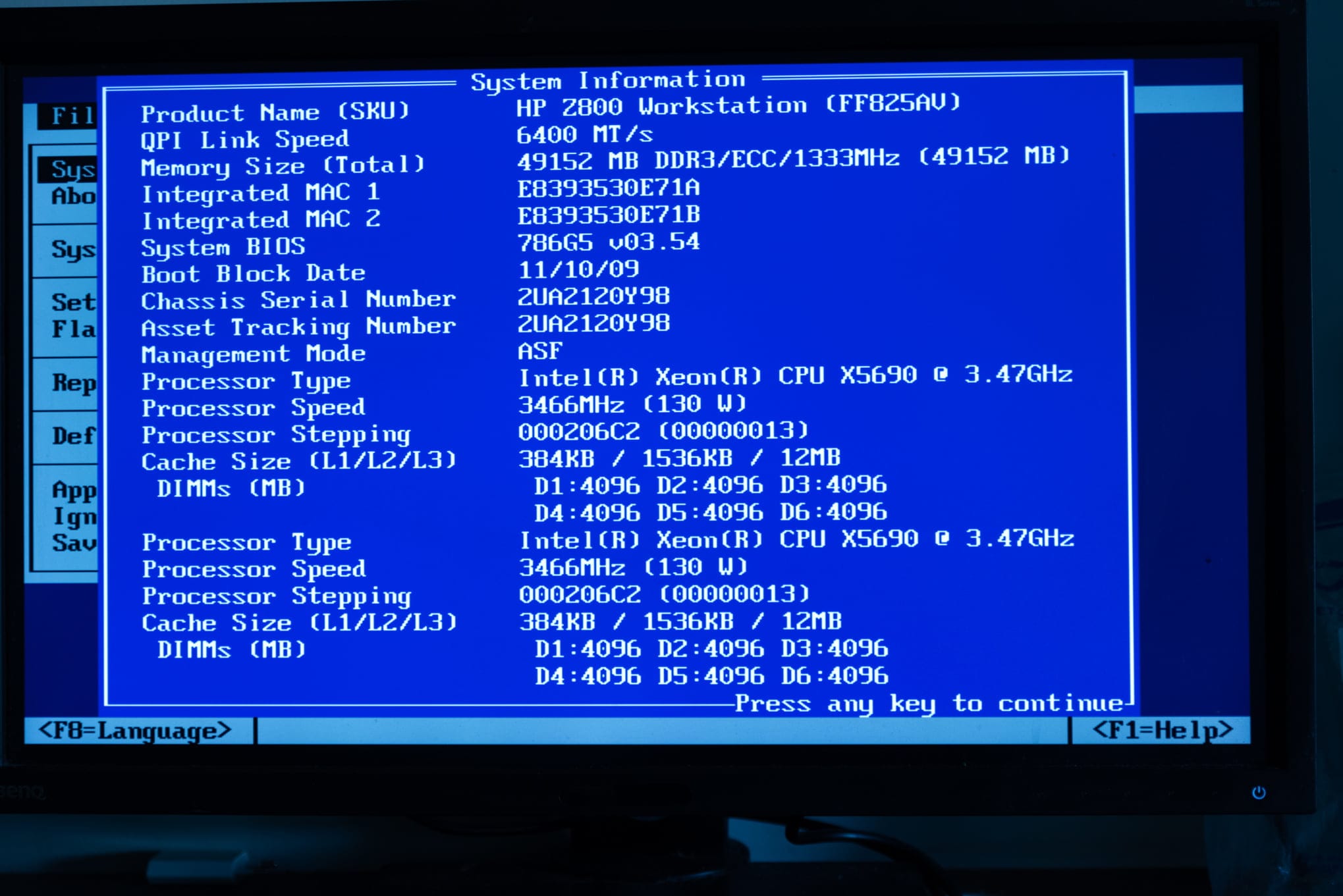
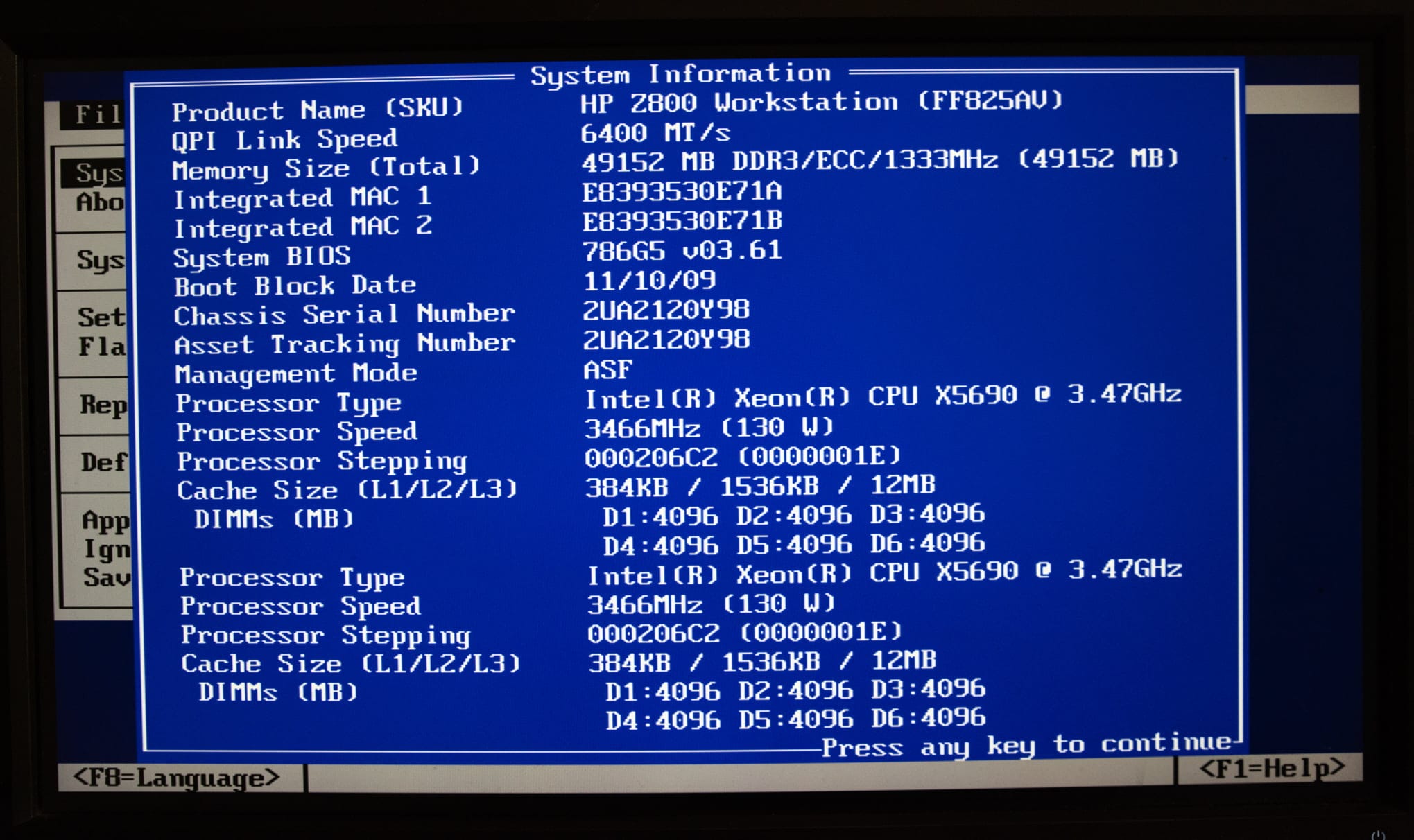
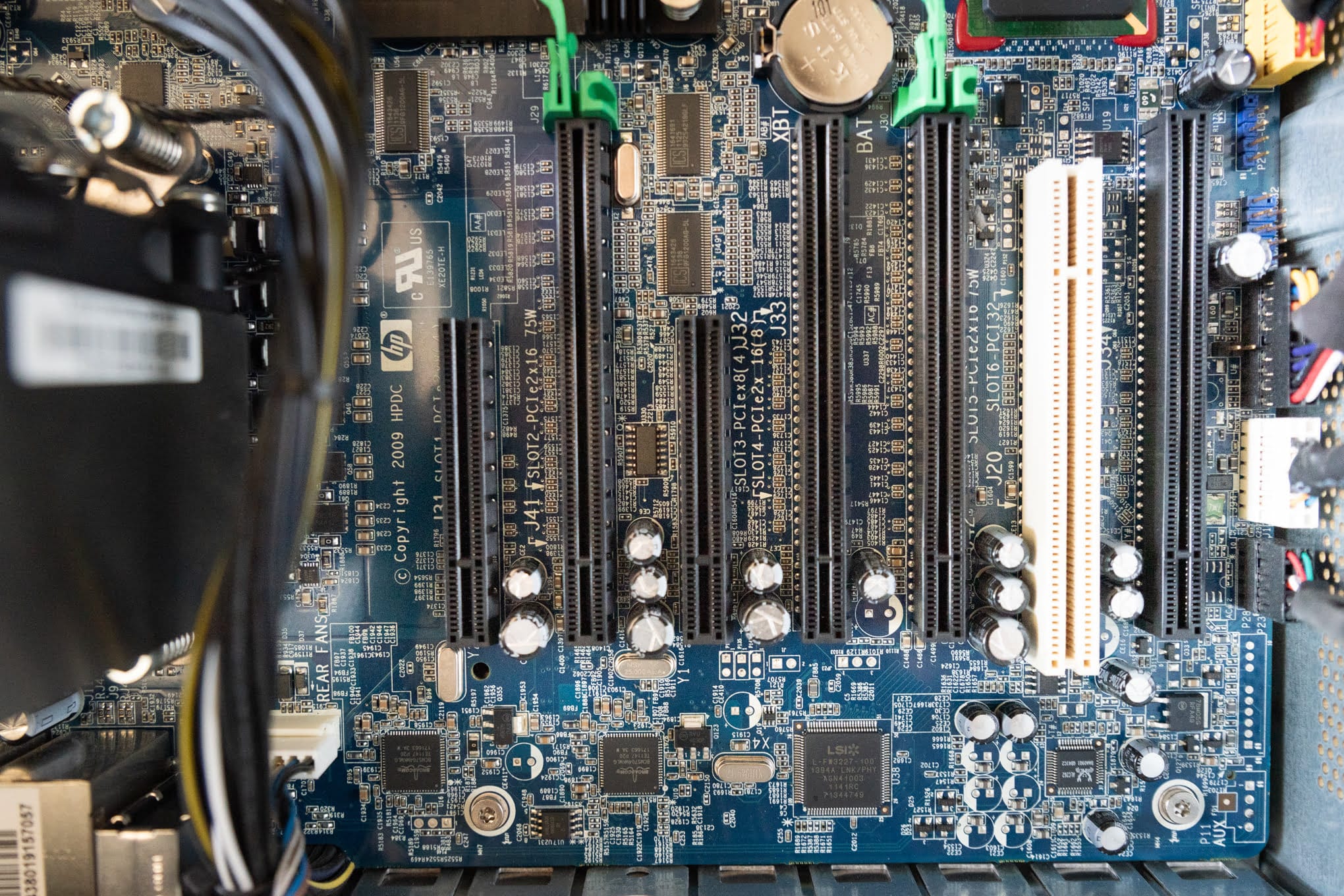
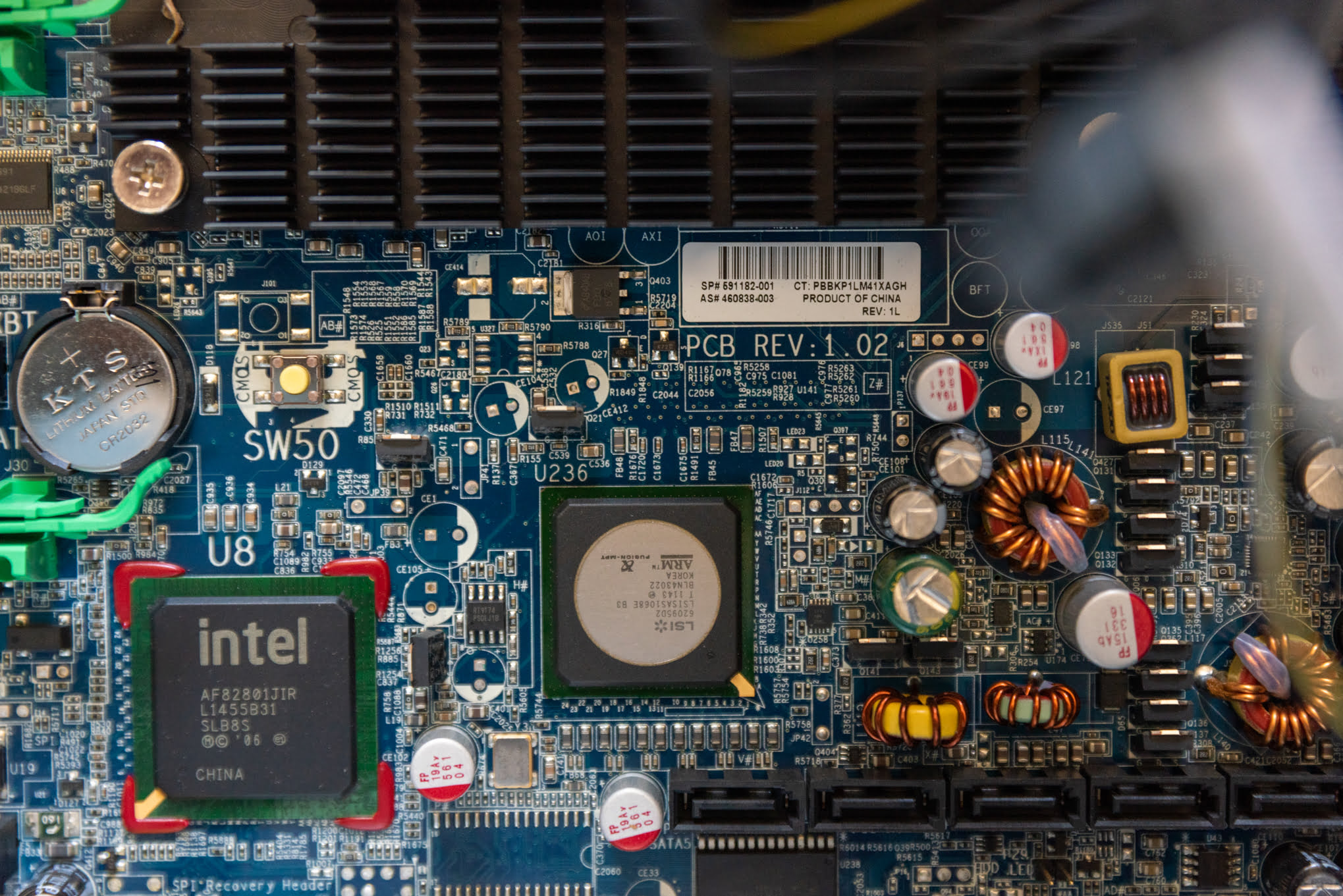
A few images of the Z800 slots
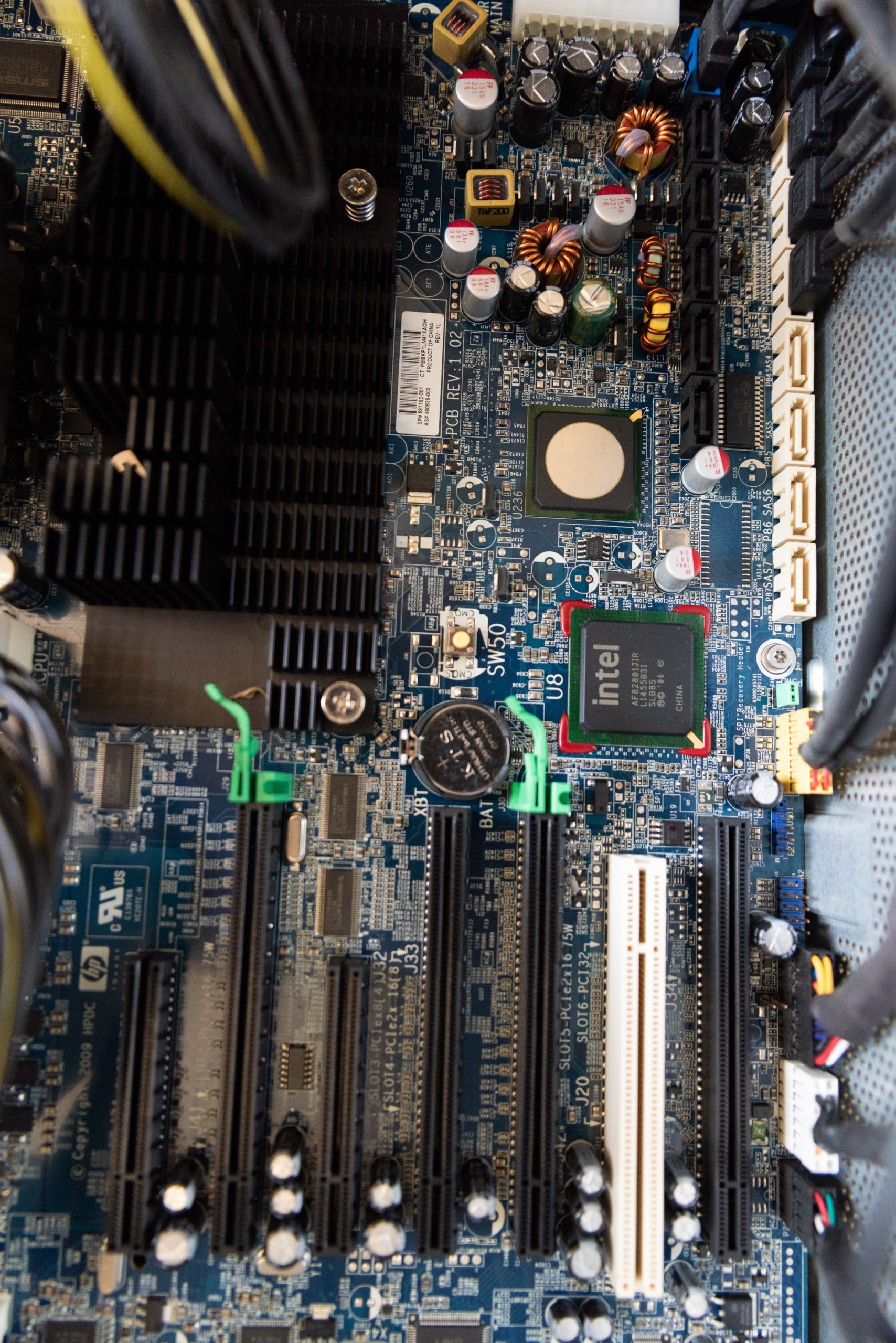
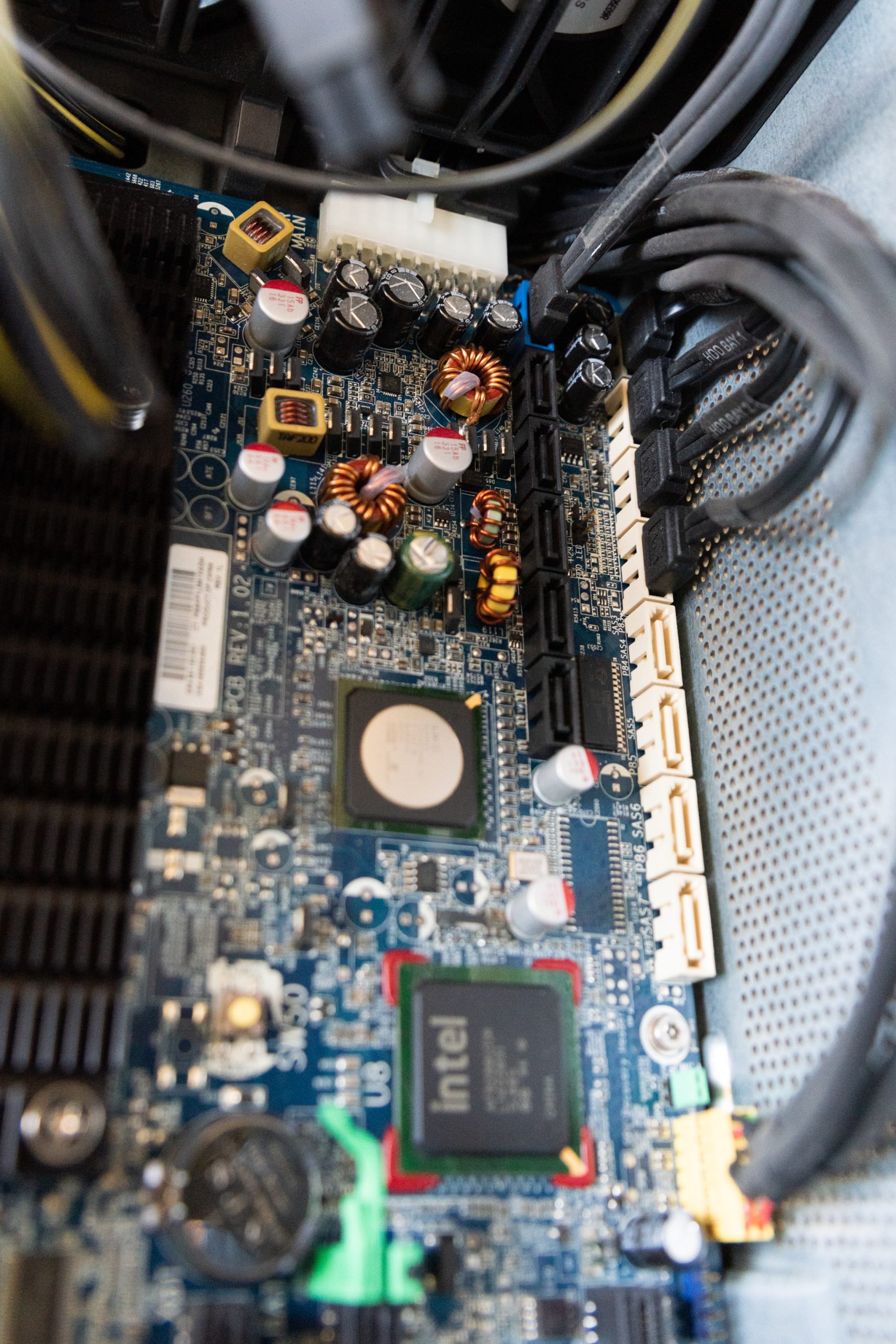
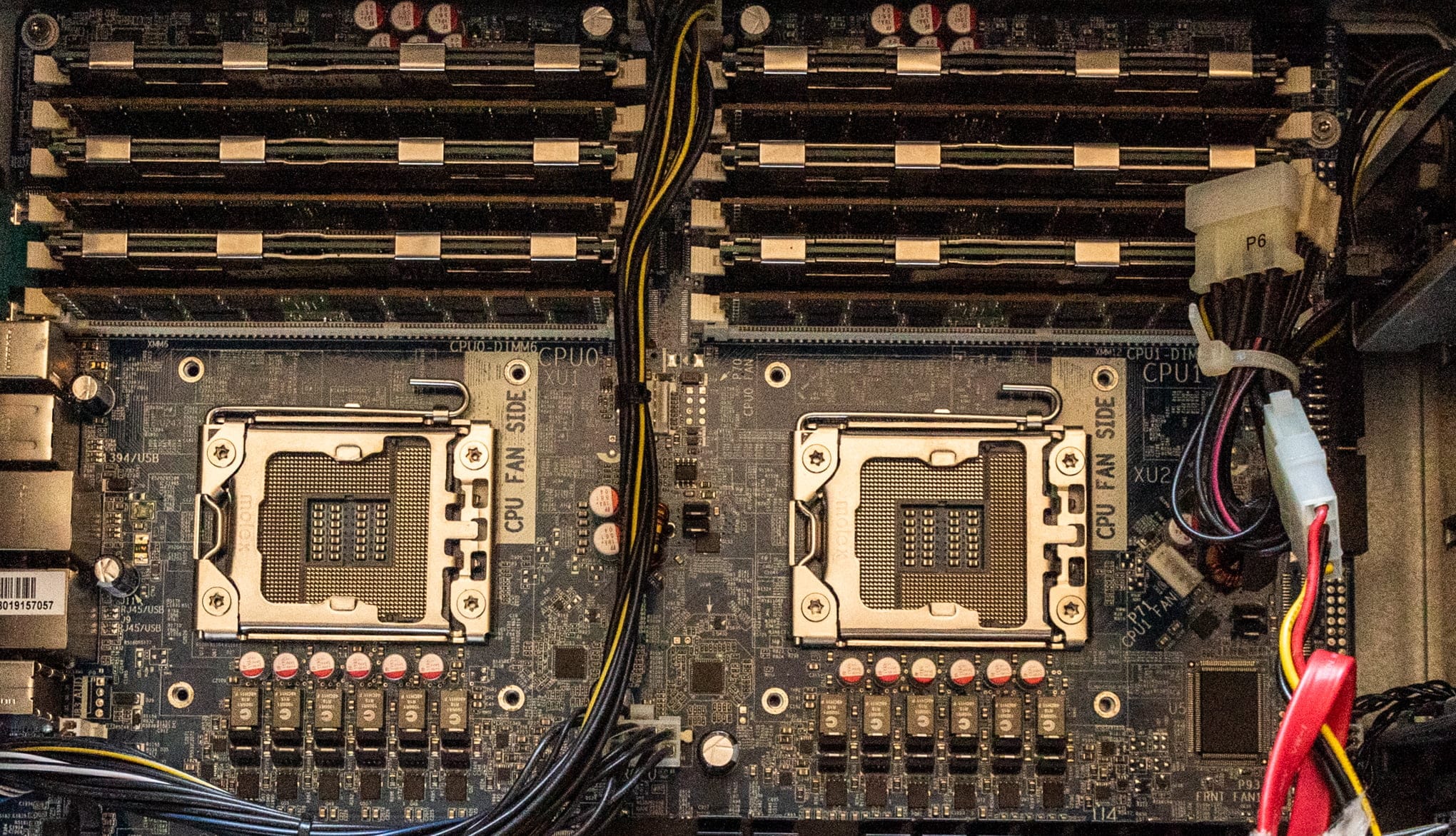
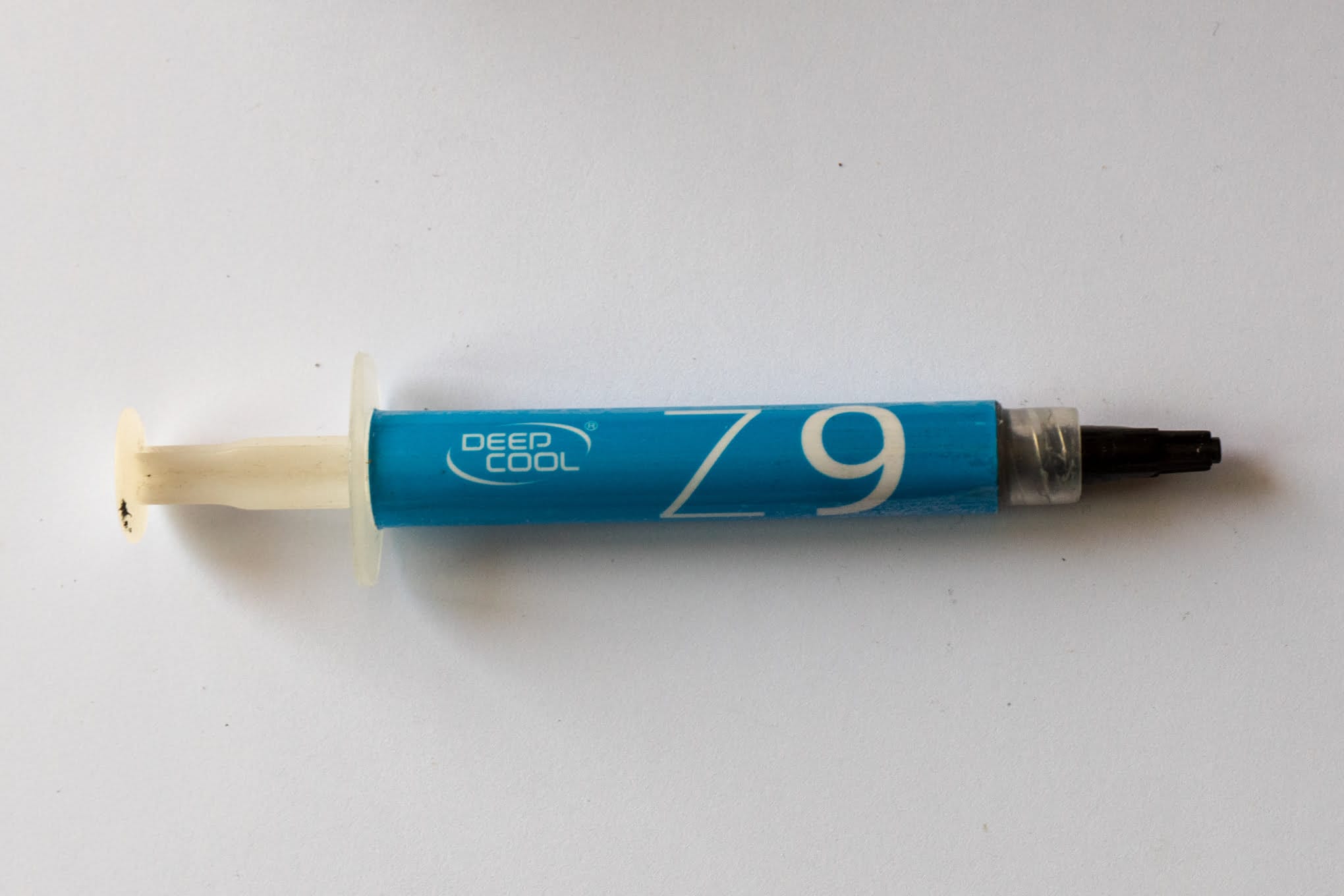
Intel Xeon 5690 installation process
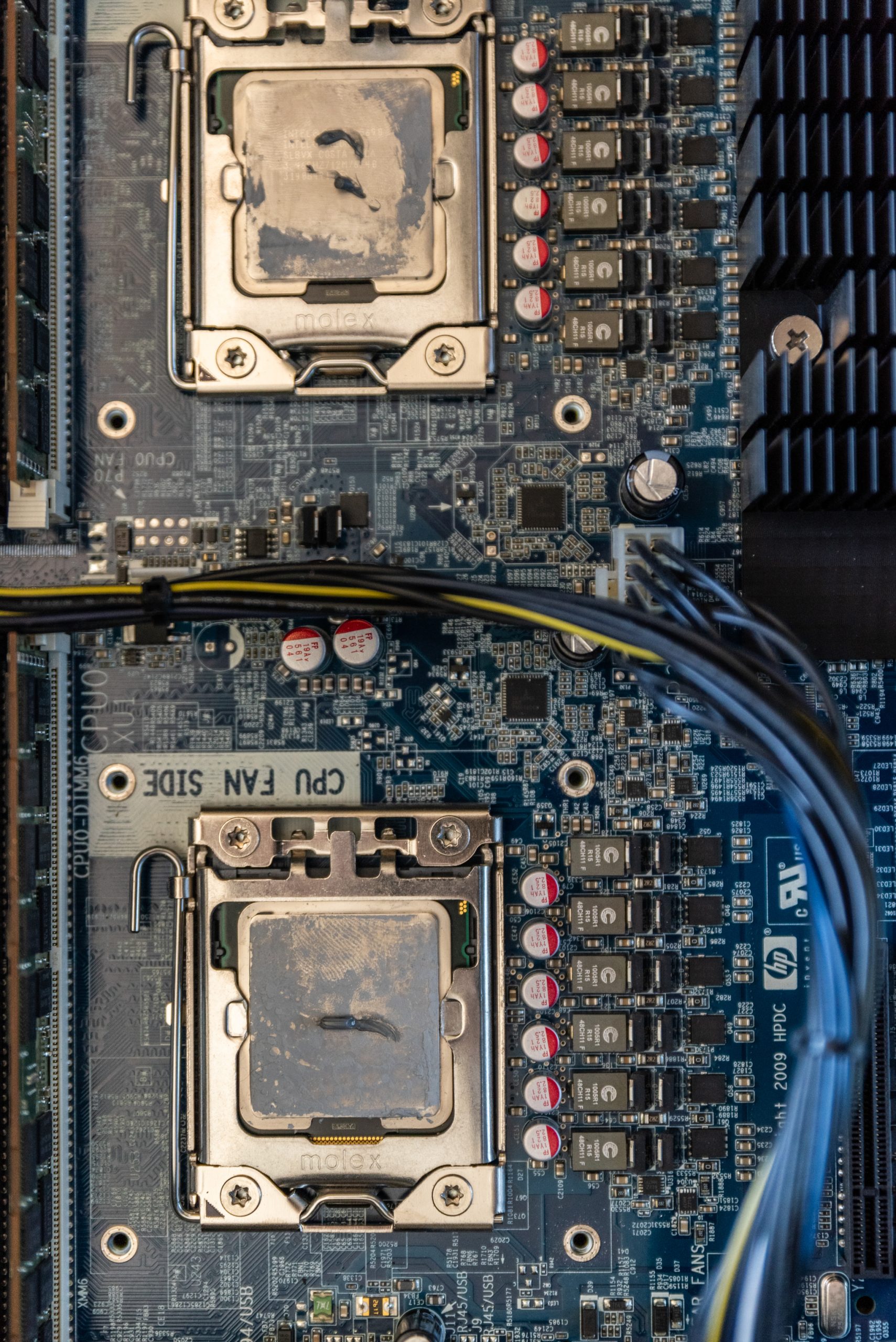
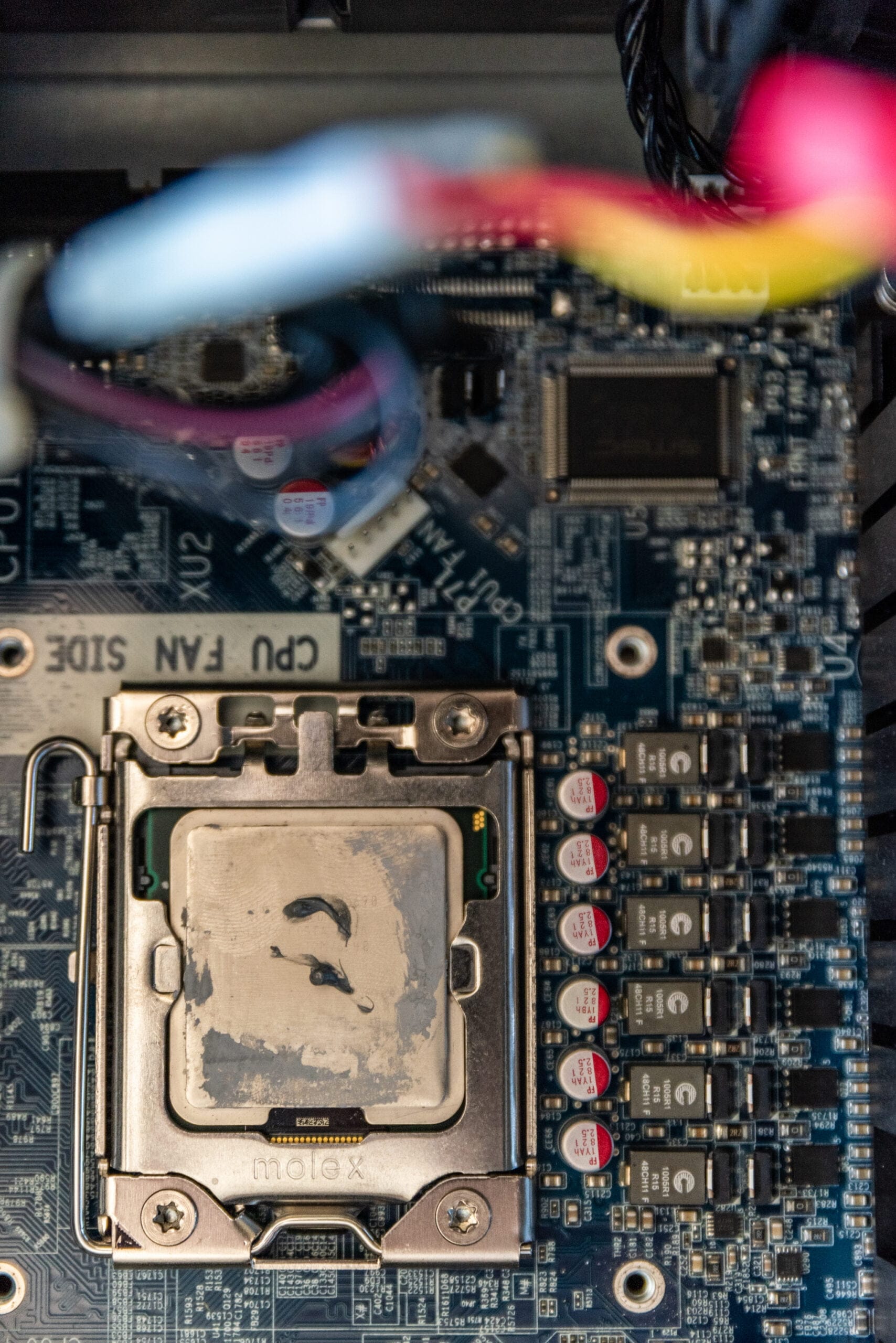
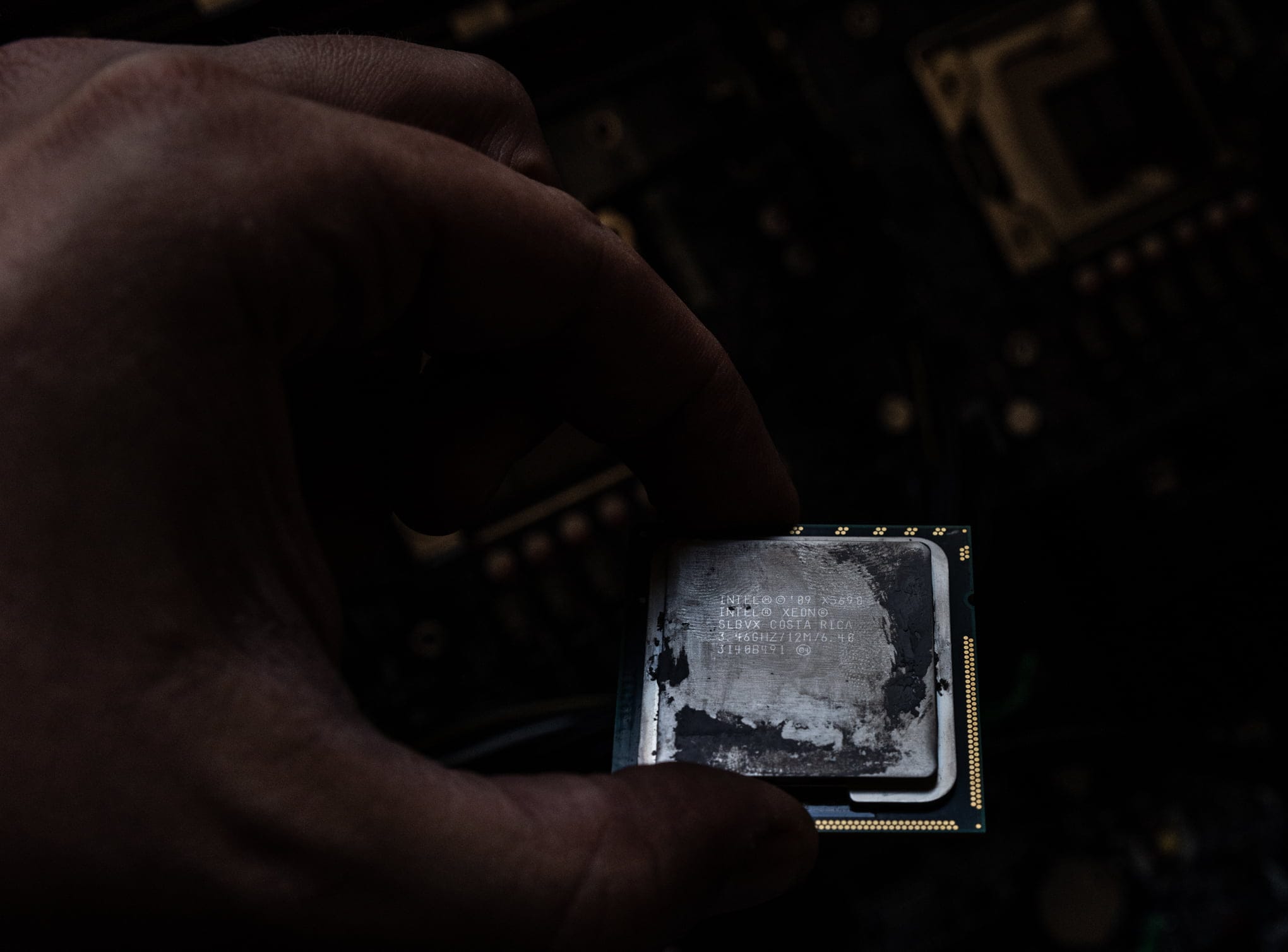
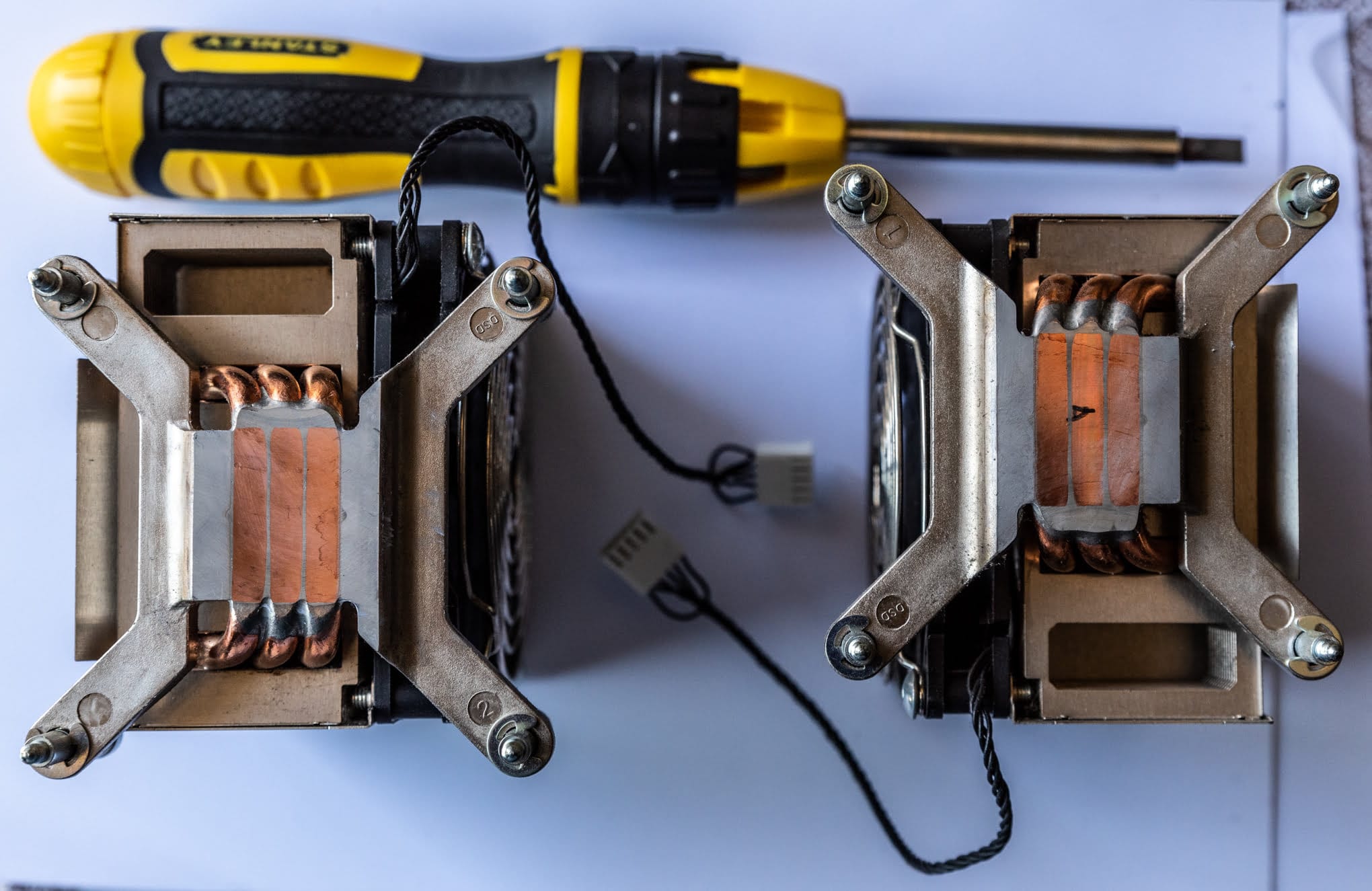
It is worth mentioning that the Z800 does not officially support NVMe SSDs. There are workarounds, but I am not keen on injecting code into the boot menu. This is the central trade-off with a machine of this age. The chipset predates NVMe entirely, so you can attach a fast drive but you cannot boot from it without hacks. Plan your storage around that limit rather than fighting it.
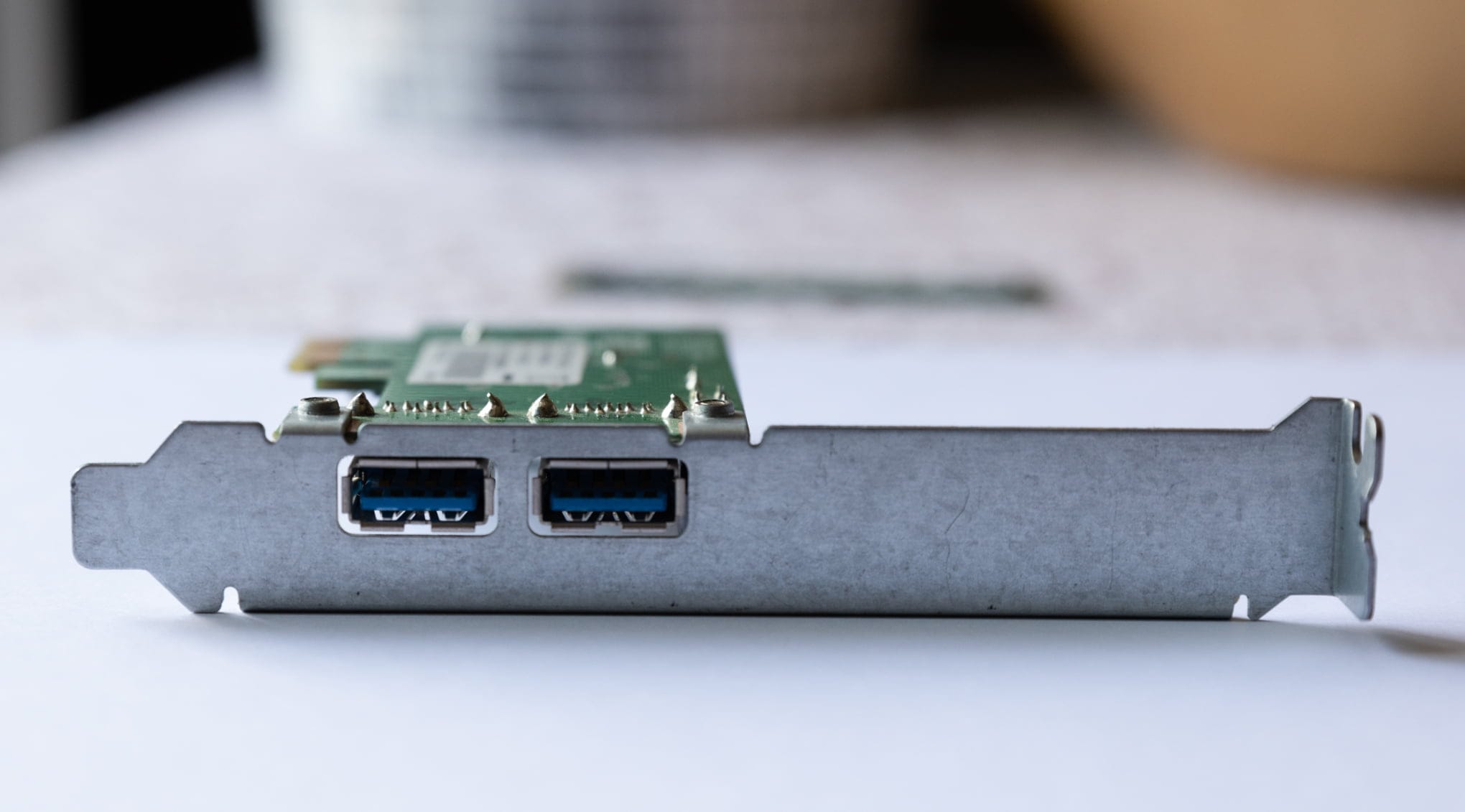
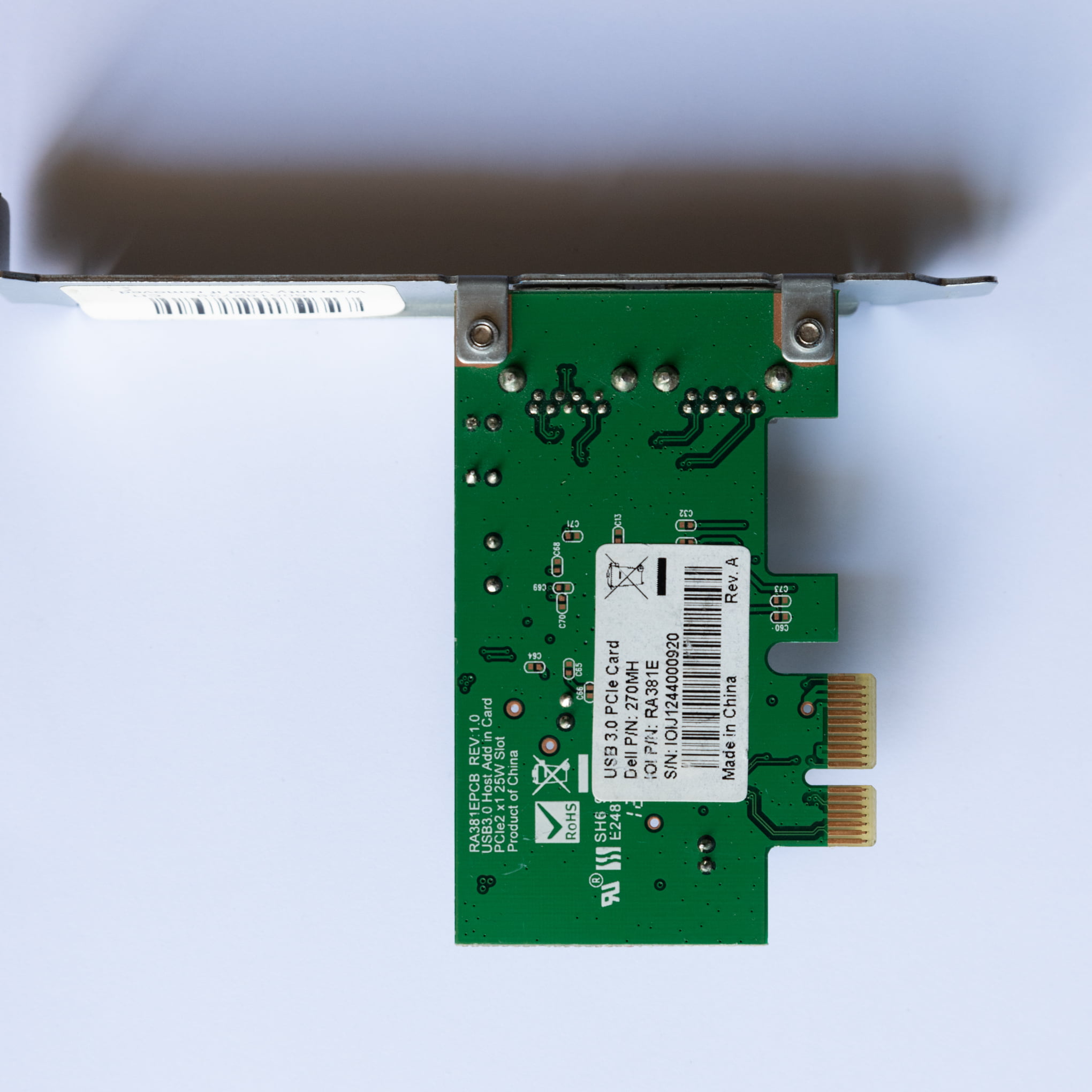
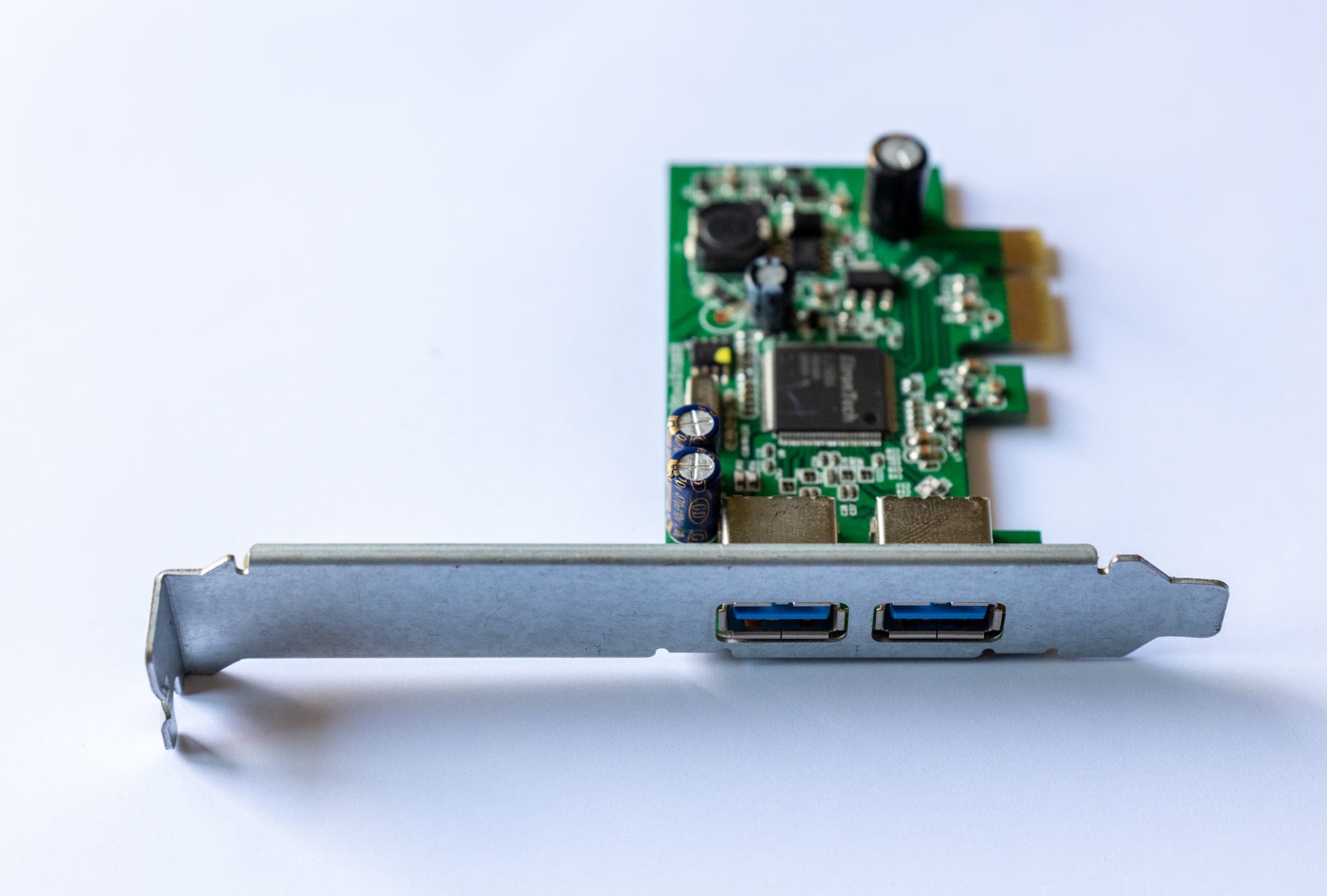
USB 3.0 on the HP Z800 Workstation
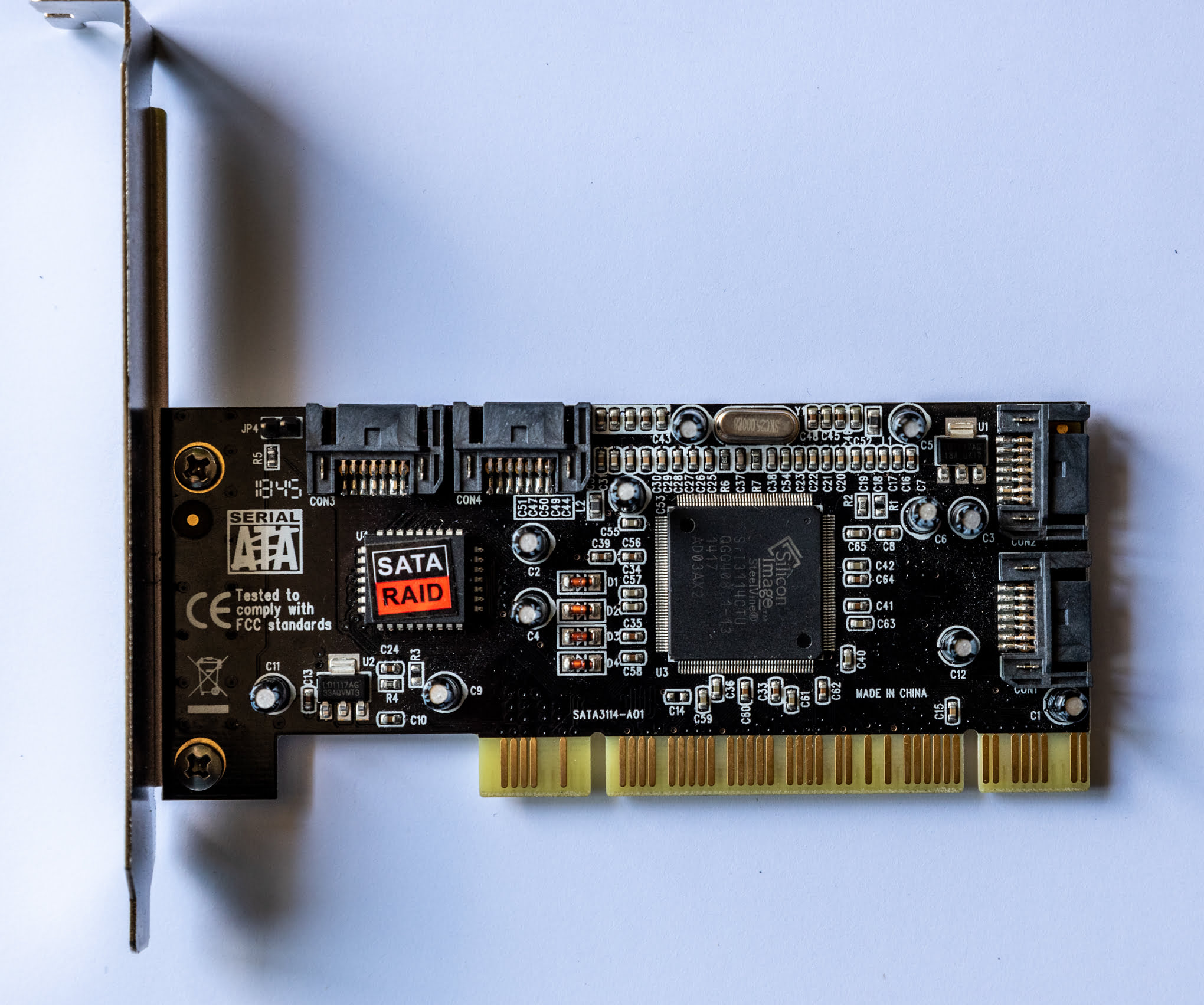
Since the HP Z800 has only USB 2.0 ports, I added a PCIe USB 3.0 adapter.
Extras
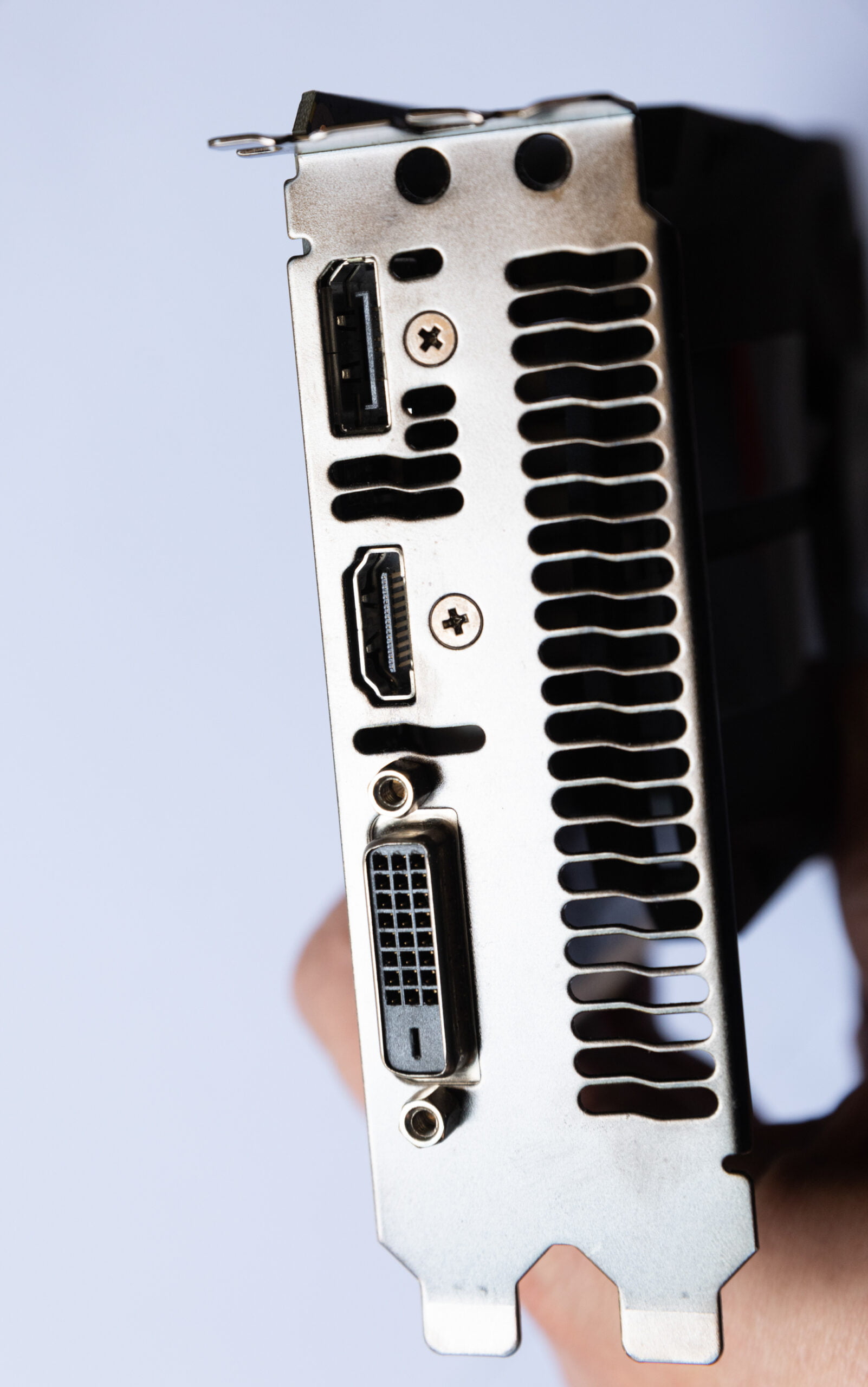
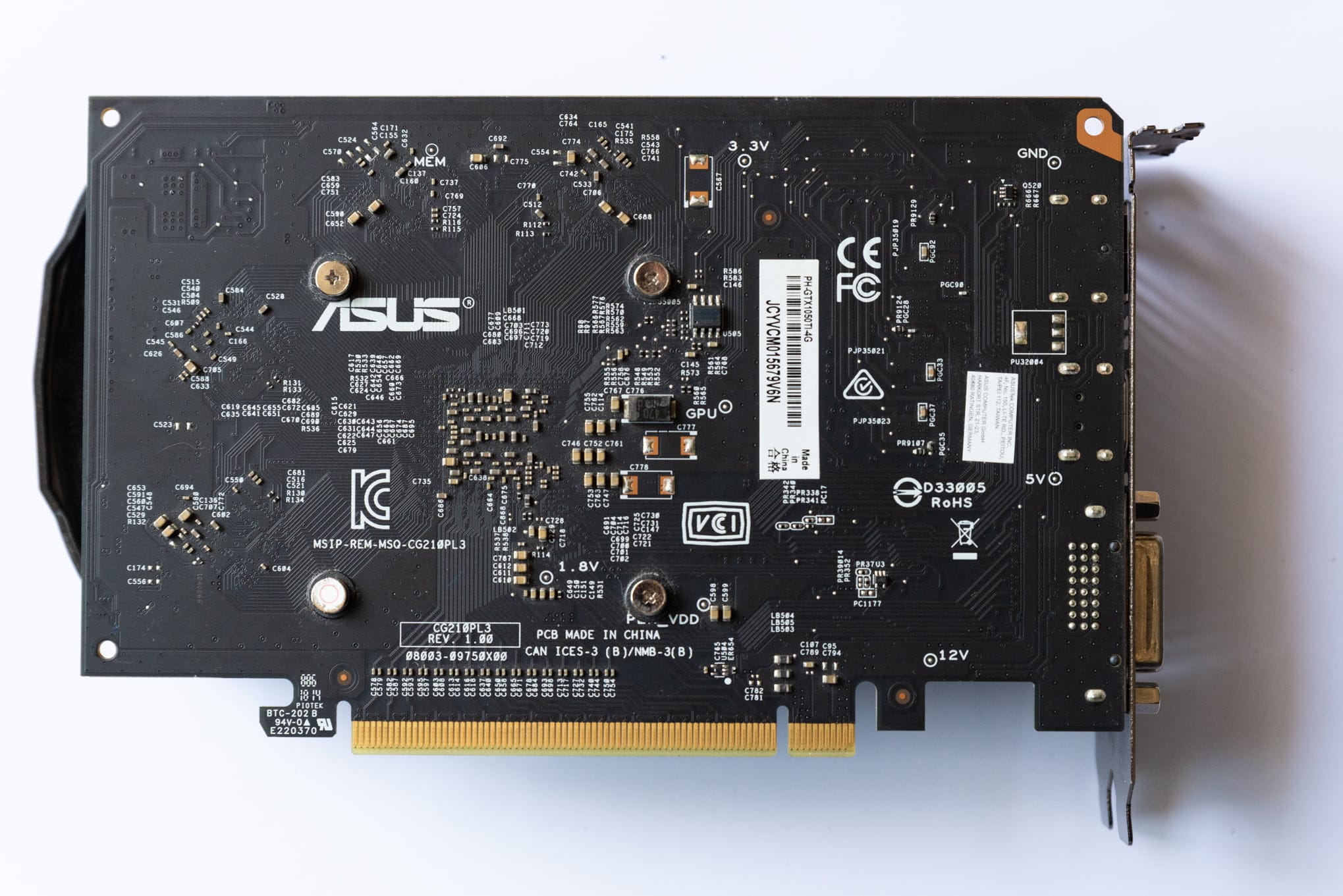
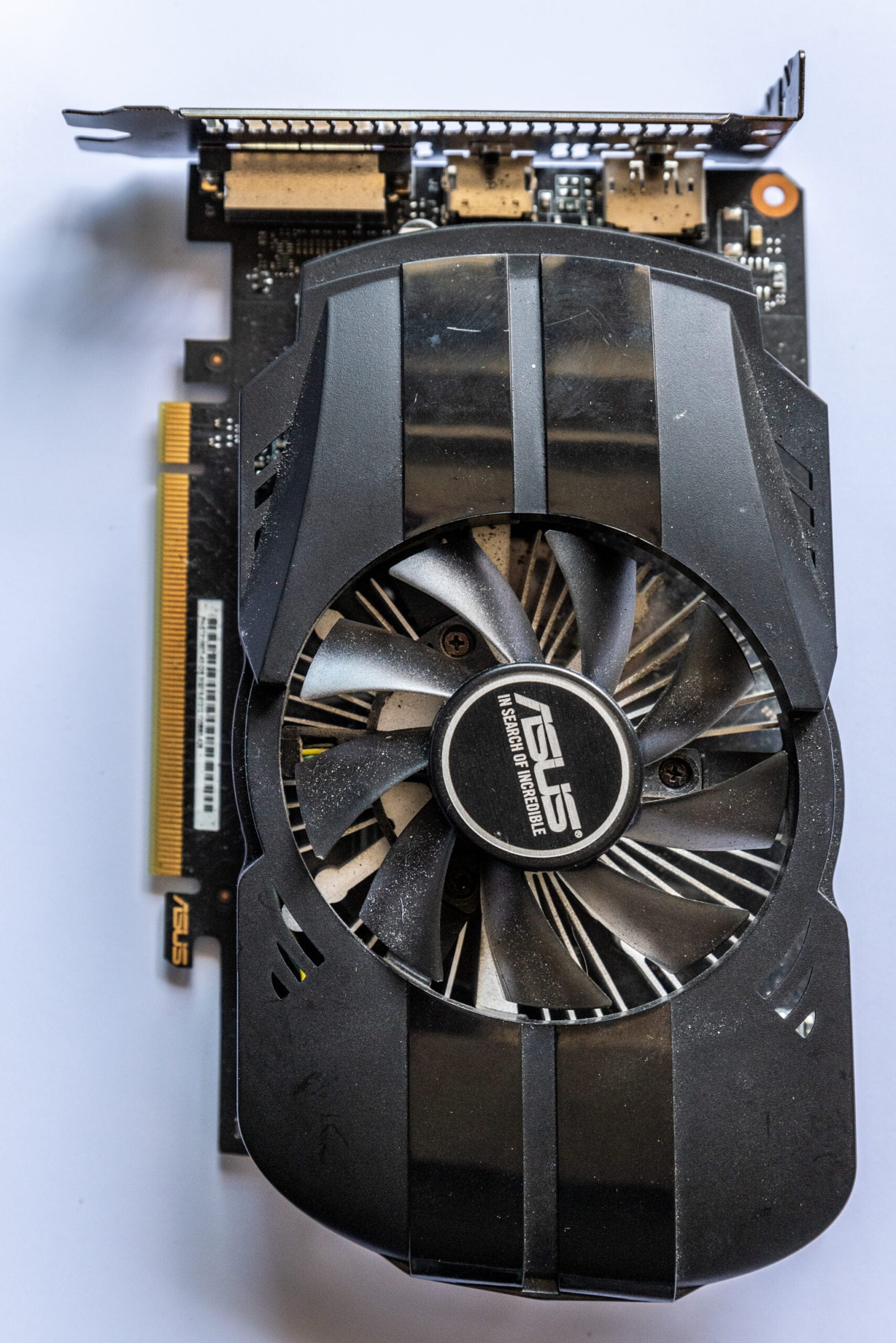
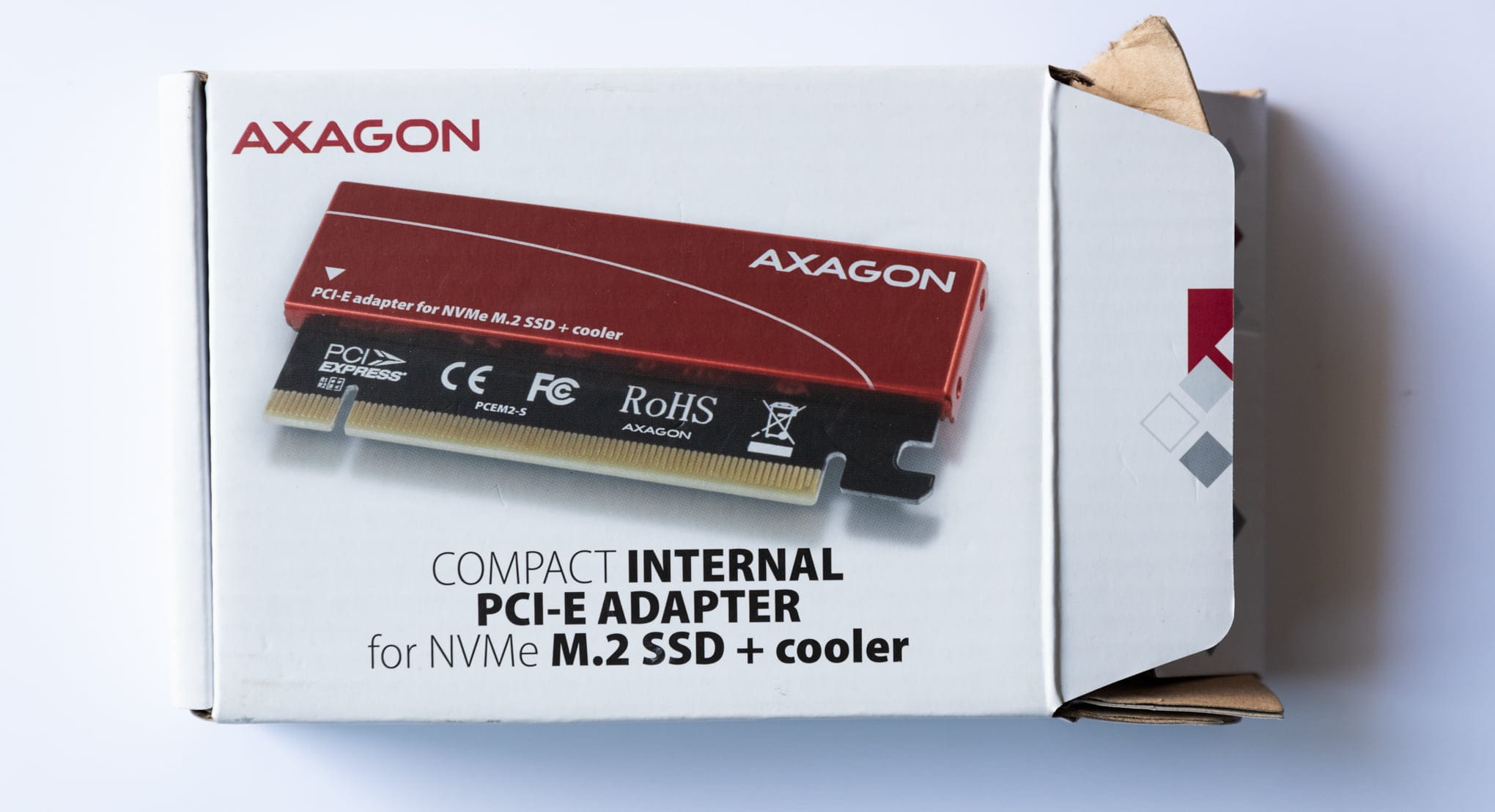
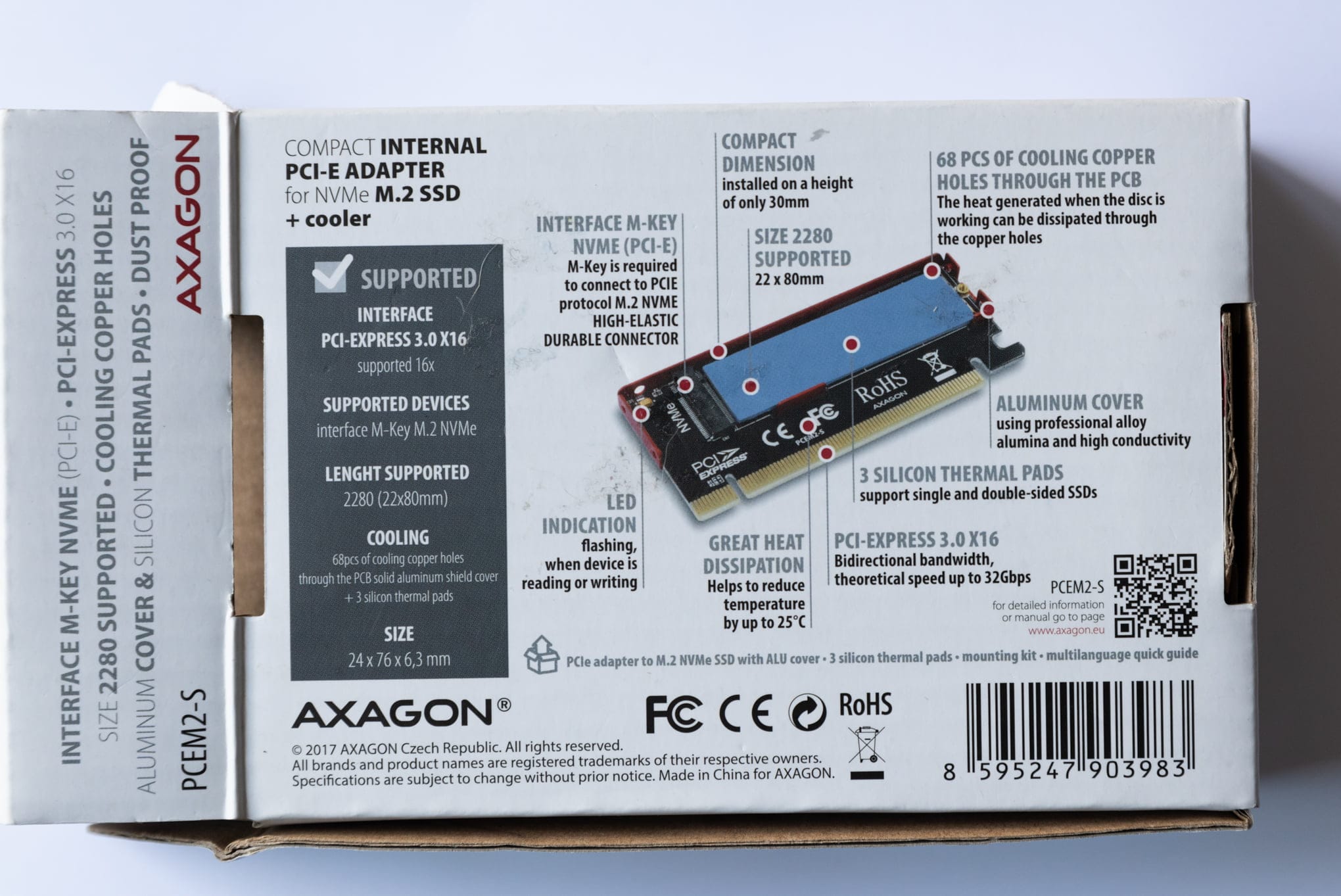
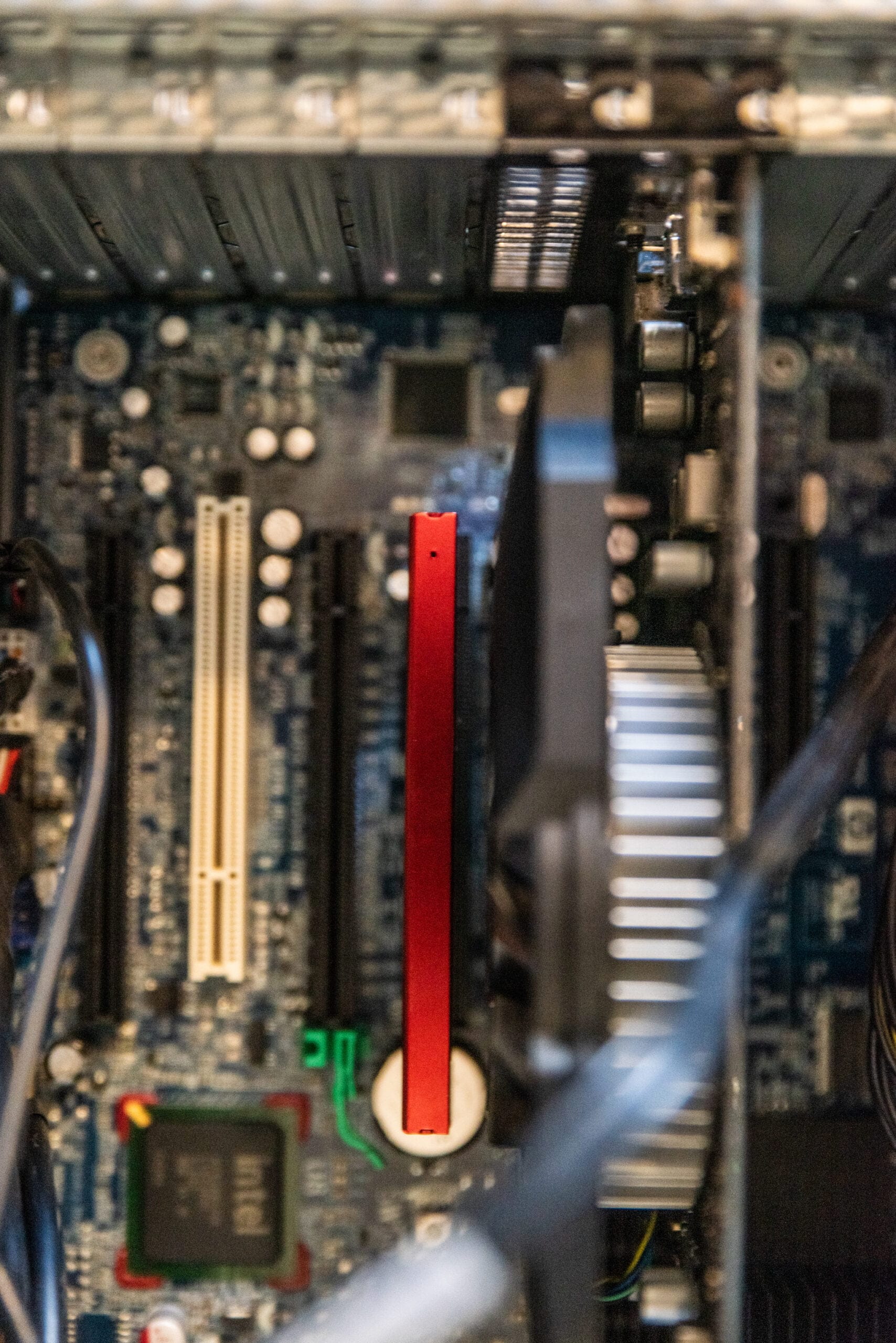
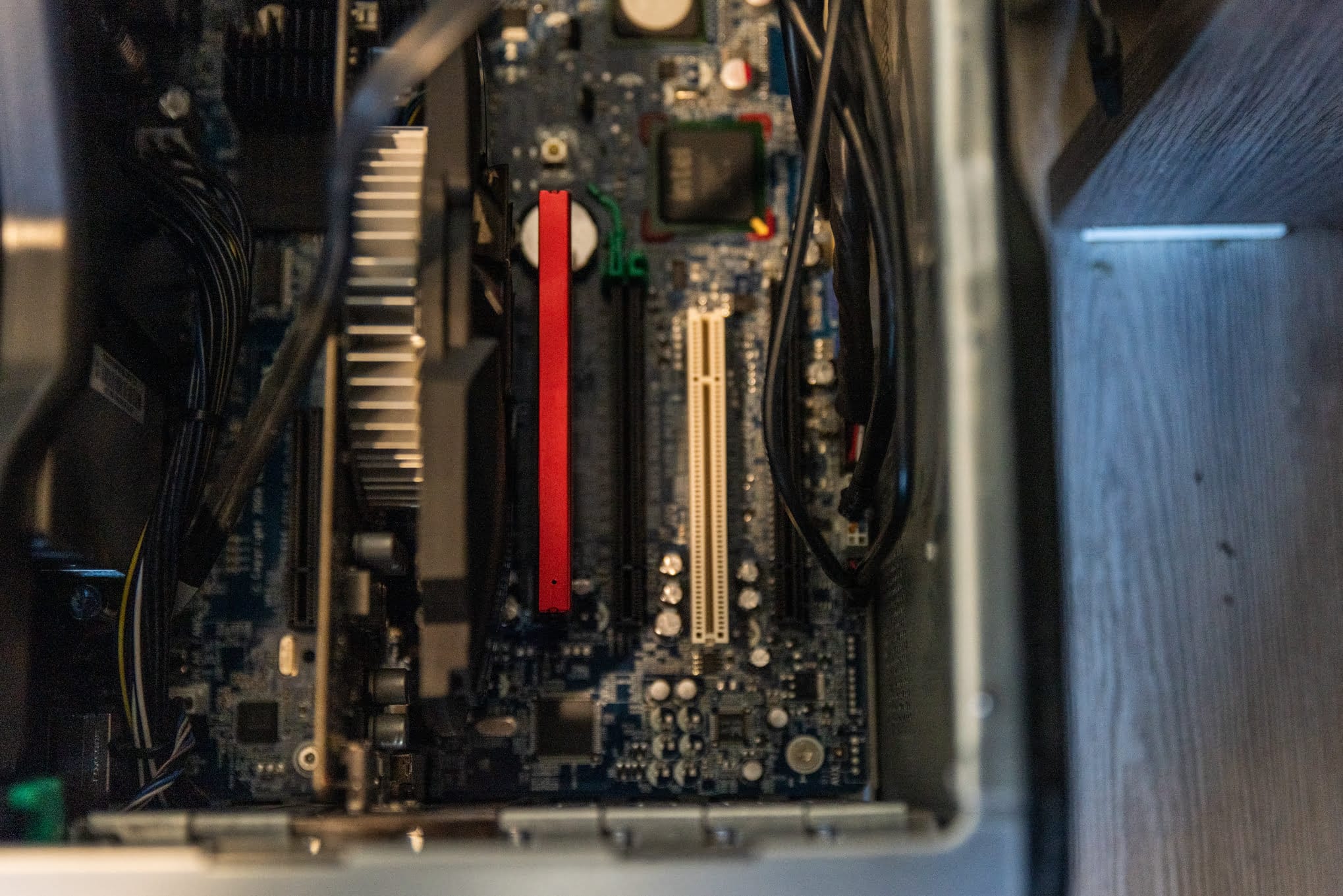
I had one of these Axagon PCIe adapters on hand, and they work well:
Axagon PCIE NVME M.2 ADAPTER
- PCI-Express x16 adapter to connect an NVMe M.2 SSD to a desktop.
- Input PCI-Express, 4-Lane
- Output M.2 NVMe
- Device support M.2 2230, M.2 2242, M.2 2260, M.2 2280
- PC connection x16 slot
- Extra passive cooler
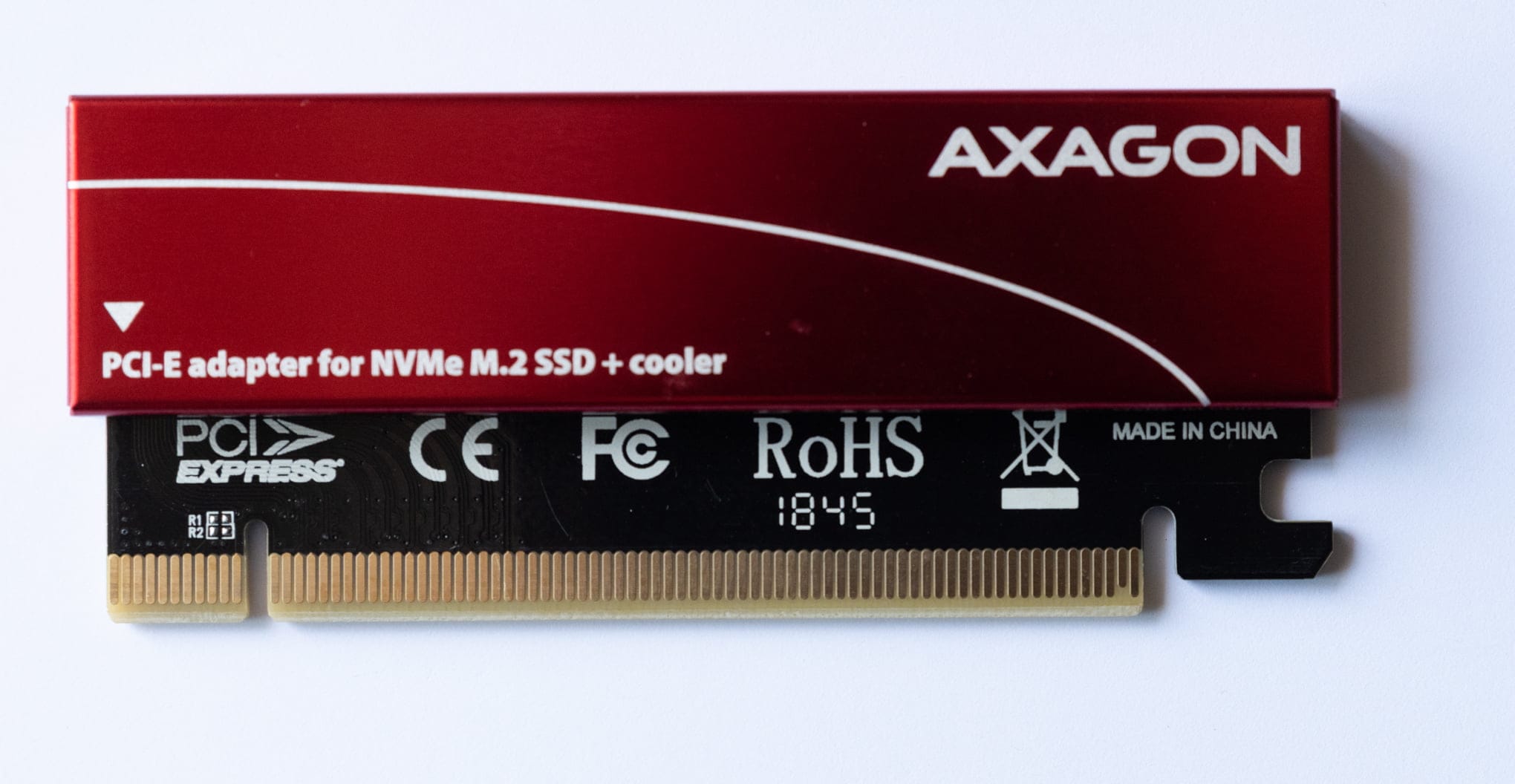
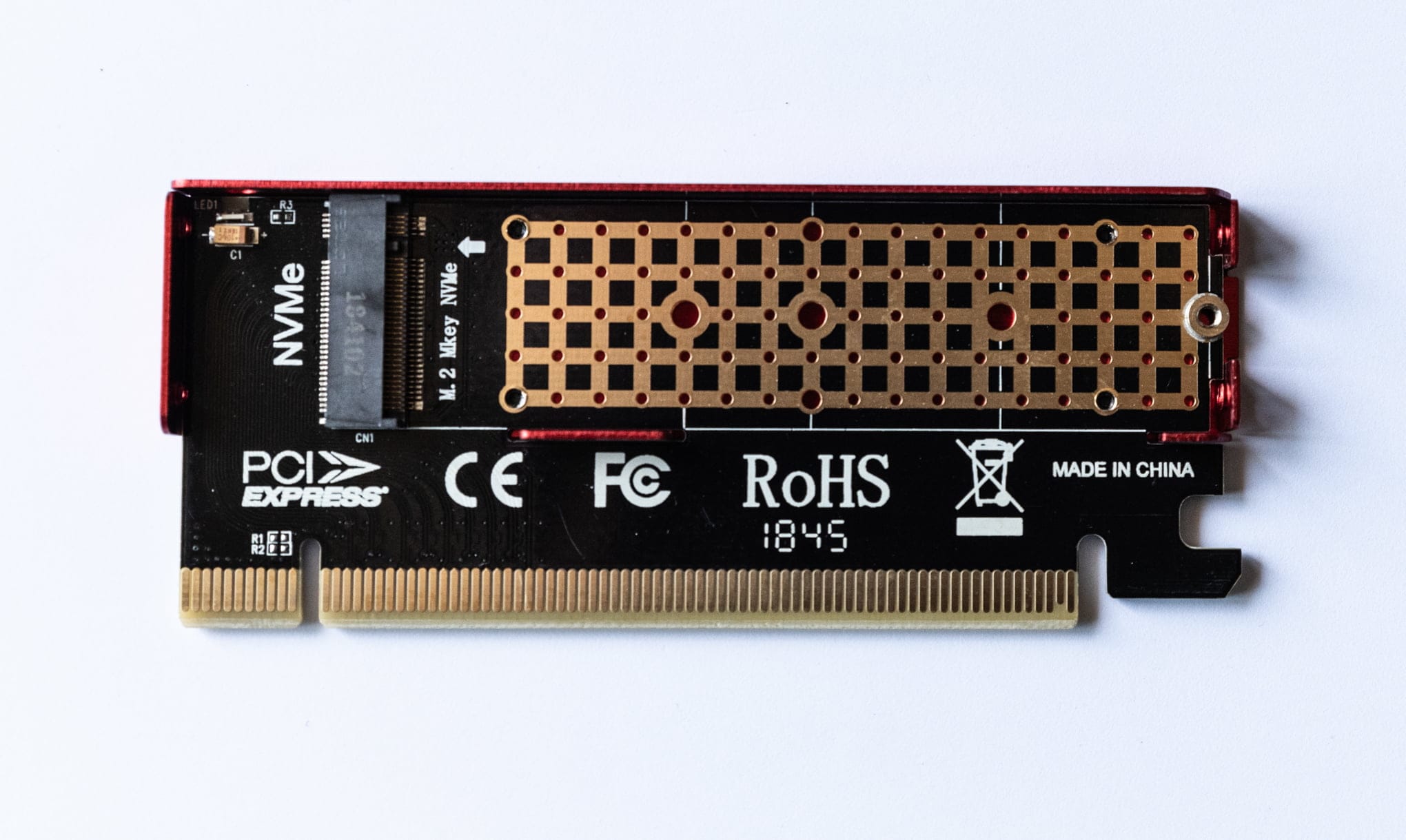
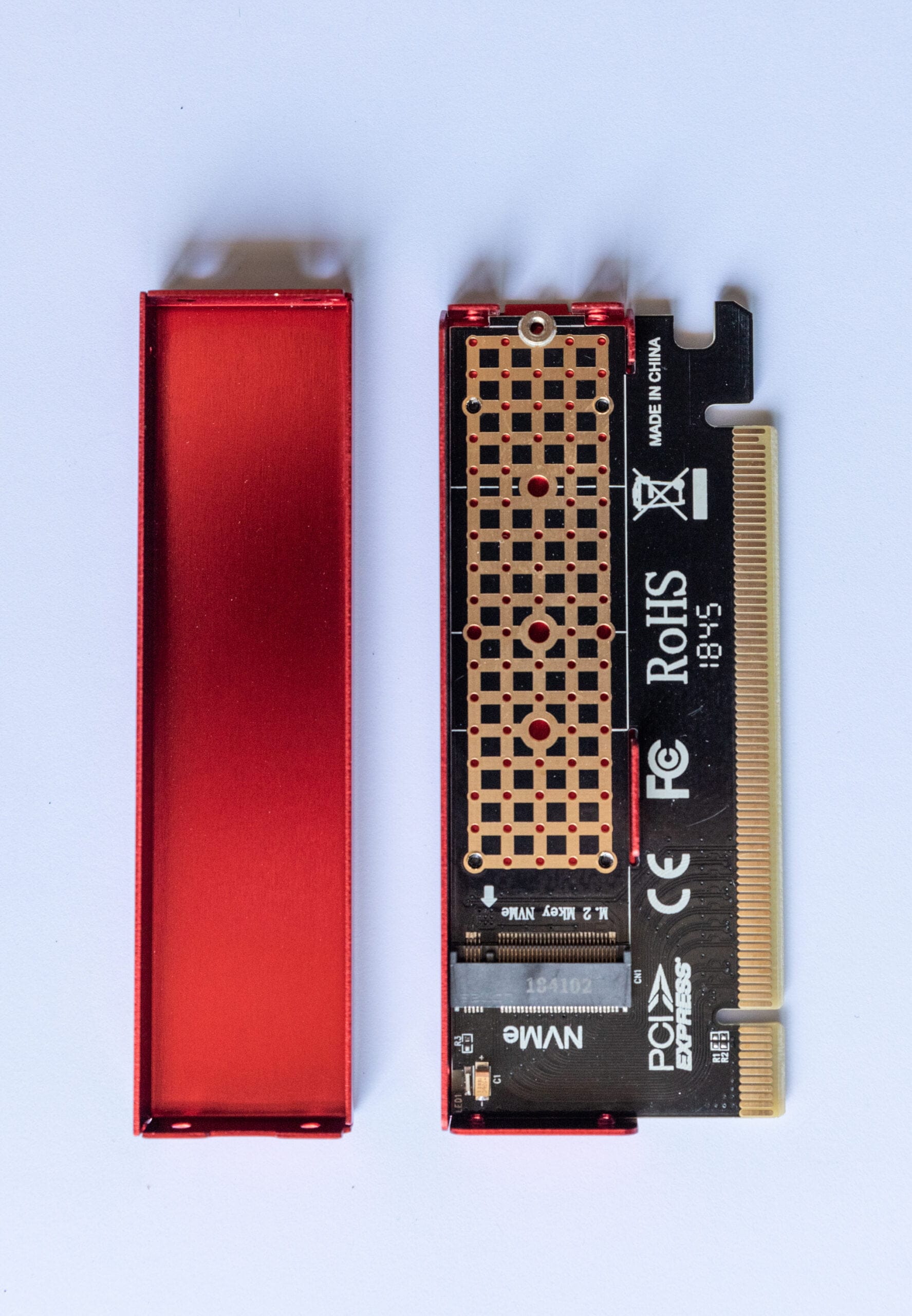
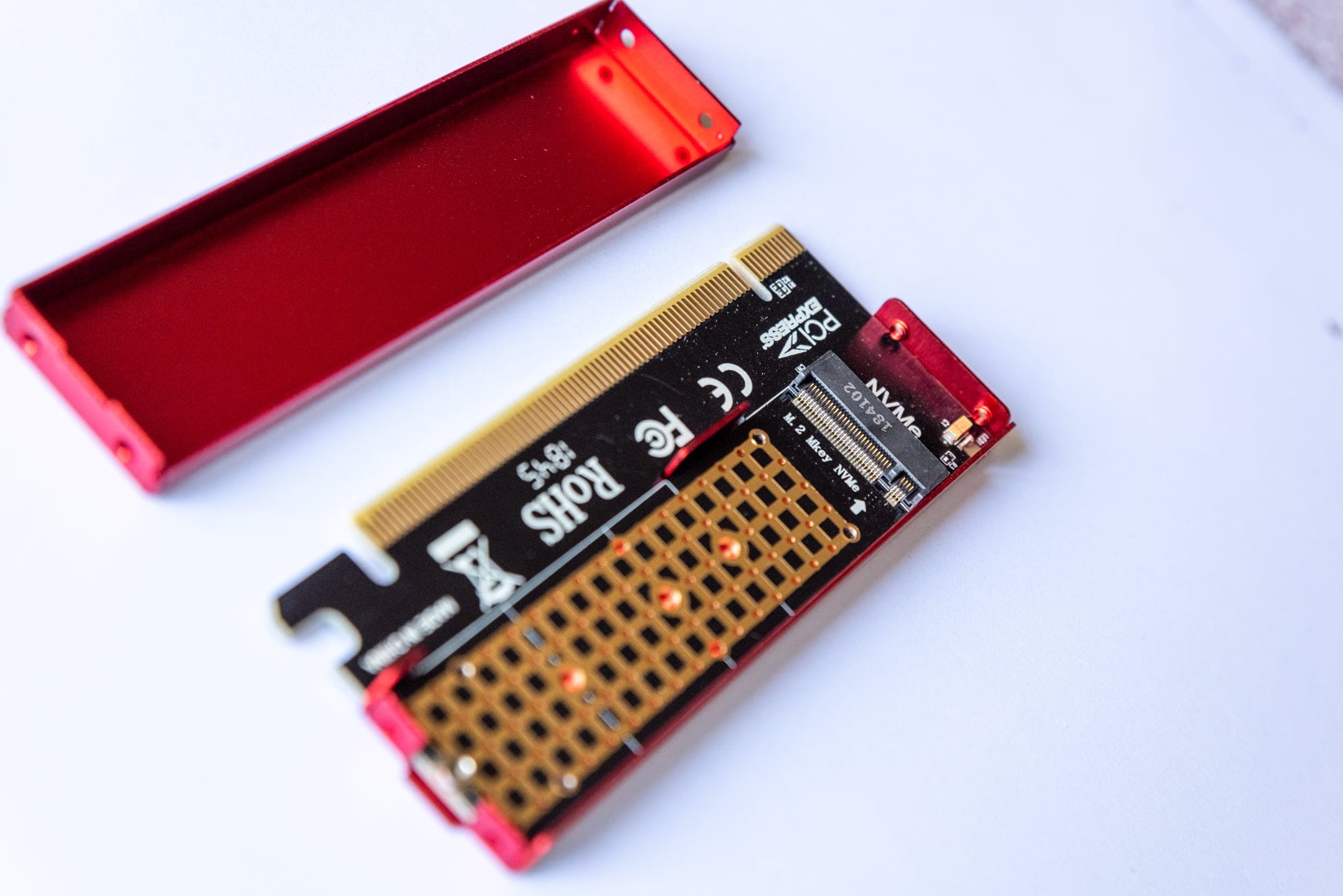
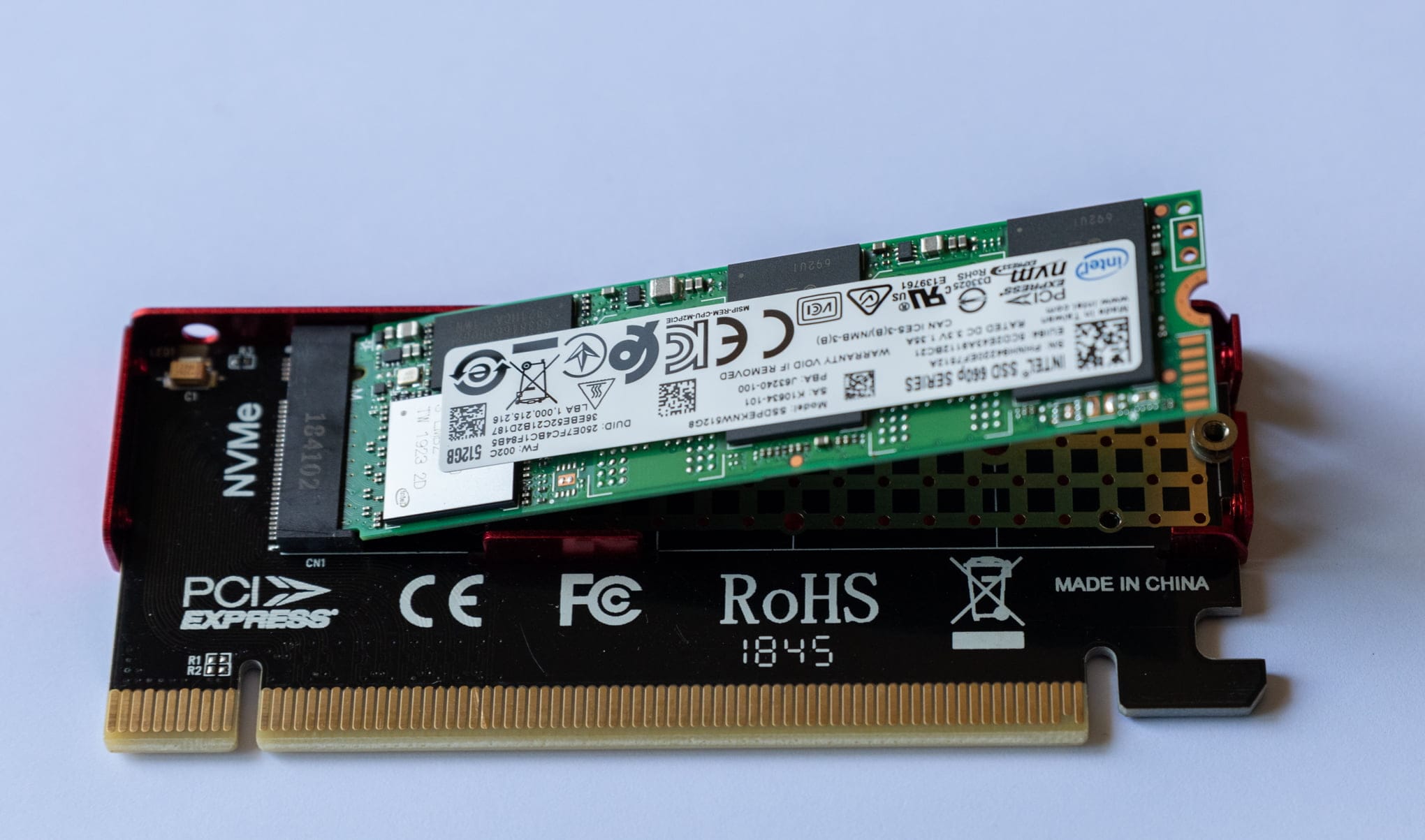
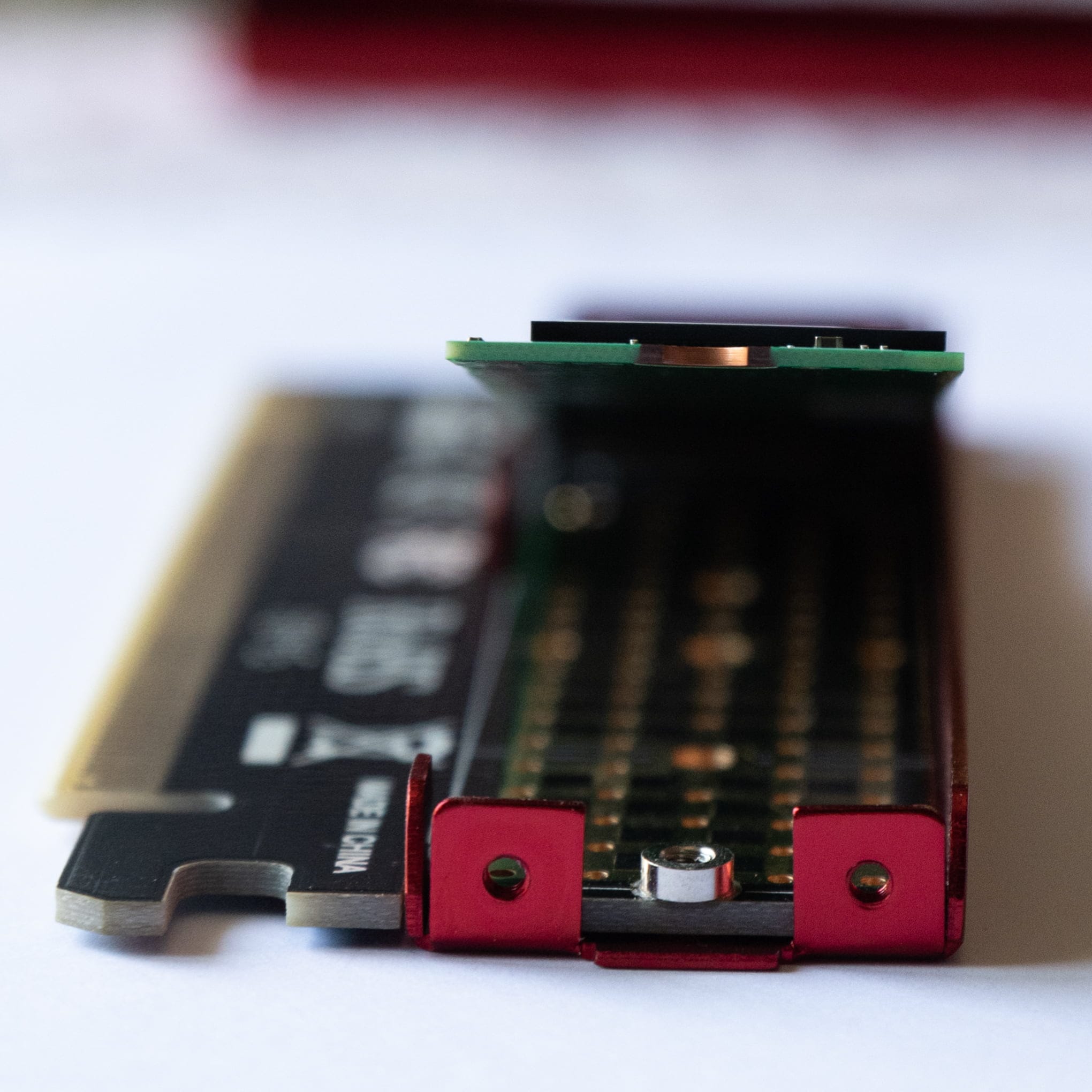
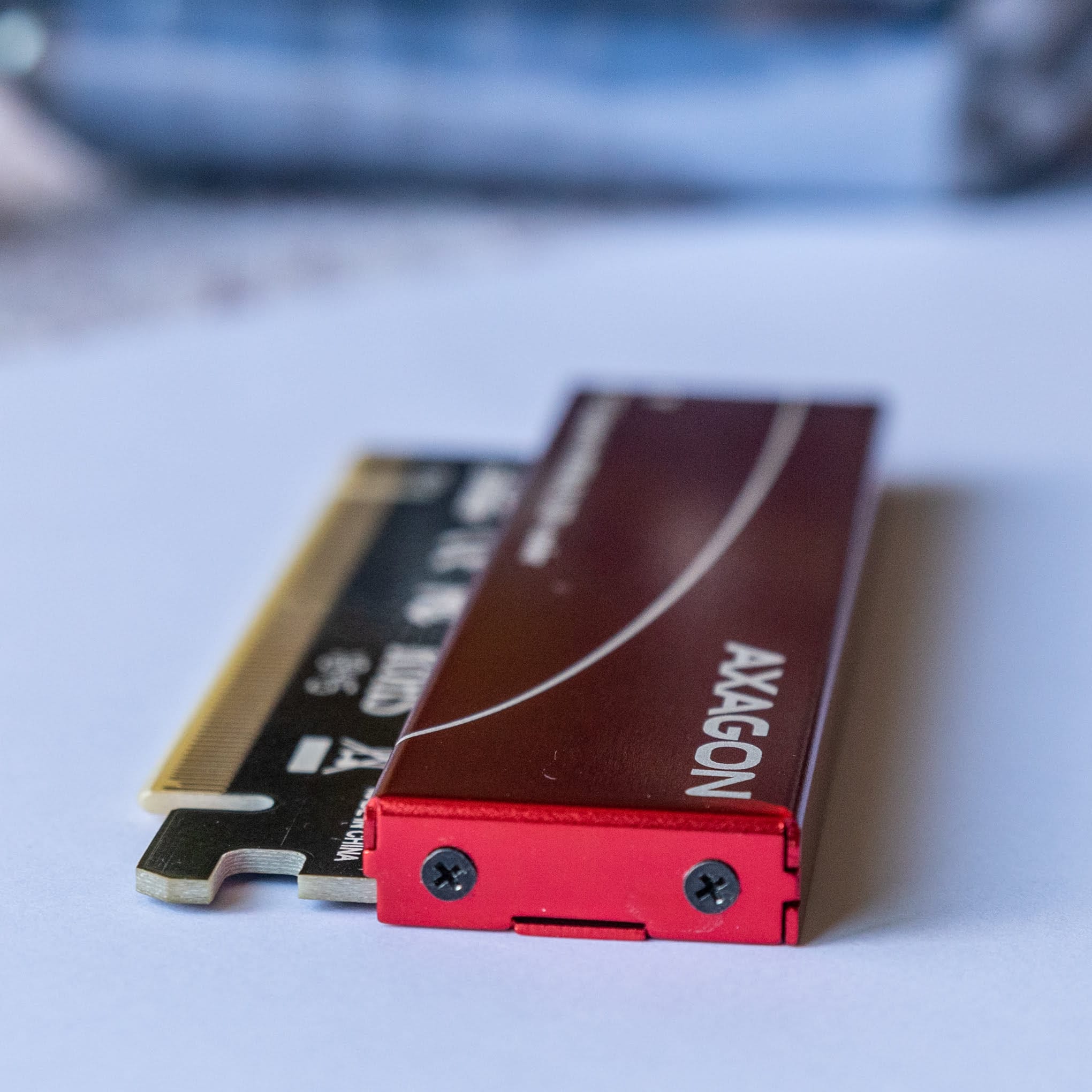
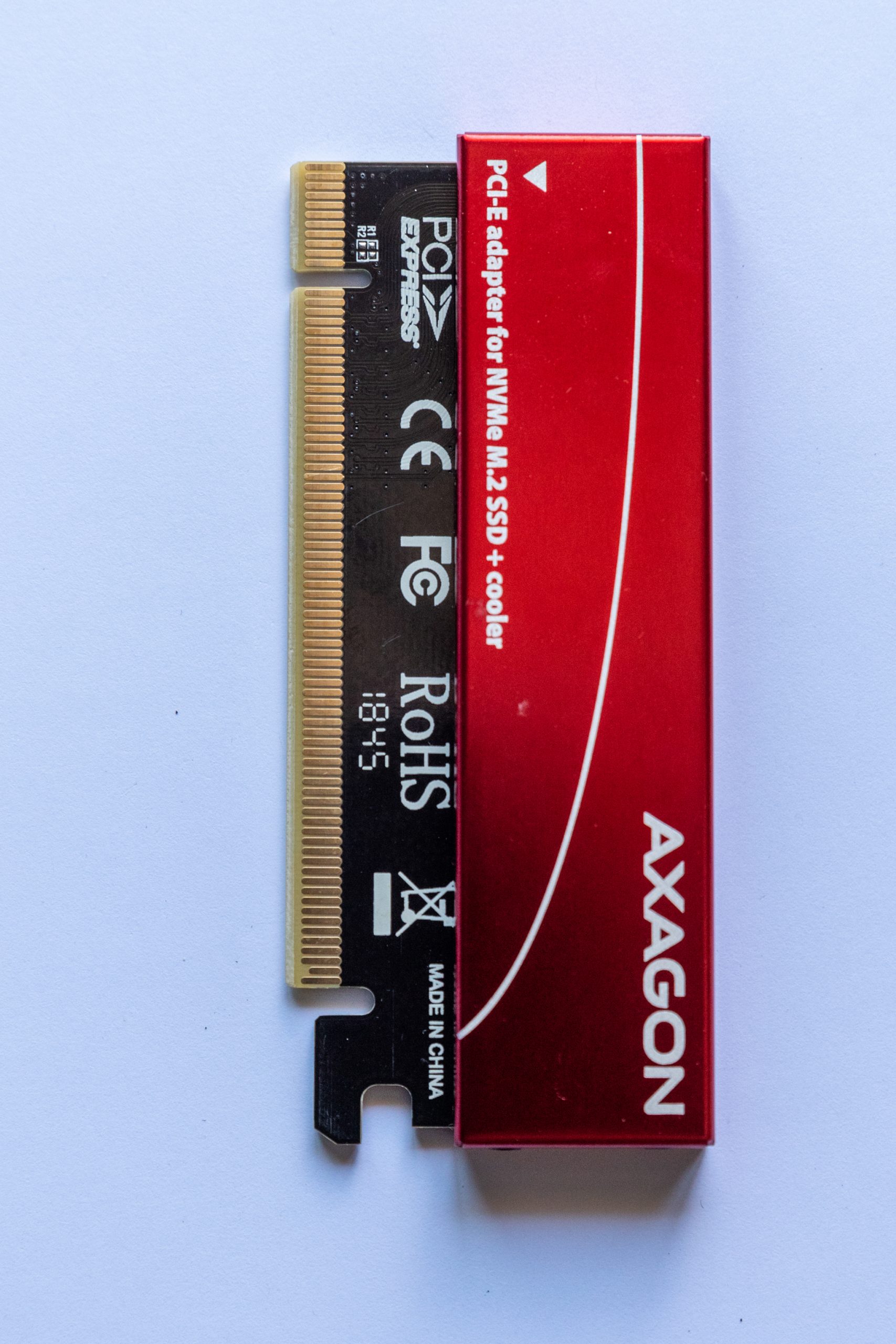
I used an Intel 660p NVME
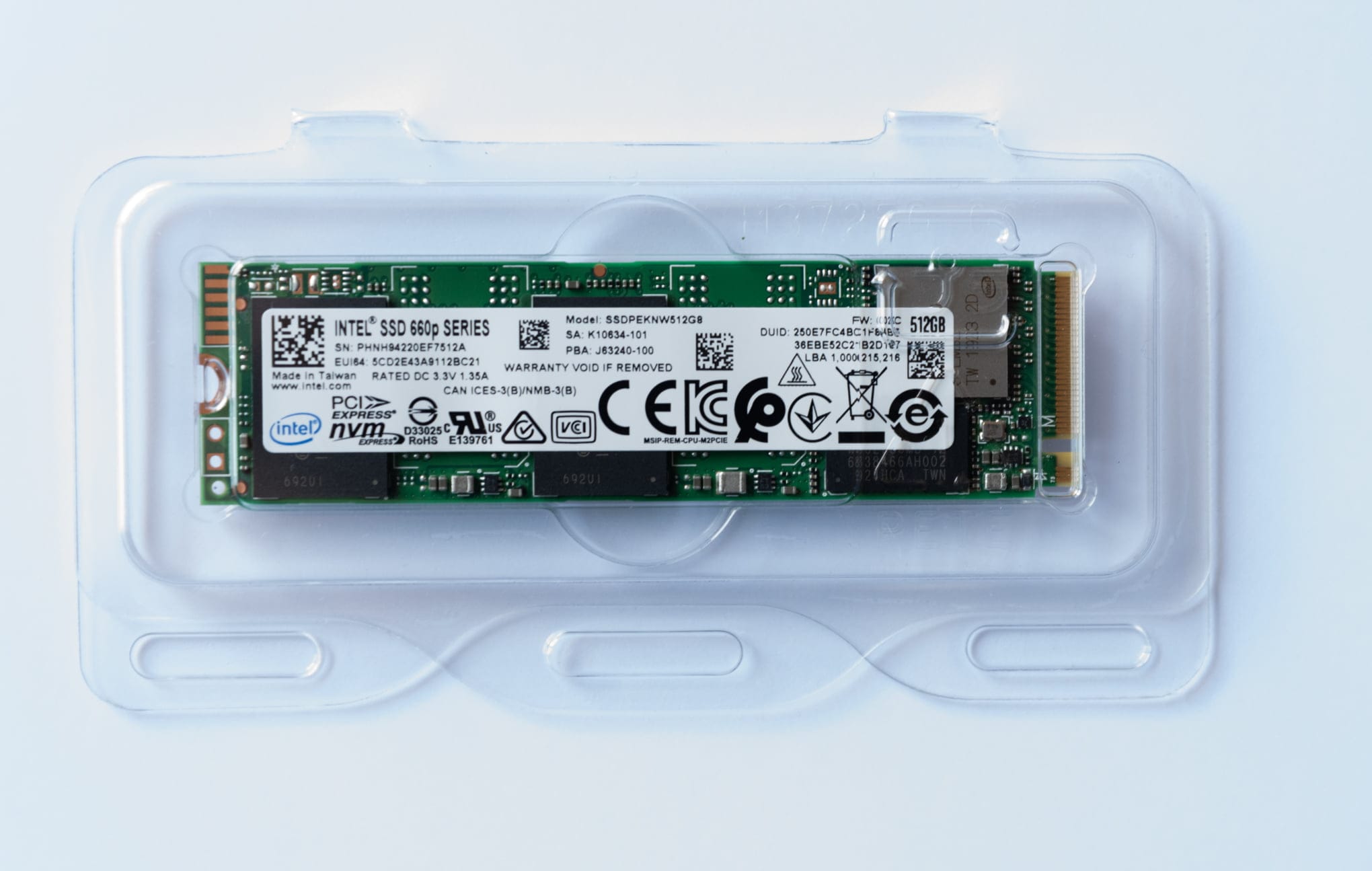
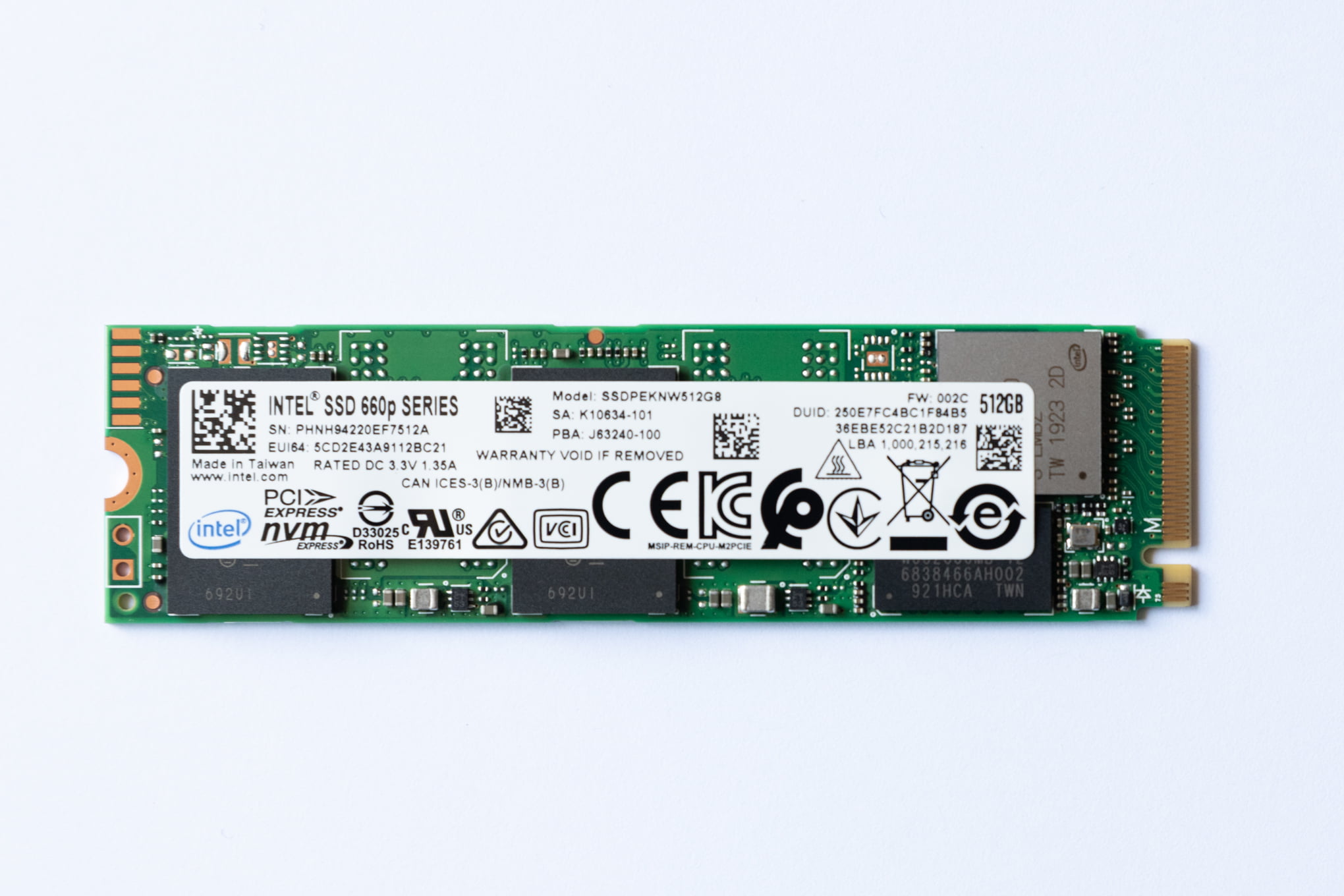
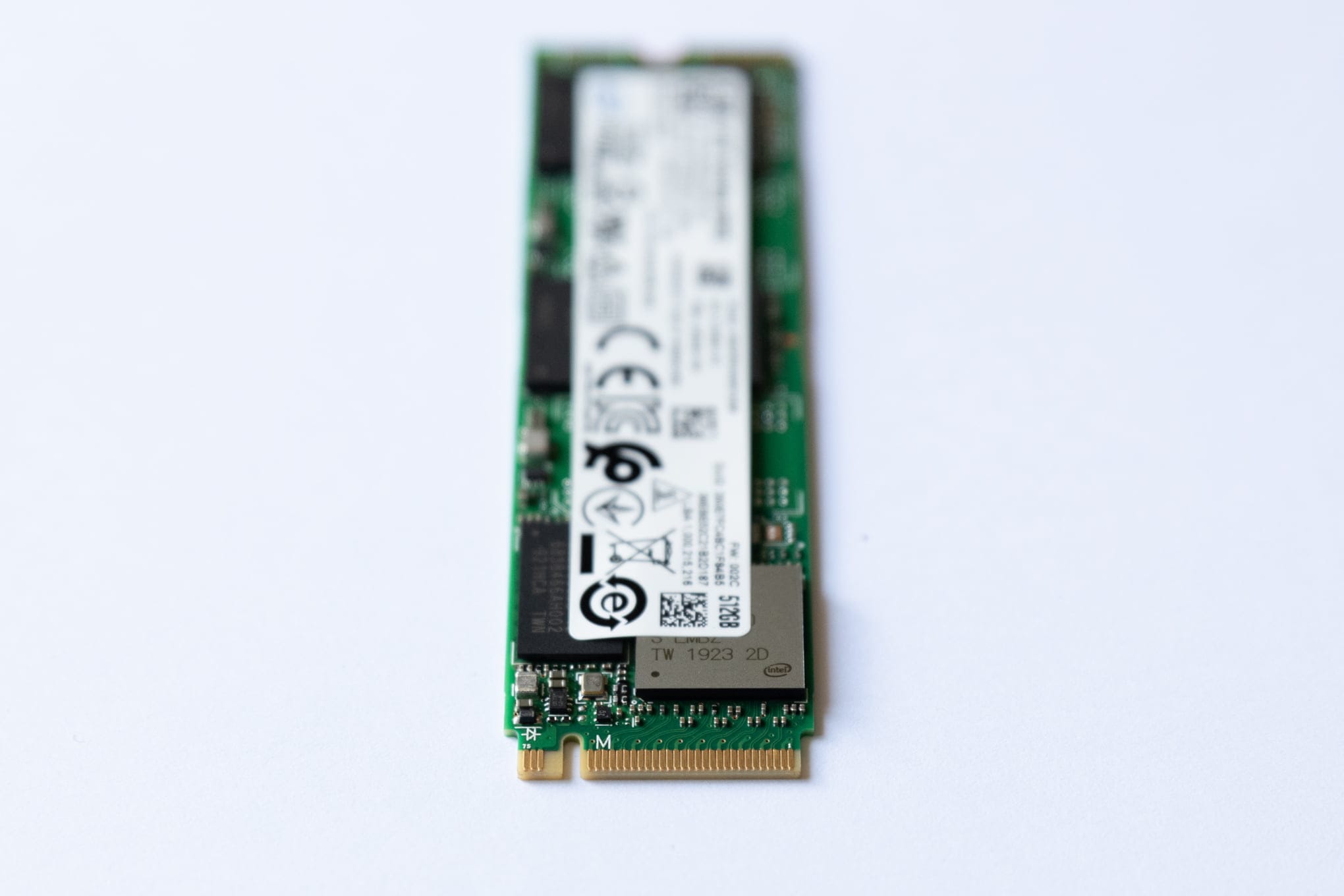
M.2 SSD installation on the Z800
Installing Windows 10 Education on the HP Z800 Workstation
I could not install Windows on the NVMe drive because the Z800 chipset is old and NVMe did not exist when the board was designed. So I created a RAID10 using four 512GB SSDs, and installed Windows from an external SSD over USB.
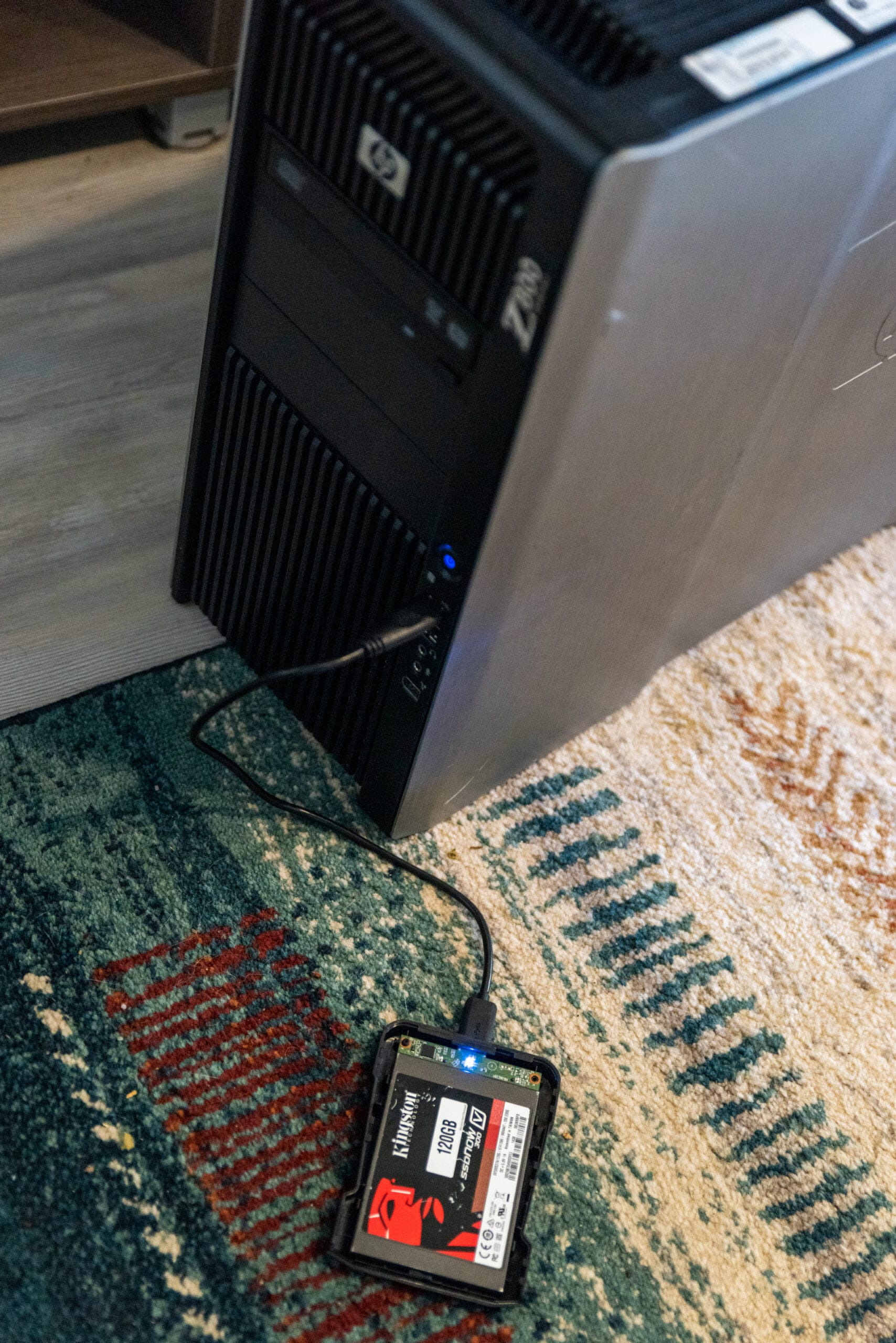
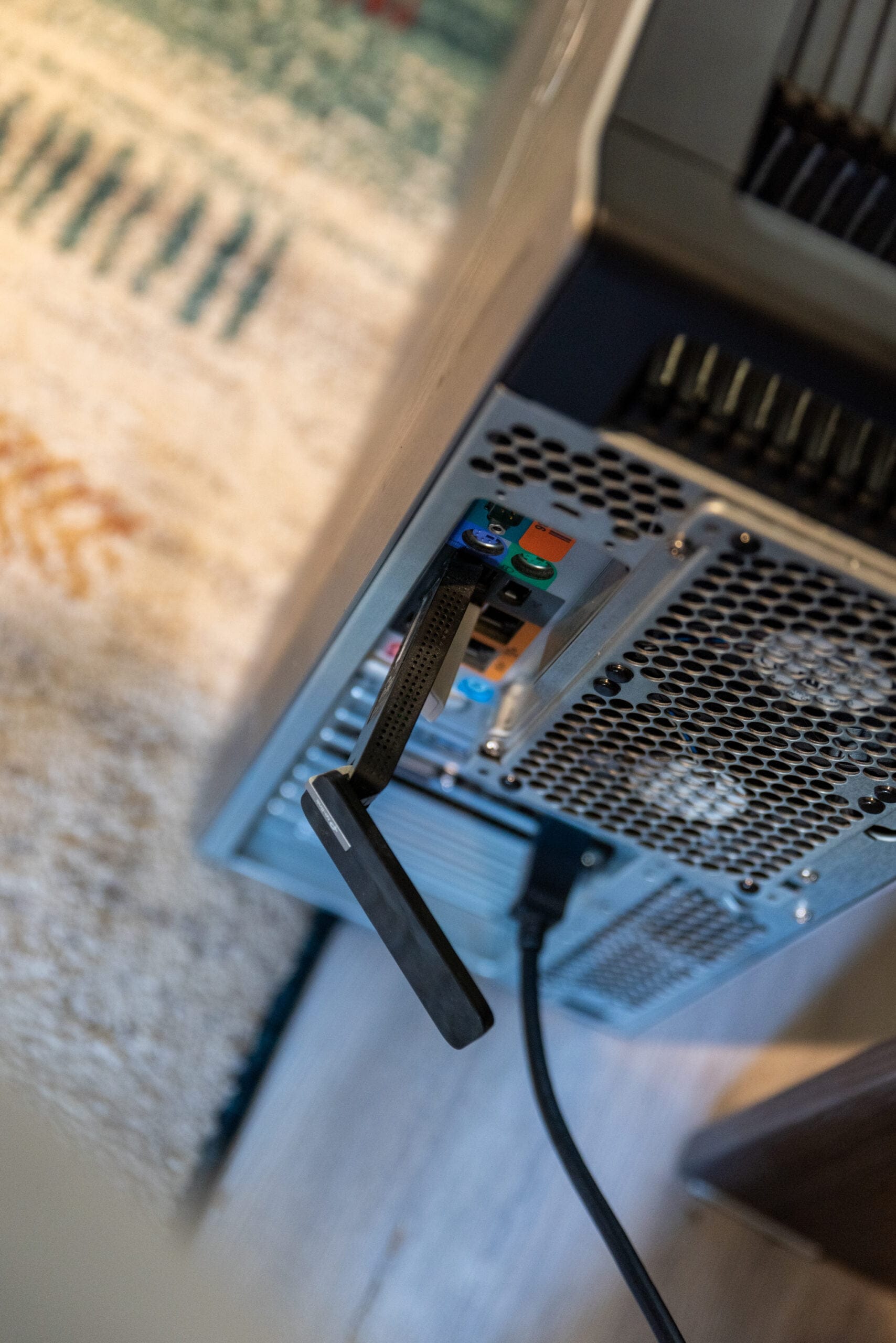
During the install the TP-Link Archer T4U was recognized without any issue.
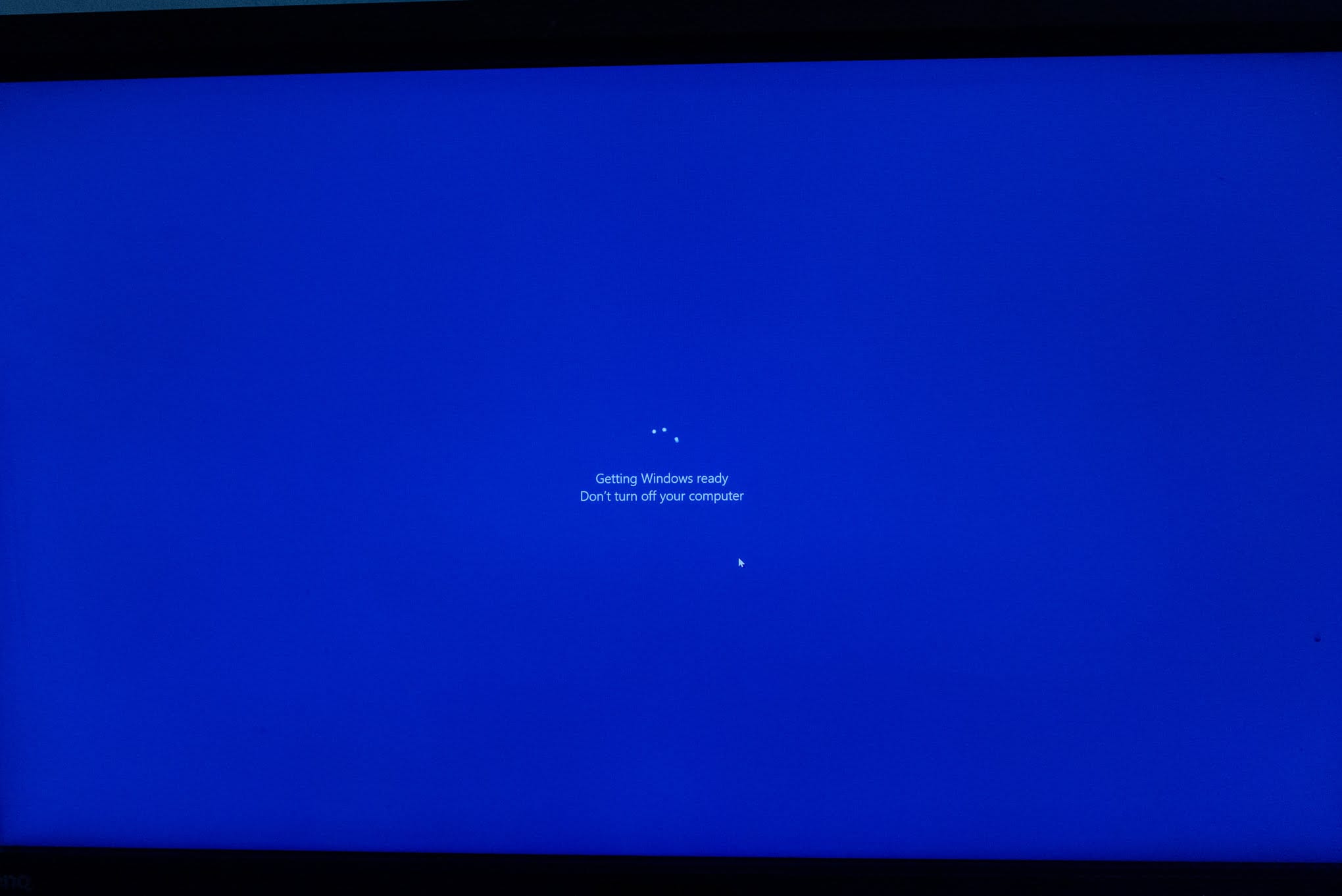

After the install finished, both the RAID10 array and the NVMe drive showed up.
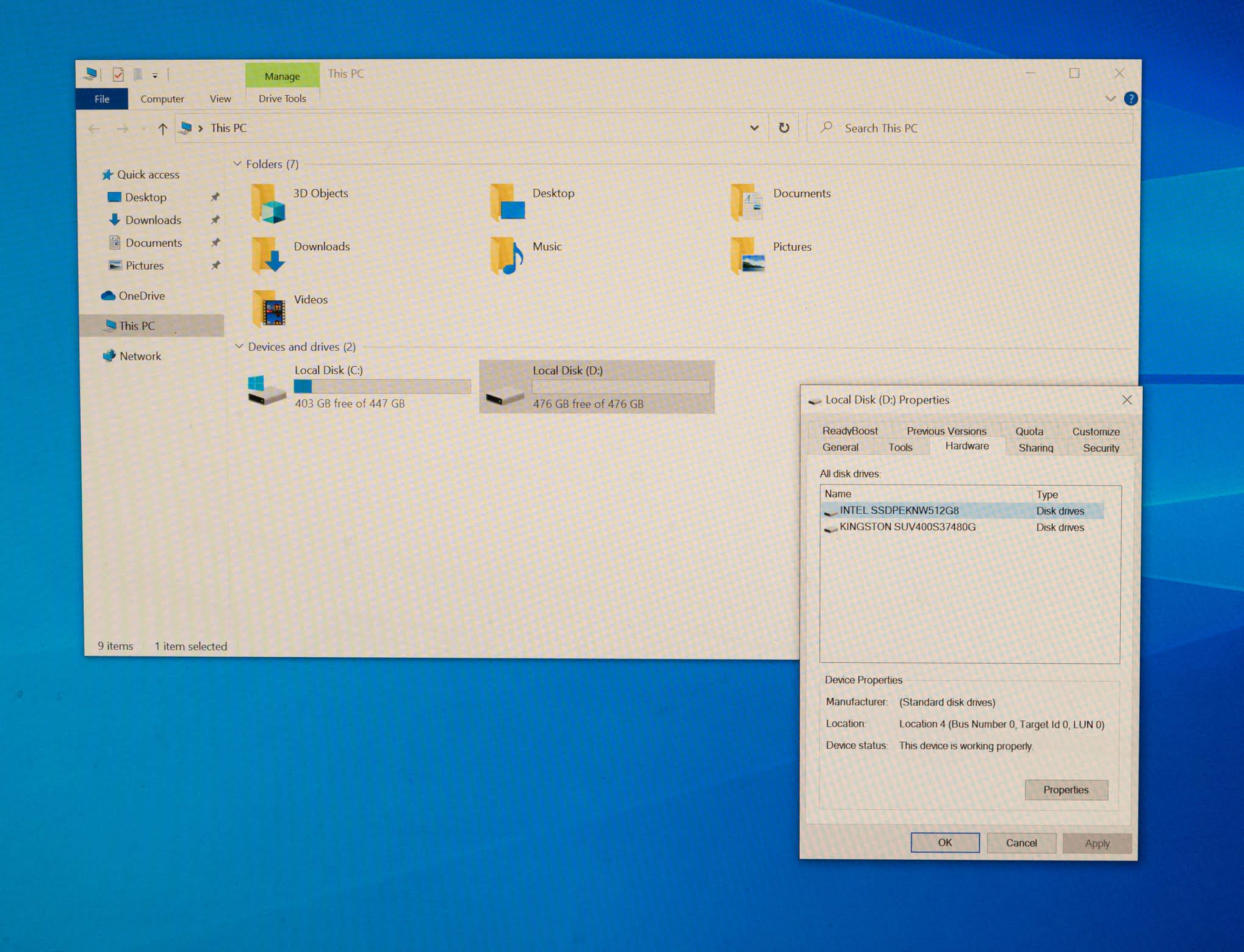
Post-installation stats
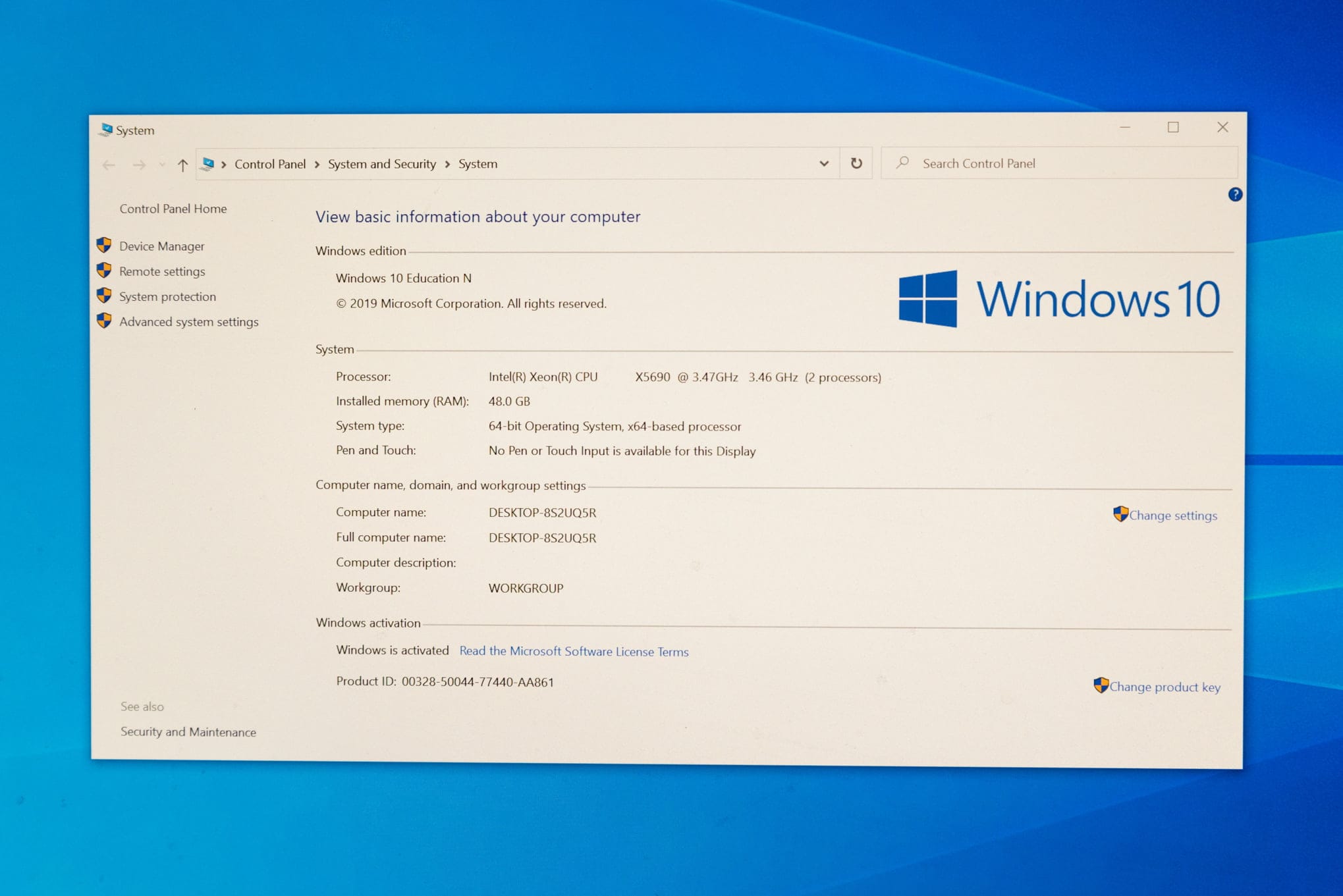
Z800 dual Intel Xeon 5590 at 3.46 GHz, 2×12 cores.
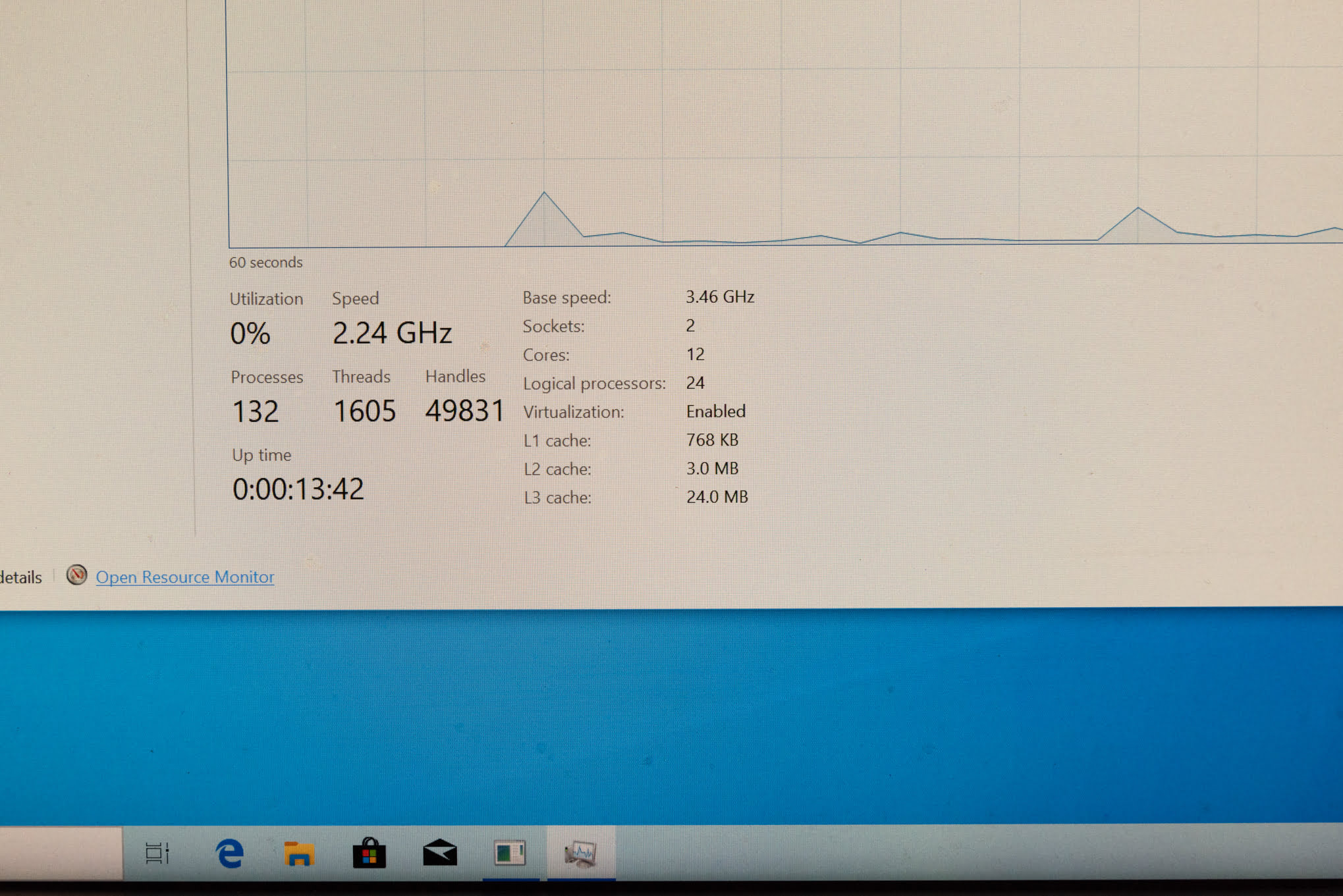
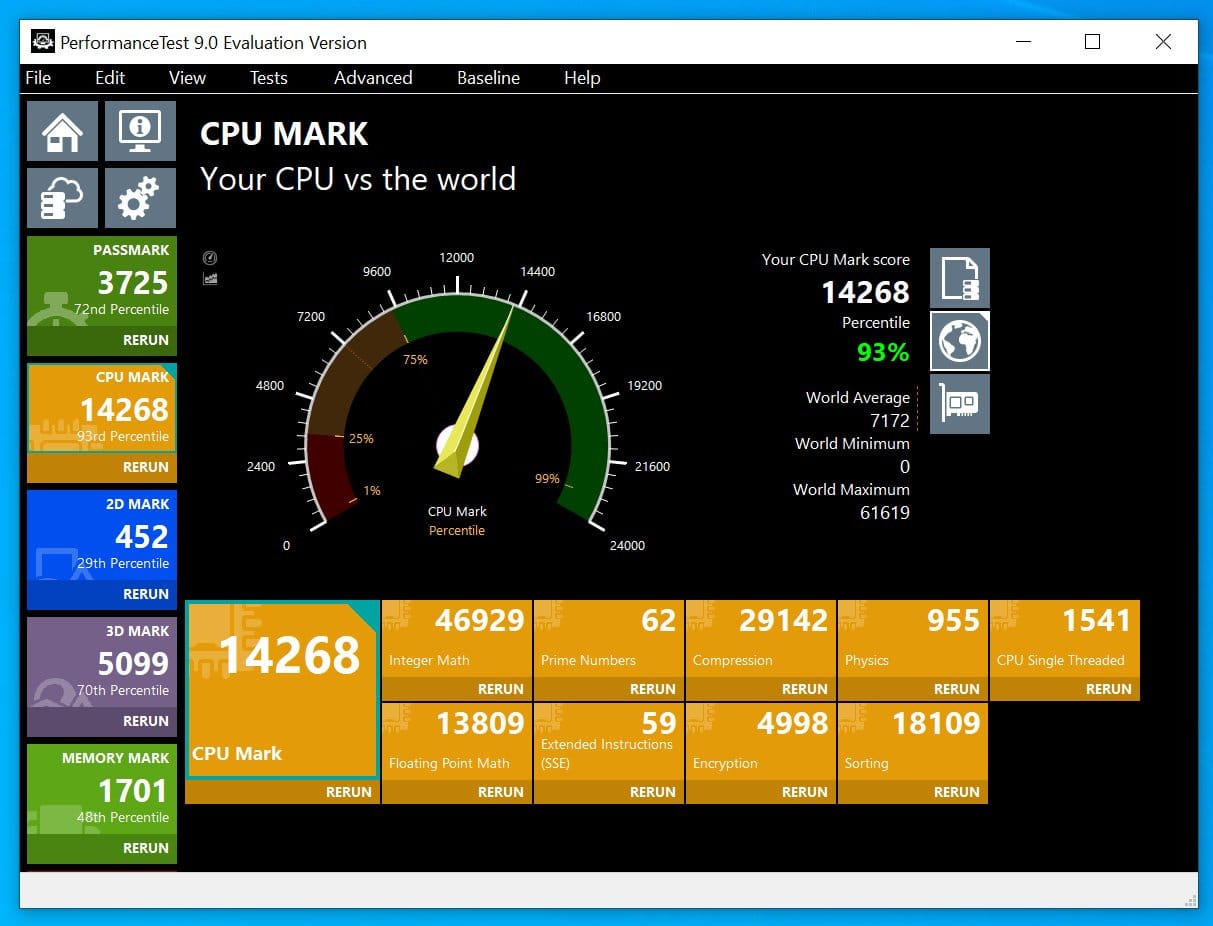
Performance test
What this build is worth, and to whom
The whole process was enjoyable and full of nostalgia. Since I already have my main PC, I sold the Z800 Workstation for $950. The Z800 is a remarkable machine: the best build quality I have ever handled, with excellent airflow. It handles a lot of work, but a newer single CPU build outperforms it easily. For programming and content creation, which is what I use my PC for, there are better options today.
If you are weighing whether to build one of these, be honest about the goal. Two X5690 chips still push through heavily threaded jobs like rendering or virtual machines, and the platform is cheap once you find the right board. What you give up is single-thread speed, native NVMe boot, and current USB standards, some of which you can patch and some you cannot. For a hobby server, a render node, or a nostalgia project, that math can work. For daily creative work, it usually does not.
One practical note if you plan to resell later, as I did. Older workstations trade on reputation and clear documentation, and buyers read closely before they commit. Robert Cialdini’s principle of social proof holds that people decide what is right by looking at what others think is right, which is exactly how a well-documented build with photos of every step earns a higher price than a bare listing. Show the BIOS version, show the drives, show the parts. That record is what convinces the next owner.
I hope this write-up helps. If you have questions about any step, from the board hunt to the RAID setup, ask and I will gladly help.
#staysafe
