Technology services for businesses can involve far more than solving an isolated computer problem. Reliable websites, computers, networks, communications, and online systems all contribute to daily operations. The work can range from developing and maintaining a company's web presence to supporting the technology used by employees behind the scenes. Bringing these areas together provides a practical connection between customer-facing technology and the systems that keep everyday work moving.
Website projects can include new business websites, redesigns, repairs to existing sites, hosting, domain management, migrations, DNS configuration, SSL, business email, performance improvements, backups, and ongoing technical maintenance. Each project is approached around the needs of the individual business rather than treating the website as an isolated collection of pages. Navigation, mobile usability, content organization, reliability, and the technical infrastructure maintained through Miami Computer Repair all contribute to how effectively a business can use its presence online.
Technology Support for Everyday Business Operations
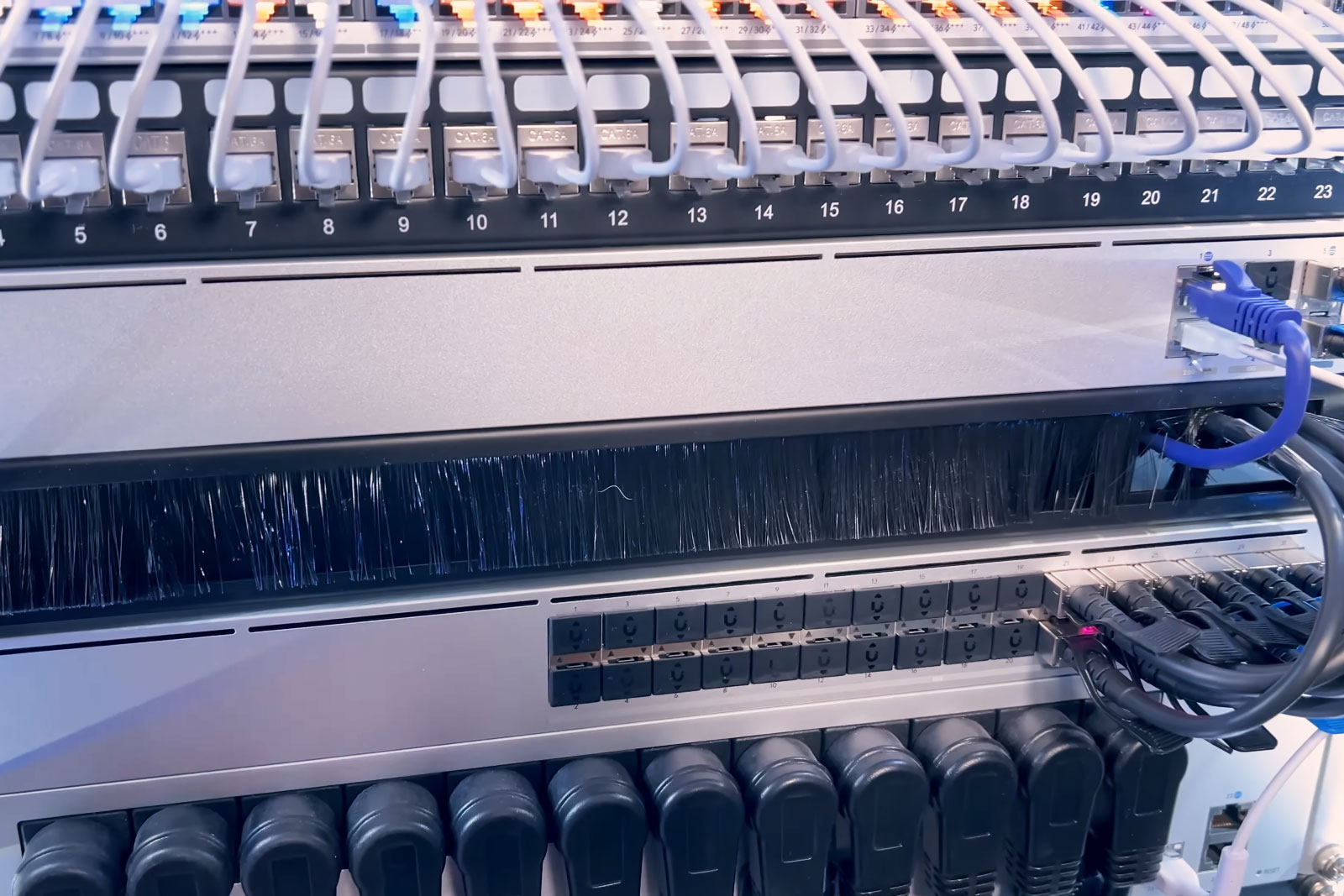
Business technology extends well beyond the company website. Workstations, laptops, office networks, Wi-Fi, routers, printers, storage, user accounts, email, and cloud services often depend on one another. A problem with one part of that environment can interrupt several areas of a business at once, making accurate troubleshooting and a clear understanding of the complete system particularly important.
Business IT support can address Windows and software problems, workstation setup, hardware upgrades, network connectivity, shared devices, Microsoft 365, Google Workspace, cloud file synchronization, business email, backups, and related technical issues. Existing environments can also be evaluated for recurring problems or aging equipment so that improvements can be planned before those limitations begin interfering with normal operations.
Websites Built Around the Business
A useful business website needs more than an attractive appearance. Its structure should make services understandable, provide straightforward paths to important information, work properly across desktop and mobile devices, and remain technically manageable as the business changes.
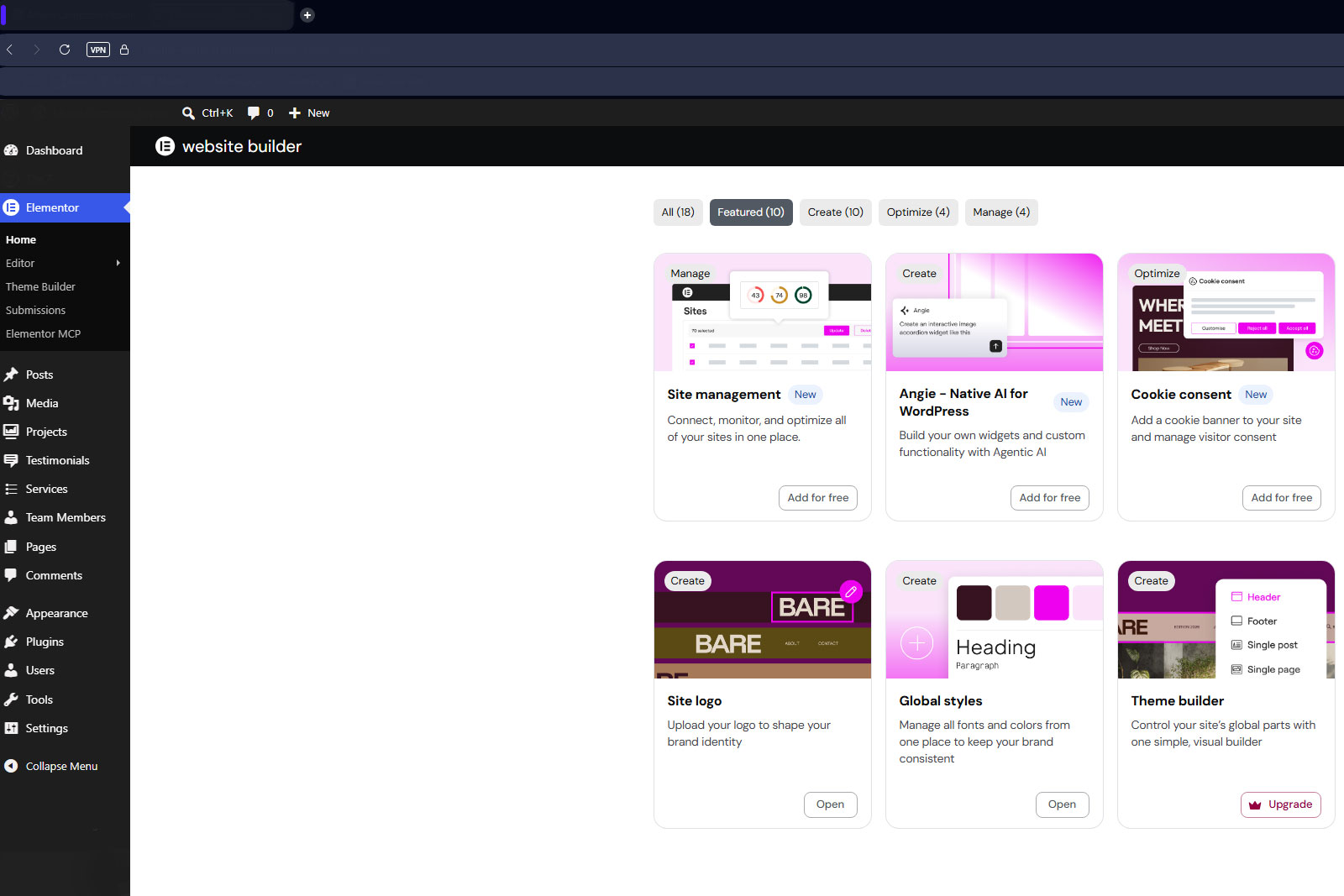
Website design and development therefore includes attention to the infrastructure behind the visible pages. Hosting configuration, domains, DNS, security, software updates, backups, performance, and ongoing maintenance can be just as important as layout and presentation. Existing websites can also be repaired, reorganized, expanded, or redesigned when the underlying business has outgrown the original site.
Infrastructure That Can Grow With the Company
Technology requirements rarely remain fixed. Additional employees can mean more workstations and accounts, a new office can change networking requirements, and expanding services can require new website content, storage, email resources, or cloud tools. Planning for those changes can prevent temporary solutions from becoming permanent limitations.
The same principle applies to preventive support. Reliable backups, sensible storage arrangements, maintained systems, documented accounts, and properly configured networks reduce unnecessary disruption and make future changes easier to manage. The objective is not simply to correct individual problems as they appear, but to maintain a technology environment capable of supporting continued business activity and growth.
Troubleshooting Across Connected Systems
Technical problems do not always originate where their symptoms appear. An unreliable application may ultimately involve storage or network connectivity, an email problem may involve DNS or account configuration, and poor website performance can originate with hosting, software, database, or server conditions. Looking beyond the immediate symptom helps identify the underlying cause instead of repeatedly addressing the visible result.
This broader troubleshooting approach is particularly useful when several technologies interact. Computers, networks, cloud services, websites, email systems, storage, and online infrastructure increasingly operate as parts of the same business environment. Understanding those relationships allows problems to be investigated with the complete system in mind.
Computer and Electronic Repair Experience
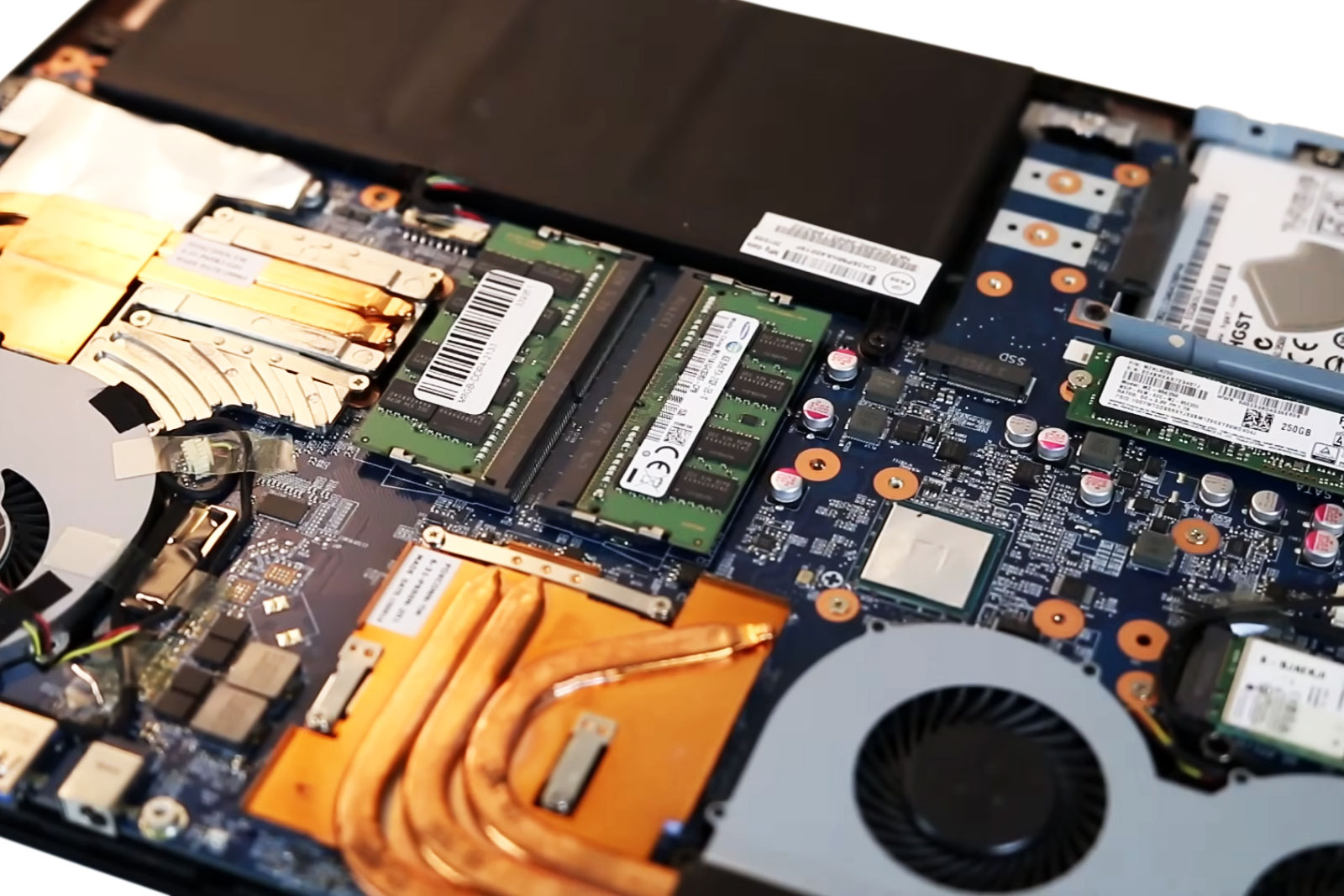
Business technology services are part of a broader technical background that also includes computer repair, laptop repair, Mac service, hardware diagnostics, data-related problems, gaming systems, and electronic troubleshooting. Component-level investigation and detailed hardware diagnostics provide another layer of experience when a problem reaches beyond software or ordinary system configuration.
That technical range is useful because business equipment does not exist separately from the infrastructure surrounding it. A failing workstation, unstable storage device, damaged computer, or hardware-related network problem may eventually affect applications, shared resources, backups, or employee productivity. Being able to investigate both hardware and system-level problems helps connect those areas when necessary.
A Broader Approach to Technology Services
Services extend beyond web design and business IT support to home users and other technology needs. The broader range includes desktop and laptop repair, Mac services, hardware upgrades, diagnostics, networking, data recovery assistance, gaming-system service, and other technology-related troubleshooting.
For businesses, that wider technical capability complements the services highlighted here. Websites, networks, workstations, cloud platforms, email, storage, and physical hardware increasingly overlap, and problems do not always stay neatly within one category. Maintaining experience across those areas allows technology to be approached as a connected environment while still addressing the particular needs of each business.

Business address
Miami Computer Repair
Miami,
FL
United States
Contact details
Phone: 786-600-3347
Thermal pads can harden, compress, shift, or lose contact as computers age. Understand how deteriorated pads affect VRAM, power…
Files stored on an SSD are not guaranteed to remain readable forever without power. Discover how temperature, flash wear, and…
How eMMC storage works inside budget laptops, the warning signs of failure, recovery limitations, and why replacing the storage…
Cracking sounds, lifting trim, and uneven screen movement can signal developing hinge damage. Understand what causes these…