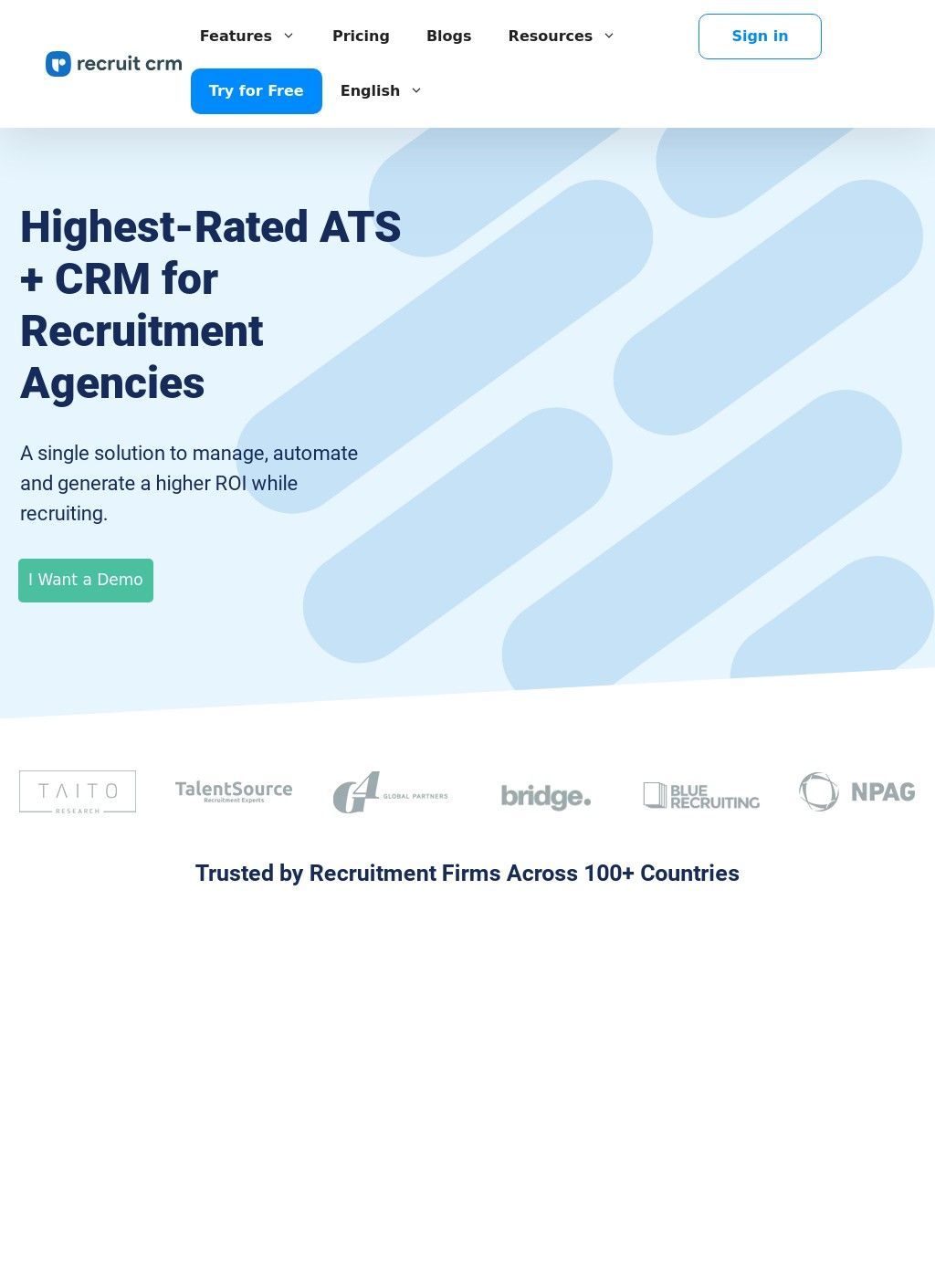
Drop the Chrome extension into your browser, open a LinkedIn profile, and it pulls the candidate into your pipeline, parses the resume, and lets you write a natural-language query to find more people like them. That is sourcing work, the daily grind of an agency recruiter, and Recruit CRM is built around making that grind faster. It is a cloud-based applicant tracking system bolted to a CRM, aimed at recruitment agencies, executive search firms, contract staffing shops, and solo recruiters spread across more than a hundred countries.
Sourcing and candidate pipeline features
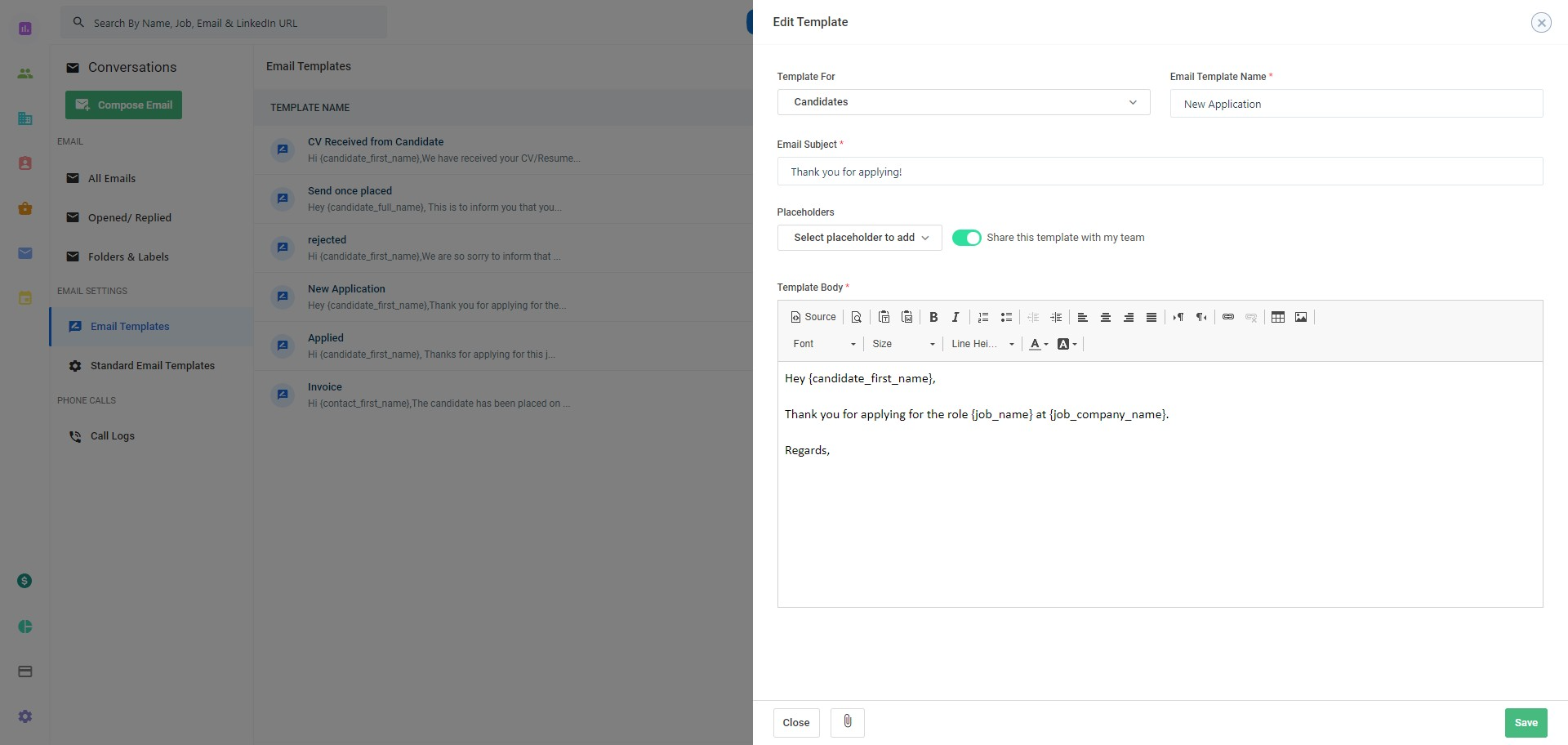
The feature list in Recruit CRM is long, and most of it points in one direction: keep the recruiter out of the manual parts. Resumes in PDF or Word get parsed automatically. Candidate documents and submission write-ups can be AI-generated. Email replies can be drafted by the system, outreach can run as multi-channel sequences across LinkedIn, email, and SMS, and there is GPT integration sitting behind the content generation. Calls get recorded and logged, notes attach to records, and a candidate-to-role matching engine tries to surface the right people for an open requisition. None of this is unusual for the category in 2026, but having it on a single platform is worth noting, especially for smaller agencies that would otherwise stitch together three or four separate tools.
Automation and integration capabilities
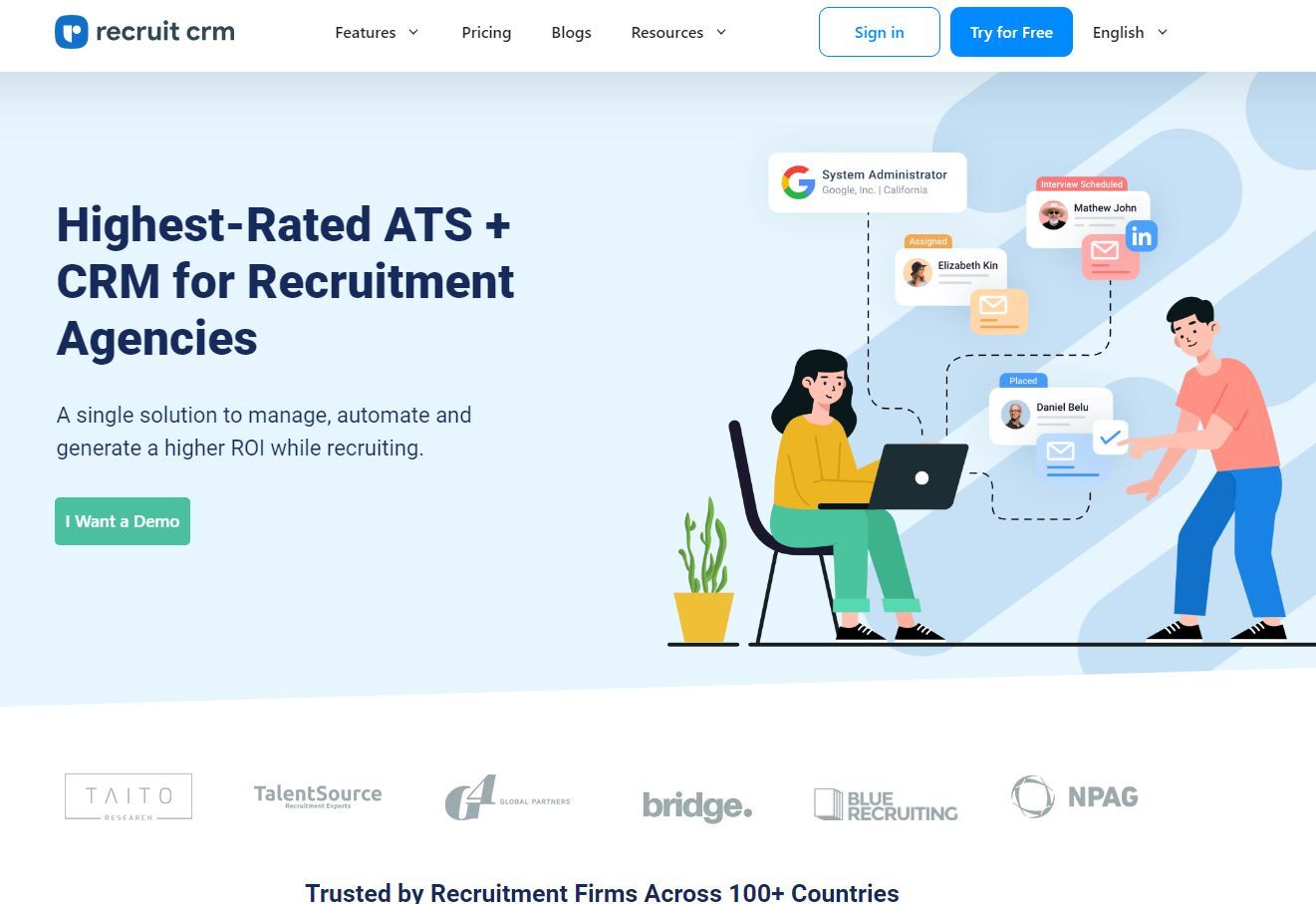
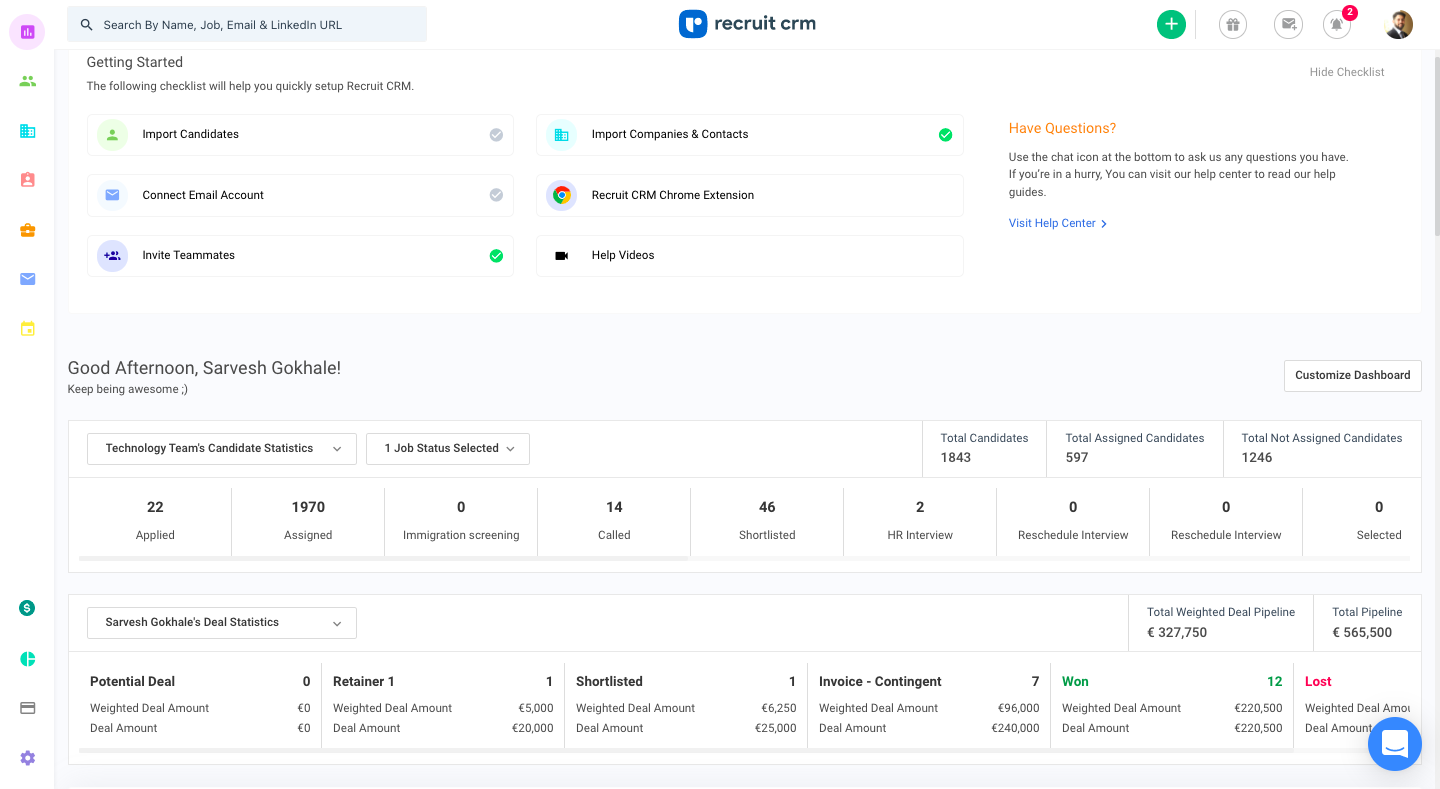
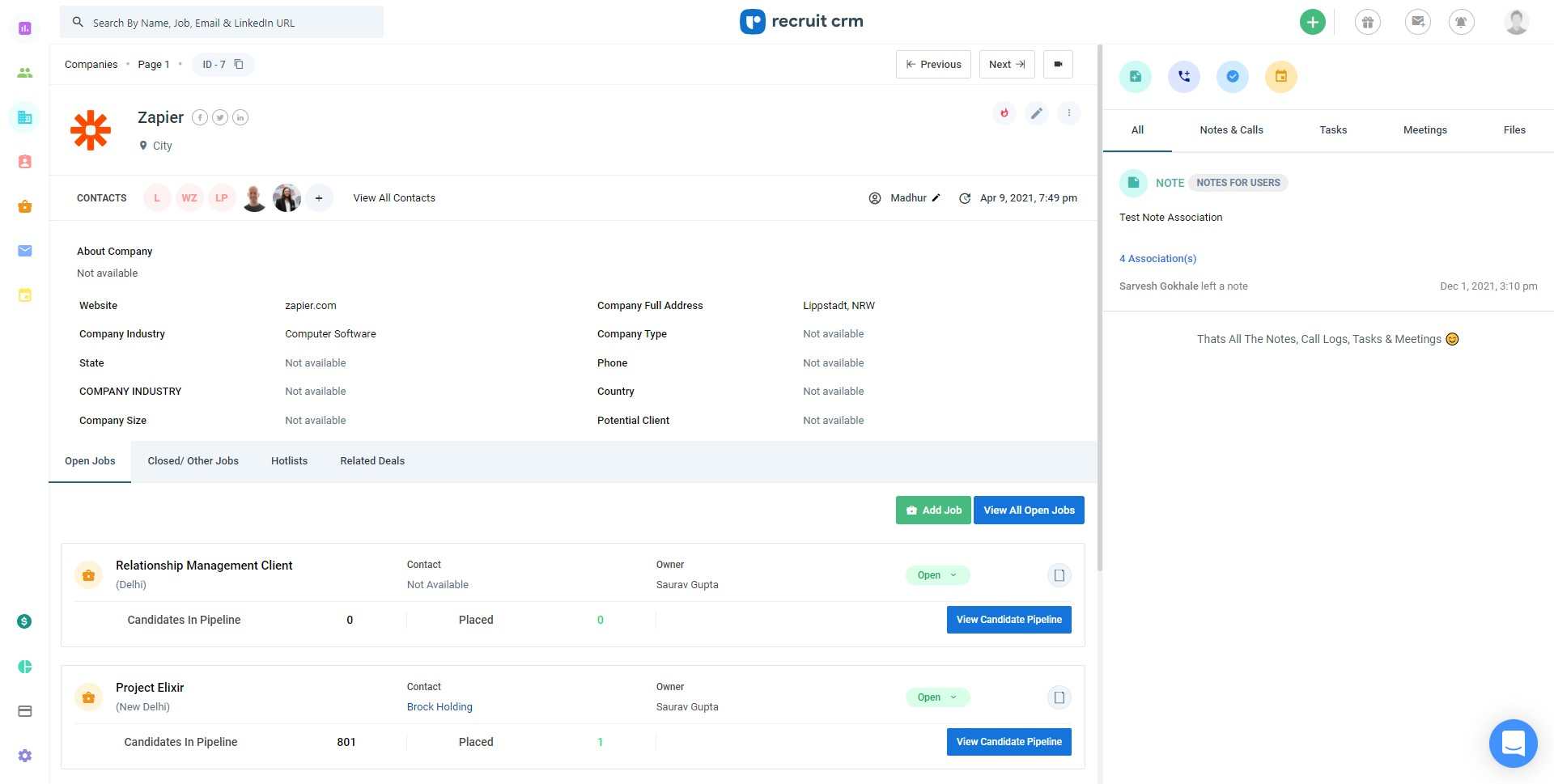
Beyond the AI layer, the operational tooling is what you would expect from a mature product. Pipelines show up as Kanban boards, automation runs through a no-code builder, and the integration count sits north of a thousand third-party connections. Jobs can be multiposted to a claimed 5,000-plus job boards, there is data enrichment, and the analytics and reporting side is pitched as advanced. Recruit CRM also ships a career-page builder under the "Recruit Craft" name, so an agency can stand up a branded jobs page without a separate vendor. A free trial and a demo booking are the two front doors. For buyers who found Recruit CRM through a business directory or aggregator, those two entry points are also where the sales process begins.
Pricing structure for AI add-ons
One caveat belongs up front, because it shapes the value calculation. The AI features, the headline reason many buyers will look here, are positioned as higher-cost add-ons on top of the base tiers. Pricing tiers exist, but the smart automation the marketing leans on is not the entry-level price. A recruiter comparing seat costs should read the add-on lines carefully before assuming the demo reflects the plan they will actually pay for. That gap between what the demo experience shows and what the real invoice says is worth taking seriously, particularly for smaller shops watching margins.
User ratings across review platforms
The product reputation for Recruit CRM is solid without being spectacular. Trustpilot carries around 105 reviews at roughly four stars, which is a real sample rather than a handful of cherry-picked testimonials. Recruit CRM also appears on Capterra with verified reviews, on GetApp where users single out value for money, and on TrustRadius with reviews spread across verified users. Across those software-review platforms the pattern is consistent: people who use it tend to rate it well, and the volume is high enough that the four-star figure reflects something genuine.
Employee experience scores
Two other numbers are worth separating out, because they measure Recruit CRM as an employer rather than the software. Glassdoor shows 159 employee reviews at 4.1 out of 5 with 77 percent saying they would recommend working there, which is healthy. AmbitionBox runs cooler, with 30-plus reviews landing at 2.9 out of 5. Those tell you something about staff experience and nothing about whether the ATS will fit your desk, so weight them accordingly. A buyer cares about the four-star product score; a job-seeker cares about the other two.
Put the platform reviews together and the picture is one of a working tool with a genuine user base. Recruit CRM has accumulated that independent feedback through everyday use by paying customers. The migration cost of switching ATS platforms after setup also means that four-star rating, spread across multiple independent platforms, is more meaningful here than for a subscription you can cancel at any time without consequence.
Contacting support and sales
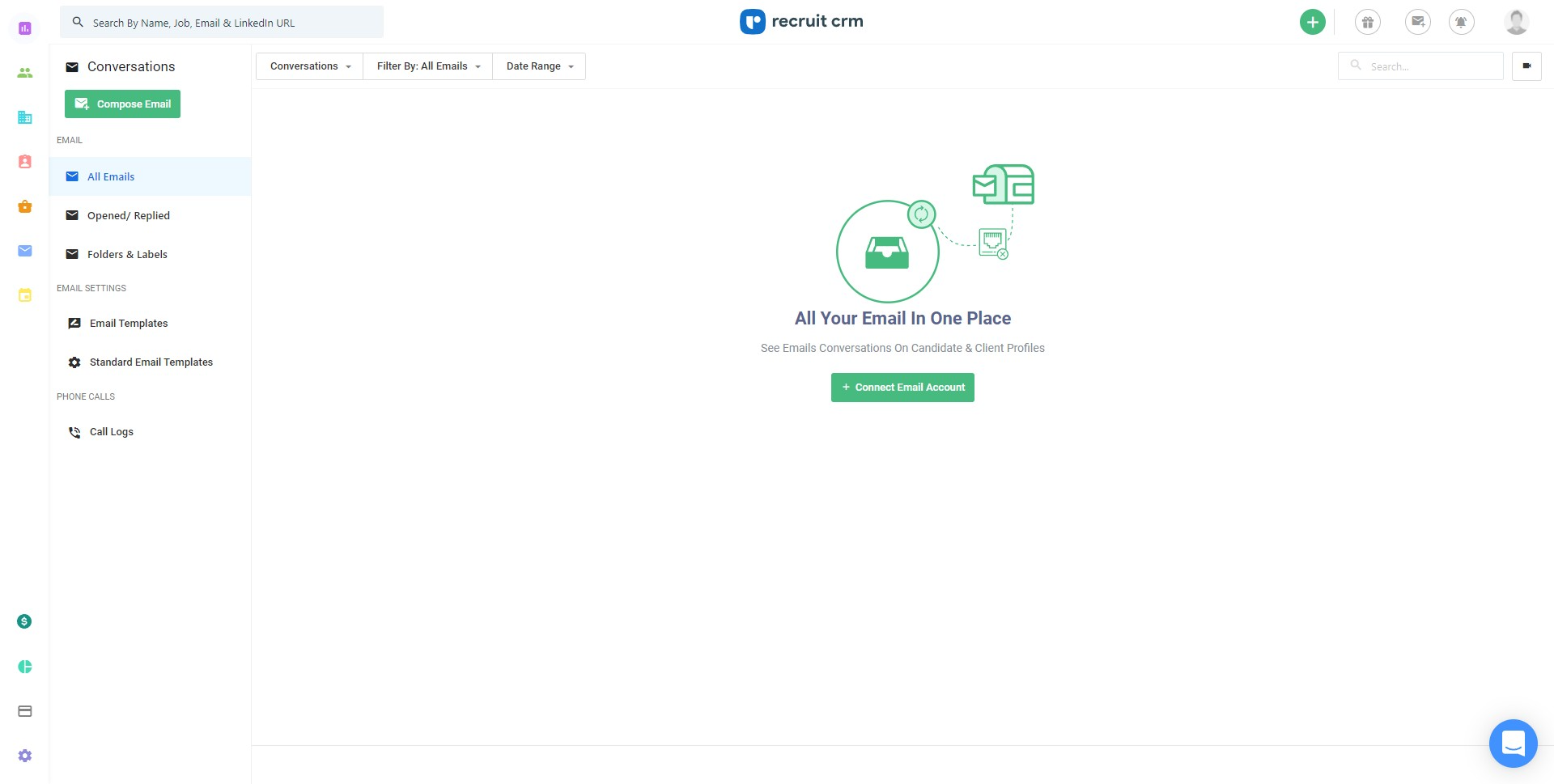
Direct contact information is the one place where Recruit CRM is stingier than it should be. There is no phone number, no email address, and no physical address to be found anywhere on the public site. What you get instead is a live chat widget, a fairly deep FAQ page, and a demo booking link. For a software vendor that runs sales through demos this is a deliberate funnel, and the chat plus FAQ will answer most pre-sale questions, but anyone who wants to speak to a human before handing over card details will be mildly frustrated. It is a fair thing to flag, even if the chat covers most practical needs.
Best fit for recruitment agencies
Recruit CRM fits an agency or search firm that does high-volume sourcing, wants the AI grunt work handled, and is comfortable buying software through a demo-and-chat process. It is a weaker fit for someone who wants transparent flat pricing with every feature included or who needs a published phone line and direct human contact from the start. The four-star product reputation across multiple platforms is a reasonable proxy for day-to-day reliability, and the integration coverage is broad enough to matter in practice. Where Recruit CRM gets harder to evaluate is on the AI tier pricing, which requires a direct conversation to pin down and can look very different from the entry-level quote.

Business address
Workforce Cloud Tech.
28 Mohawk Avenue,
Norwood,
New Jersey
07648
United States