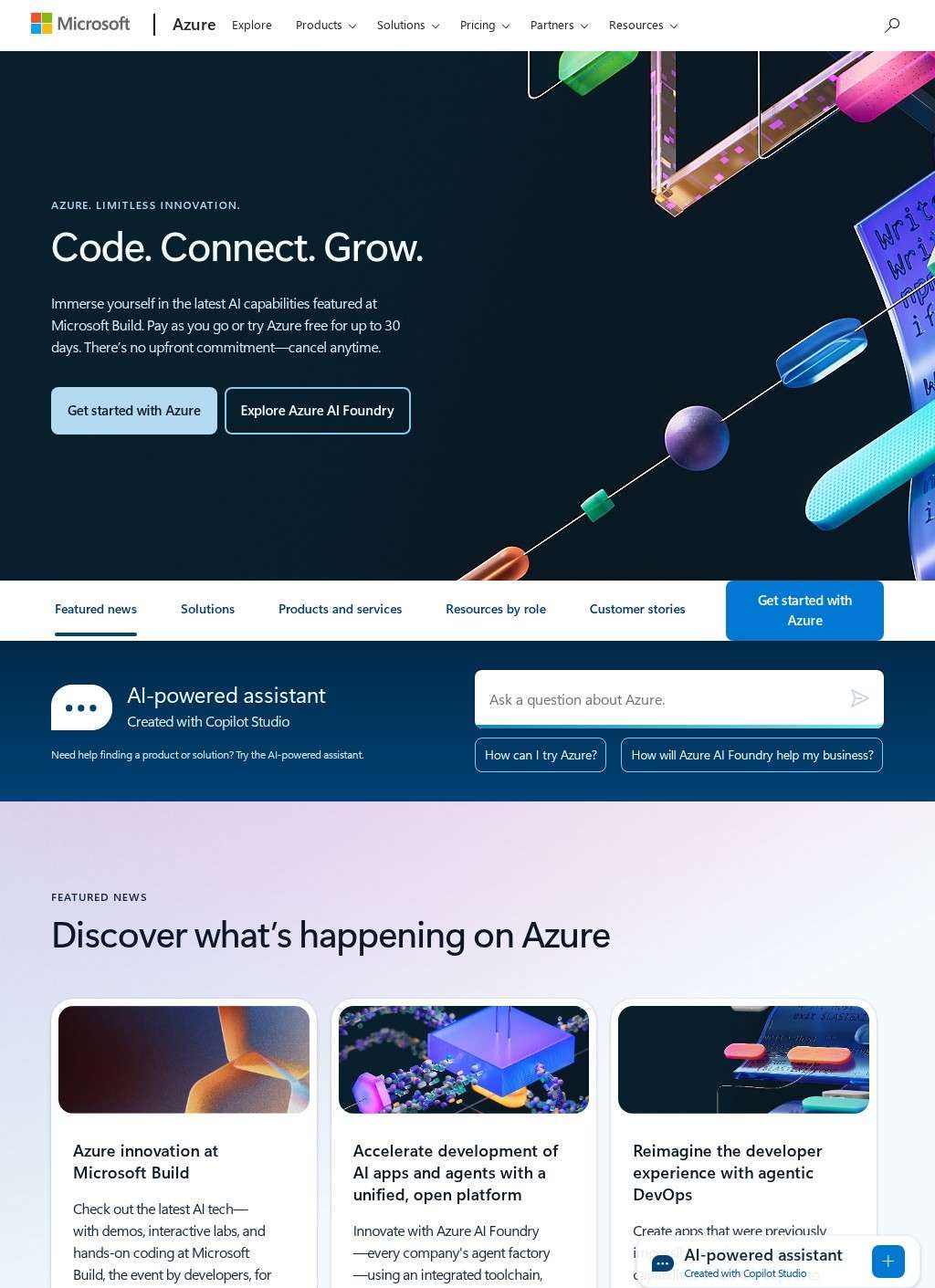
A team choosing a cloud platform for a modern web application is not choosing a single product. They are choosing which set of tradeoffs they can live with across compute, storage, database, security and AI services. Microsoft Azure's listing names each layer explicitly, which is more than many cloud entries do, and the specificity is grounded: IaaS virtual machines for full OS control, Azure Kubernetes Service for container orchestration, and Azure Functions for serverless execution. Three compute models, each aimed at a different level of operational overhead, and named with enough precision that a team can match the model to the job before opening the console.
Compute models for different overhead levels
Language coverage includes Java, Node.js, PHP, Python and .NET alongside multiple Linux distributions. The platform is not a Microsoft-only stack, which runs counter to a common assumption, and that assumption costs teams time they spend evaluating alternatives that never fit as well once the full picture is clear. A PHP shop and a .NET team can both run on Microsoft Azure without modifying existing code. That cross-language reach is one of the more consequential things the listing establishes early, because teams carrying a legacy runtime often assume the platform will force a migration they cannot afford.
Language support across platforms
Storage divides into blob, file, table and disk variants with separate archival tiers. Database paths are named outright: Azure SQL for relational schemas, Cosmos DB for document and NoSQL workloads, Azure Database for PostgreSQL for teams already running Postgres. Consolidating a relational core and a NoSQL component into one Microsoft Azure account removes an integration layer that would otherwise be designed and maintained separately, and the listing is direct about which database path covers which use case, without collapsing them into a single vague "database" entry.
Storage and database options
Azure Monitor handles observability after real traffic arrives. A web application firewall and additional security services are described as built-in to Microsoft Azure, not added at a paid tier, which describes how the platform positions itself against cloud offerings that treat security controls as optional extras. In production workloads, naming the monitoring and firewall layer in the listing is more useful than leading with headline compute numbers that every competitor also publishes.
Monitoring, security and hybrid infrastructure
Azure Arc and Azure Stack address the hybrid case: extending Microsoft Azure management into a private data centre or across partially on-premises environments. Teams that cannot decommission existing infrastructure get a direct answer to a direct constraint. Not every cloud platform names this path at all, and listing it without hedging is the right call.
Testing AI services without financial commitment
The AI portfolio and Azure OpenAI Service handle intelligent feature development. A 30-day free trial and pay-as-you-go billing let a team test those services without locking in financially, and Microsoft Learn provides self-paced material for teams starting with no prior familiarity with the platform. The combination lowers the practical cost of finding out whether Microsoft Azure is the right fit before any contract is signed.
Scale and configuration complexity
Microsoft Azure competes with AWS and Google Cloud and serves startups, enterprises and governments through a global data-centre network. The scale claim is not aspirational; third-party infrastructure analysis and published uptime records confirm it. The breadth is also where the platform creates genuine difficulty for smaller or less experienced teams. A solo developer building one small site faces a service menu designed for far greater complexity. The configuration surface for even a routine deployment is wide enough that misconfigured billing alerts are a documented and recurring source of unexpected charges, not an edge case buried in forums.
Does your team have cloud fluency?
The question any team must settle is not whether Microsoft Azure's services exist, but whether the people running the project have enough cloud fluency to use them without accumulating cost in places they have not instrumented. The listing gives no indication of what support tier or onboarding path is included at the base level. Teams without dedicated infrastructure experience should price that exposure in before they price the platform, because the documentation is extensive and the service menu is wide, and neither of those facts makes the billing surface smaller.