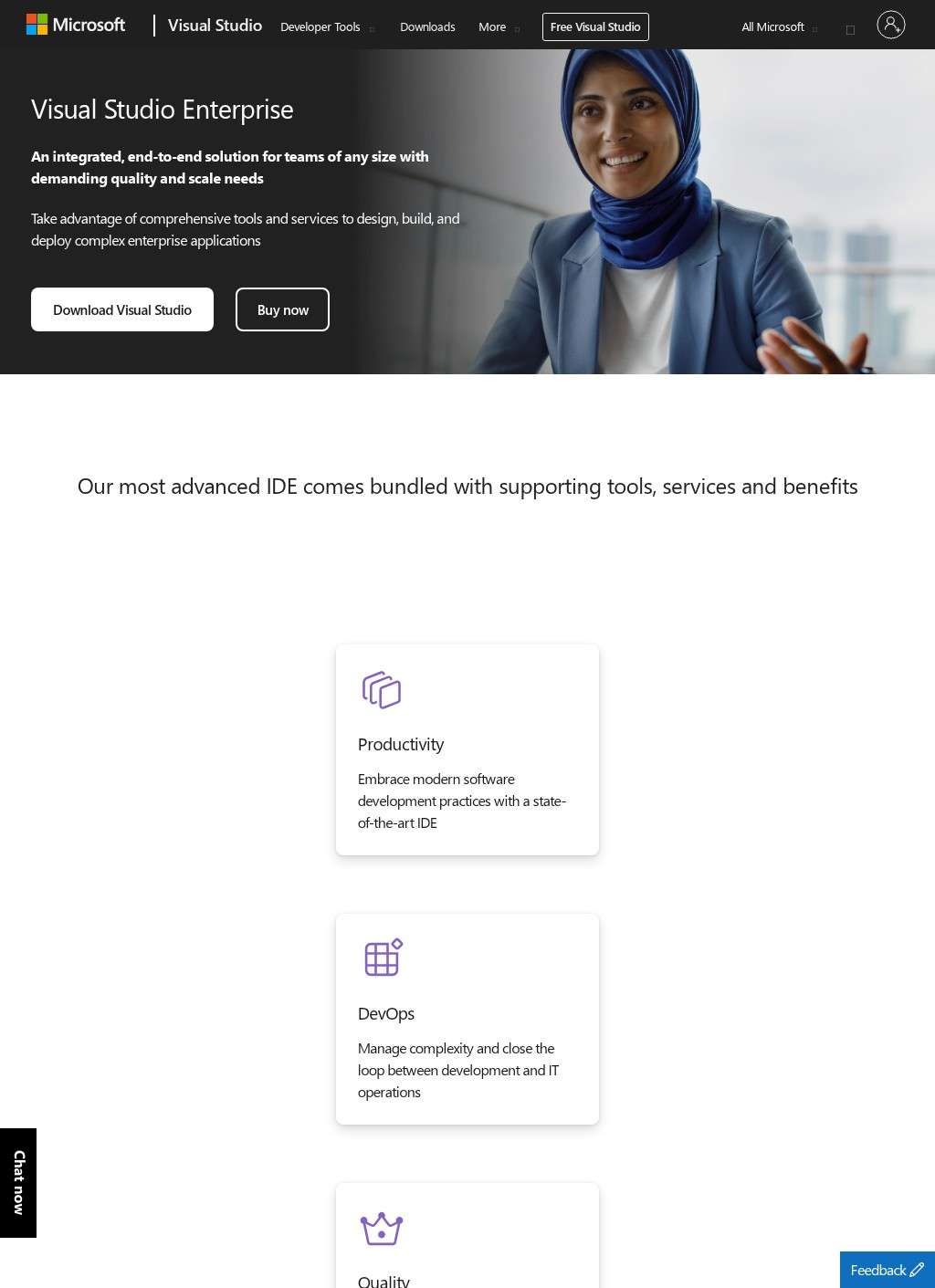
Development teams shipping software for a bank or a hospital have a problem that a free editor never touches: how do you prove the code is tested, traceable, and architecturally sound when auditors and release managers are watching? That is the question Microsoft Visual Studio Enterprise is built to answer. It is the top tier of Microsoft's integrated development environment, and the whole pitch behind Microsoft Visual Studio Enterprise is aimed at large groups who need quality and compliance baked into the daily workflow, not bolted on at the end.
Automated testing and code validation
The features that justify the Enterprise badge in Microsoft Visual Studio Enterprise are the ones a solo developer rarely needs and a fifty-person team cannot live without. IntelliTest generates unit tests automatically by walking through code paths. Live Unit Testing runs tests as code is written and paints coverage right onto the editor, so a developer sees in real time which lines a change has left untested. Live Dependency Validation lets architects draw rules about which layers may call which, then flags violations as they happen, which is the kind of guardrail that keeps a sprawling codebase from quietly rotting. IntelliTrace records execution history for debugging after the fact, and the Snapshot Debugger reaches into running cloud applications without stopping them. Code Map draws the tangle of dependencies into something legible.
Testing infrastructure for QA teams
Testing gets its own serious treatment. Beyond the automated tools, there is structured Test Planning, manual and exploratory test execution, and direct wiring into Azure DevOps Test Plans. A QA lead can plan, run, and track test cases inside the same environment the developers use, which closes a gap that usually forces teams into a second toolset. Few editors at any price fold that role into the same window Microsoft Visual Studio Enterprise gives the developers.
Bundled credits and training resources
The subscription is more than software. It carries $150 a month in Azure credits earmarked for development and test environments, access to Windows Virtual Desktop, and GitHub Enterprise. That last inclusion is significant: source control, code review, and CI/CD are covered by a name most teams already trust, and the DevOps toolchain extends through Azure DevOps for agile planning, pipelines, and release automation.
The training allowance is unusually generous and easy to overlook. Twelve months of Pluralsight opens up a library north of 5,000 courses. DataCamp is thrown in for Python, R, and machine learning work. Cloud Academy supplies hands-on labs, and there is even a CODE Magazine subscription. For an organization onboarding new hires or pushing an existing team toward cloud and data skills, that is real money and real time saved, and it sits inside a license most managers think of purely as a coding tool.
On the workload side, Microsoft Visual Studio Enterprise spans Windows desktop applications, web, cloud, mobile, and cross-platform development. The product is positioned squarely at large organizations that need collaboration, compliance, and quality assurance running at scale, and the feature list reads like it was assembled from that exact list of pain points.
Getting in is flexible enough to suit how large organizations procure software. A 90-day free trial download lets a team run the full toolset properly before a budget line is approved. From there the paths split into individual paid subscriptions and volume licensing through Microsoft Enterprise Agreements, the route most enterprises take when they are equipping dozens or hundreds of seats and want the procurement handled centrally.
Who should buy this tier
It is worth being clear-eyed about who all of this serves. The diagnostic depth, the architectural validation, the integrated test planning, and the bundled credits make Microsoft Visual Studio Enterprise a strong fit for teams whose work is large, regulated, or both. A small shop building a straightforward web app would pay for a great deal it will never switch on, and the Professional or Community editions exist precisely for that crowd. The value here scales with the size and seriousness of what is being built.
Evaluating capabilities and pricing
The reference material on the Microsoft Visual Studio Enterprise page is thorough about what each capability does, which is what you want when you are deciding whether the jump from a lower tier is justified. IntelliTest and Live Unit Testing in particular are the sort of thing that is hard to evaluate from a marketing description, since their payoff shows up only once a team has lived with them across a few release cycles.
Where the page leaves a buyer doing extra work is on the question that drives the decision: cost. The Azure credit figure is concrete, but the headline subscription pricing and the mechanics of an Enterprise Agreement get negotiated rather than published. The genuinely demanding features, the ones a regulated team buys this tier for, are also the hardest to evaluate until they have been run against a real codebase under a real deadline.
Microsoft Visual Studio Enterprise makes a convincing case on paper for the organizations it targets. Whether the premium over Professional pays back depends on whether a given team truly uses IntelliTest, Live Dependency Validation, and the testing suite often enough. Teams whose work is small and straightforward will find that Microsoft Visual Studio Enterprise's depth goes mostly untouched; the investment only justifies itself when the compliance and quality tools are running hard and often.