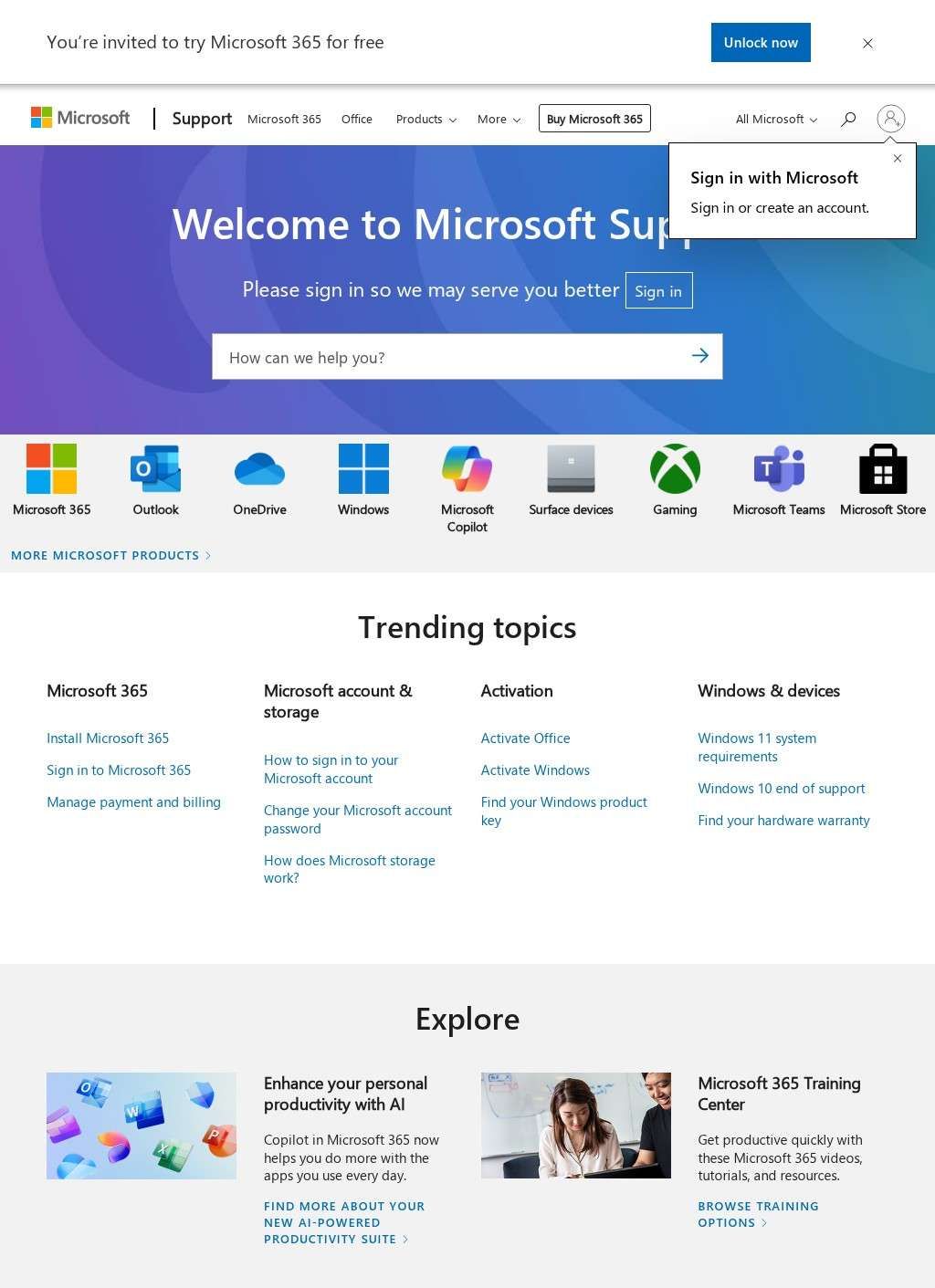
An Outlook account locks you out, a Windows update refuses to install, or a Surface tablet stops charging two days before a deadline. That is the kind of moment that sends people to support.microsoft.com, and Microsoft Support is the portal built to absorb exactly those situations across an enormous product range. The English US path at /en-us opens onto a search box and a set of product lanes, and from there the path splits depending on what broke and which piece of software or hardware caused it.
Knowledge base articles for Microsoft applications
The bulk of the value sits in the written material. Microsoft Support publishes knowledge-base articles, troubleshooting walkthroughs, and how-to documentation covering the Microsoft 365 applications most offices run on every day: Word, Excel, PowerPoint, Outlook, OneNote, OneDrive, and Teams. Windows gets the same treatment across its current versions, and so do the hardware lines, with Surface devices and PC accessories sitting alongside Xbox. Edge, the Copilot assistant, and the developer-facing parts of Azure each have their own corner. The breadth is genuinely useful precisely because so many unrelated problems land in one place, though that same breadth means the search results sometimes surface five near-identical articles when one would do. Anyone who has spent time in a business directory of tech resources will recognize the tradeoff: wide coverage versus precision of retrieval.
Community forums and support tickets
Beyond the static articles, Microsoft Support runs community forums where people post a question and get answers from other users and, often, from Microsoft agents directly. That peer layer is valuable for the odd configuration problems that documentation never quite anticipates, the cases where someone three time zones away hit the same registry quirk last month and wrote down the fix. For accounts that are signed in, Microsoft Support goes further: you can open a support ticket, start a live chat, or request a phone callback from an agent. Service levels are tiered, so a consumer with a billing question, a small business, and an enterprise admin all get routed differently, with the enterprise route wired into the Microsoft 365 admin center.
Specialist resources for IT professionals
The site is also clearly built with specialist audiences in mind. IT professionals and system administrators get dedicated resource hubs for bulk deployment, policy management, and licensing, the unglamorous work of running software across hundreds of machines. Educators have their own materials. Developers are pointed toward Microsoft Learn and the Azure documentation, which keeps Microsoft Support from trying to be a full technical reference it was never meant to be. There is a distinct track for users with accessibility needs, which is the right call given how central Windows and Office are to assistive workflows.
Security guidance for accounts and devices
Security guidance on Microsoft Support is handled as its own substantial area, and it earns the attention. The portal walks through phishing protection, account recovery when you have genuinely lost access, two-factor authentication setup, and the privacy controls scattered across Microsoft accounts. These are the topics where bad third-party advice does real damage, so having the first-party explanation in plain steps is worth something. Account recovery in particular is a process people only ever read about at the worst possible moment, and Microsoft Support keeps it documented rather than buried. The explanations avoid jargon where possible and the steps are written for the person who is already stressed, which is the right register for that kind of content.
Warranty status and hardware repairs
Hardware owners get practical workflows too. For Surface and Xbox devices you can check warranty status and start a repair or replacement request, which turns what could be a frustrating process into a structured online flow. Microsoft Support is multilingual and region-aware, with /en-us serving English content for the US market and parallel paths for other regions and languages, so the experience adjusts to where the visitor is.
Scale creates search friction
What keeps this from being a simple rave is the same thing that makes the portal powerful: scale. A support site this large inevitably carries articles that lag behind the current build of Windows or a recently changed Microsoft 365 interface, and the sheer number of overlapping pages can make finding the one relevant answer slower than it should be. The tiered model also means the smoothest experience, the fast human callback and the deep ticketing, sits behind authentication and, for the richest options, behind a paid or enterprise relationship. A casual consumer chasing a free fix leans more on the forums and the articles than on a live agent. Microsoft Support is transparent about this architecture if you look for it, but first-time visitors can feel the friction before they understand why it exists.
Thorough documentation with retrieval tradeoffs
The documentation Microsoft Support provides is thorough, the security and recovery sections are trustworthy, and the routing to forums, tickets, and specialist hubs is sensible once you learn where things live. The verdict is favorable with a caveat that is hard to escape at this scale: the answer you need is almost certainly here, but you may have to dig past several that only look like it before you reach the right one.