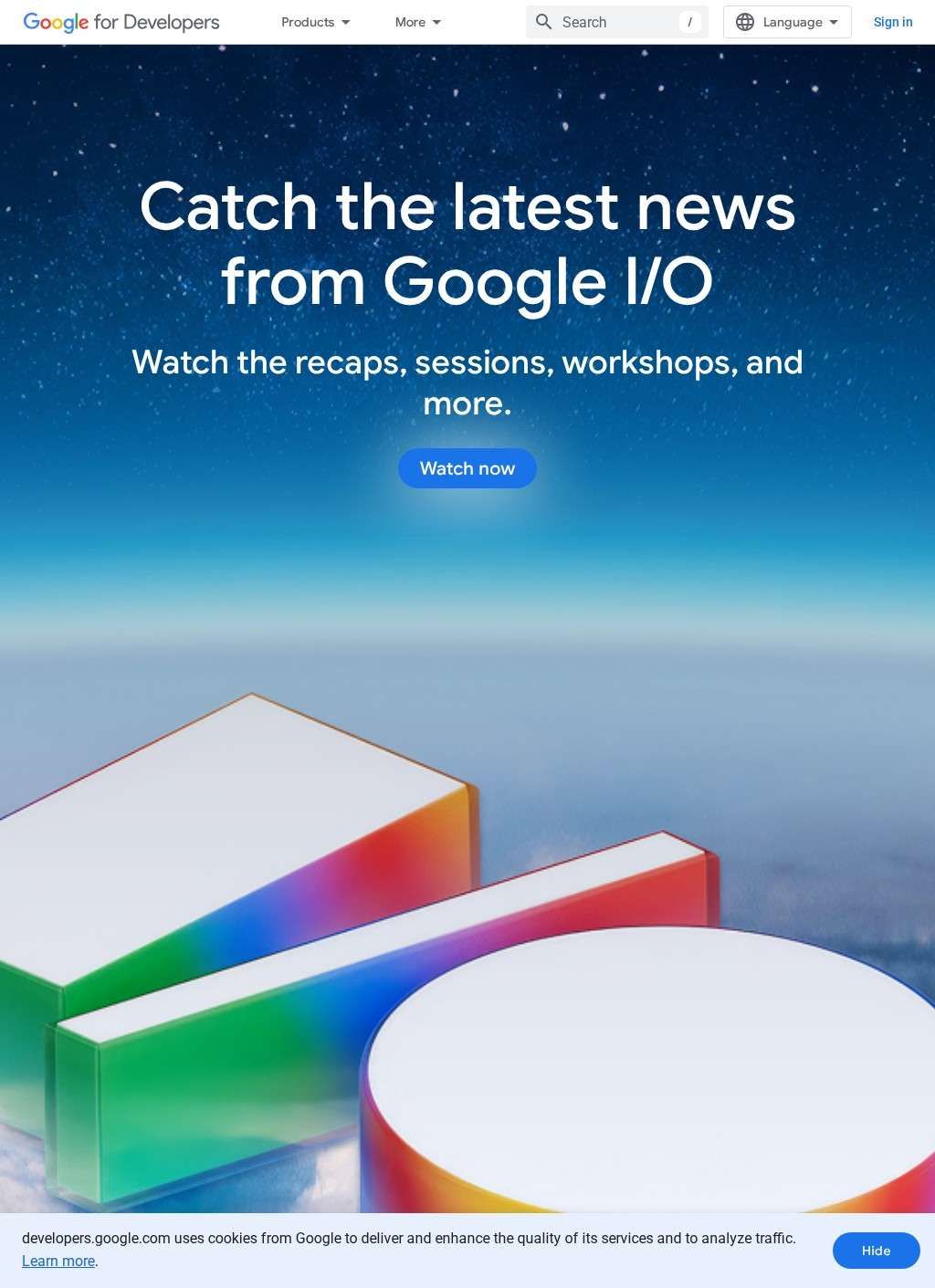
You are three hours into setting up a new Android project and the tutorial you found is already contradicting itself because it was written for an older SDK version. This is the exact problem Google for Developers exists to solve. As the primary publication channel for Android, Chrome, Gemini, and Cloud documentation, it is where the teams who shipped the products publish their corrections, deprecation notices, and new feature guides. Third-party content goes stale the moment an API changes; the first-party documentation here gets corrected at the source, which for fast-moving tooling like the Gemini API compounds in value across a project's lifetime.
Gemini API client libraries
The Gemini API alone is documented with client libraries for Python, JavaScript, Go, Java, and REST, covering the languages most working teams will reach for without hunting across separate repositories. Alongside that reference sits Google AI Studio, positioned as the bridge from a prototype prompt to a production application, plus Gemini Embedding 2 for multimodal retrieval-augmented generation, a Gemini Enterprise Agent Platform for organizations that need governance around deployed agents, and a separate automation layer called Google Antigravity. That stack is documented in one place, with versioned references that reflect what the platform actually ships.
Mobile and web development tools
Mobile development has its own section on Google for Developers with Android Studio, now integrated with Gemini directly in the IDE, connecting out to Firebase and Google Play services. Web developers get Chrome platform APIs and guidance for building AI features in the browser. Google Cloud Run documentation is also here for anyone deploying services. Google for Developers does not claim to be a consulting shop or an agency; it is where the underlying tools live, and where the agencies and solo developers who build products go to confirm what those tools actually do.
Codelab library
The codelab library on Google for Developers deserves specific attention. More than 700 hands-on exercises run from introductory Android walkthroughs to advanced Gemini API integrations, and each produces a working result rather than stopping at explanation. Developers who absorb tools by building with them will find this format more efficient than reading reference pages in sequence. The exercises span mobile, web, cloud, and AI stacks, and they are updated in step with the products they cover, which is the same reliability advantage that applies to the reference documentation.
Reference documentation and video
Alongside the codelabs, Google for Developers publishes full API reference documentation, developer guides, a technical blog, and a continuing stream of video on YouTube. None of it requires account creation to browse, so a team can evaluate whether a given tool fits their project without handing over an email address first. That policy is easy to overlook and easy to take for granted once you are used to it.
Developer programs and expert network
Google for Developers runs programs beyond documentation. The Google Developer Program offers specialized workspaces. Developer Groups and a Google Developer Experts network operate around it, along with accelerator programs and partnership initiatives. The Developer Experts network is the most immediately useful of these in practice: it connects engineers with people who have already shipped production applications on a given technology, which is a different kind of help from a reference page. A featured collaboration between Google Cloud and NVIDIA also appears on Google for Developers, covering the heavier compute side of AI work. These community layers are less visible than the documentation but represent a meaningful support structure for teams that need faster answers than a search through reference pages provides.
Audience and positioning
The audience Google for Developers is built for is deliberately broad: software engineers generally, with clear divisions toward mobile developers, web developers, enterprise organizations, and AI practitioners. A reader comparing mobile development providers in a listing index will find Google for Developers occupying a different position from the agencies and consultancies alongside it. It is less a competitor to those entries and more the platform they build on. Understanding that distinction shapes how you use what is here: you come to Google for Developers for the authoritative source on what Android Studio or the Gemini API actually does, then you evaluate a consultancy on whether they can apply those tools to your specific problem. Google for Developers answers the "what does this do" question; the agencies answer the "can you build this for us" question.
Navigation challenges
The breadth that makes Google for Developers authoritative also creates real friction for a developer arriving with one narrow question. When a single platform covers Gemini, Android, Chrome, Cloud Run, codelabs, a technical blog, and half a dozen community programs, figuring out which section answers your specific question takes patience. The site is structured and the major sections are kept distinct, but the navigation occasionally demands that you already know roughly where you are going. A developer with a clear search term will move quickly; one who is still oriented will lose time.
Stepping back, the numbers and structural facts are unambiguous: Gemini client libraries across five languages, Android Studio with Gemini built in, more than 700 codelabs, a Developer Experts network, free access with no account required, and documentation maintained by the teams shipping the products. The Android, Firebase, and Play services stack is documented here in a way no third party can match for accuracy or timeliness, and the Gemini API reference is the same. What the listing leaves open is the navigational experience once your project touches more than one major section at once.
Orientation across multiple sections
A team starting on Android who later adds Gemini API calls and deploys to Cloud Run will be moving between three large documentation zones, and the efficiency of that experience depends on how quickly they internalize where Google for Developers puts things. The content is there. The question is how long the orientation phase runs for a team new to this particular breadth of tooling, and whether the time spent learning the site's geography offsets the reliability gains over third-party alternatives.