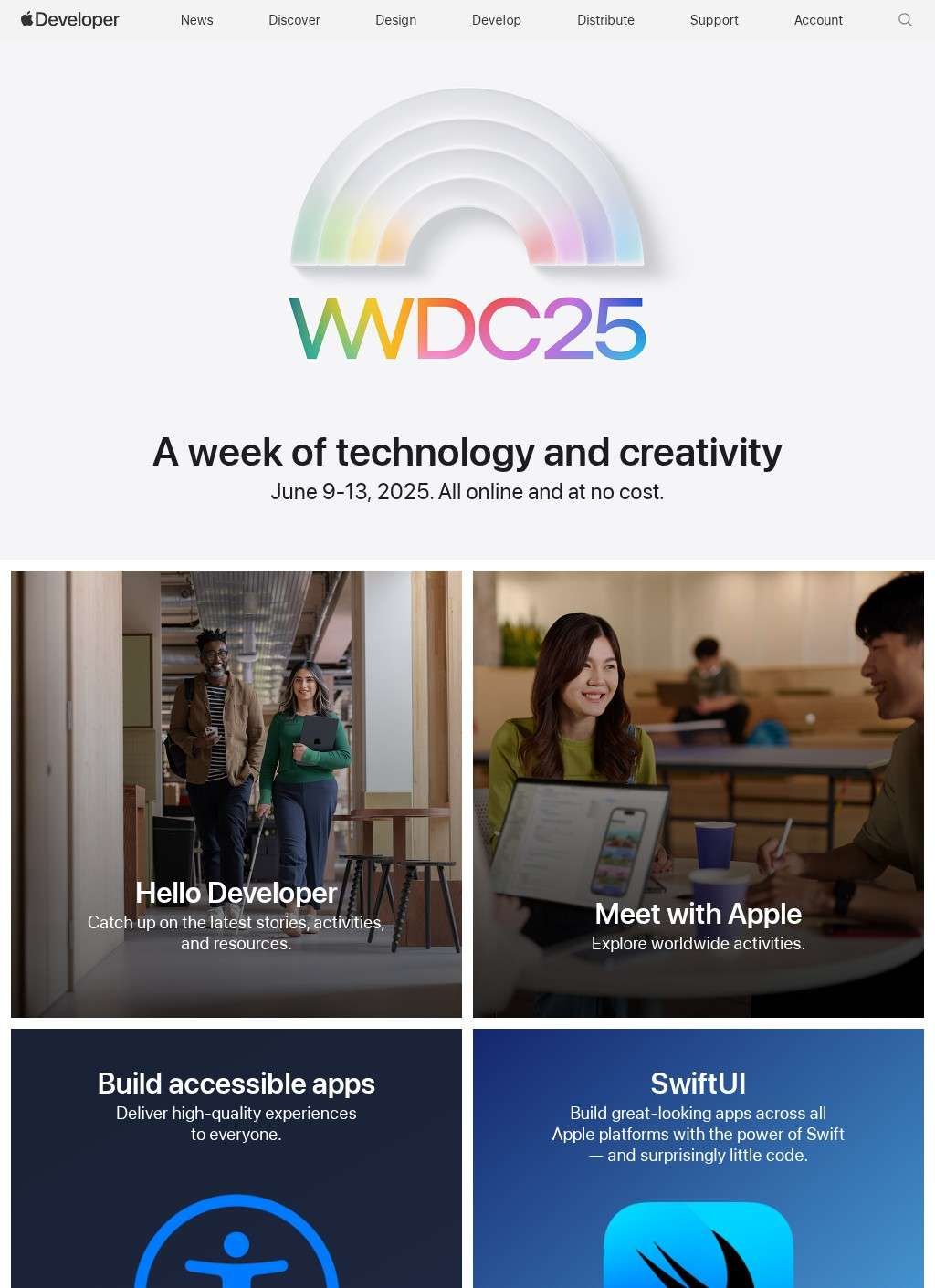
Xcode Cloud running continuous builds in the background, SwiftUI previews redrawing as you type, and a Swift toolchain that compiles down to bare metal: this is the working surface Apple gives anyone who wants to ship an app on an iPhone, a Mac, an Apple Watch, or one of the visionOS headsets. The portal at developer.apple.com gathers all of it under one roof, and it has grown into something far wider than a download page for a code editor. It covers six platforms (iOS, iPadOS, macOS, tvOS, visionOS, and watchOS), each with its own documentation, release notes, and sample projects, plus the programs and review machinery a developer has to pass through to reach the App Store.
Xcode and the core toolchain
The tooling is the part most people come for. Xcode is the IDE, free to download, and it carries the whole chain from editor to simulator to profiler. Around it sit Xcode Cloud for hosted builds and test runs, the Swift language itself, and SwiftUI as the declarative framework for laying out interfaces. TestFlight handles beta distribution, which means a build can go out to internal testers or a few thousand external ones before it ever touches public release. The documentation library, the technology overviews, and the sample code on Apple Developer are open to read whether or not someone has paid to publish.
That openness matters in practice. Someone can study the entire stack, build a working app, and run it on their own hardware without spending a cent, because the membership fee only attaches to App Store distribution. Apple Developer treats the learning surface and the publishing surface as separate things, and it is clear about which is which from the start.
Documentation library and WWDC sessions
The documentation is genuinely deep. Apple Developer hosts a reference for every framework, written guides for the bigger topics, and more than a hundred WWDC video sessions that go from introductory walkthroughs to detailed engineering talks. Release notes track what changed in each OS build, and design resources can be pulled down directly. For anyone learning a new framework, the combination of a written reference next to a recorded session from the team that built it is a strong pairing, and Apple has kept that archive growing year over year.
Membership tiers for publishing
Publishing is where the structure tightens. The standard Apple Developer Program is the membership most individuals and teams enroll in to distribute through the App Store. Enrolling in the Apple Developer Program is the step that opens code signing, provisioning, and a slot in App Store Connect, so it is the gate almost every shipping app passes through. The Apple Developer Enterprise Program covers internal-only distribution inside large organizations. The App Store Small Business Program drops the commission to fifteen percent for qualifying developers, which is a real difference for someone whose revenue sits below the threshold. Hardware makers have their own track through the MFi Program for accessories that connect to Apple devices.
Past those, the list keeps going into more specialized corners: a Mini Apps Partner Program, News and Video Partner Programs, a Security Research Device Program for vetted researchers, and a Security Bounty Program that pays out for disclosed vulnerabilities. A solo developer with one paid app and a hardware vendor building a certified accessory are using the same portal but walking through very different doors, and Apple Developer keeps those paths separate without burying either.
How app review works
App Review is the other half of the publishing story, and it is the part developers tend to have opinions about. The App Review Guidelines are published in full, App Store Connect is where builds get submitted and managed, and Feedback Assistant plus the bug reporting tools route problems back to Apple. The review process can be slow or contentious, and the guidelines leave room for judgement calls, but the rules are laid out in writing for anyone to read before they submit. A rejected build comes with a stated reason instead of a silent block.
Design guidelines and resources
Design gets treated as a first-class concern, not an afterthought bolted onto the engineering material. The Human Interface Guidelines are the canonical document for how an Apple app is expected to behave and look, and they read as opinionated rather than neutral. SF Symbols supplies a large icon set tuned to match the system fonts, and the annual Apple Design Awards single out work the company wants to hold up as exemplary. A designer who never writes a line of Swift still has a reason to spend time on Apple Developer, since the guidance and the asset libraries stand on their own.
On-device machine learning tools
The machine learning material has expanded quickly. Apple Developer now documents Apple Intelligence integration, the Core AI frameworks, and MLX for on-device model work, with the emphasis landing squarely on running models locally on the chip rather than shipping data off to a server. Around WWDC 2026 the featured topics include agentic AI inside Xcode itself and the platform updates arriving with iOS 27, macOS 27, and visionOS 27. For developers weighing where to put their effort, the on-device framing is a clear signal of the direction Apple is pushing.
How does Apple support community?
Community runs alongside the tools. WWDC is the annual conference and the source of those video sessions, and Apple supplements it with regional Meet with Apple events and developer gatherings in various parts of the world. The Developer Forums are notable because Apple engineers post in them, which turns what could be a generic message board into a place where authoritative answers sometimes appear. Students get their own entry point through the Swift Student Challenge, a contest aimed at people still learning the language. Between the forums, the challenge, and the in-person events, Apple Developer puts more weight on community than a vendor portal usually does.
If there is a fair criticism to level at Apple Developer, it is the sheer volume. The portal tries to serve individual hobbyists, professional teams, enterprises, game studios, designers, students, and hardware manufacturers all at once, and the navigation reflects that ambition. A newcomer can feel lost in the breadth before they find the one guide they came for. The flip side is that almost everything genuinely is here, and very little has to be hunted for outside the site.
Keeping the developer lifecycle unified
What Apple Developer does best is keep the whole lifecycle in one place. A developer can read the framework reference, watch the session that explains it, build with Xcode, push a beta through TestFlight, submit to App Store Connect, and file a bug through Feedback Assistant without ever leaving developer.apple.com. The tools are free to start, the documentation is open, and the paid membership only enters the picture once distribution does. That continuity is the practical reason Apple Developer sits at the center of building anything for Apple hardware, and it is something few vendor portals manage at this scale.