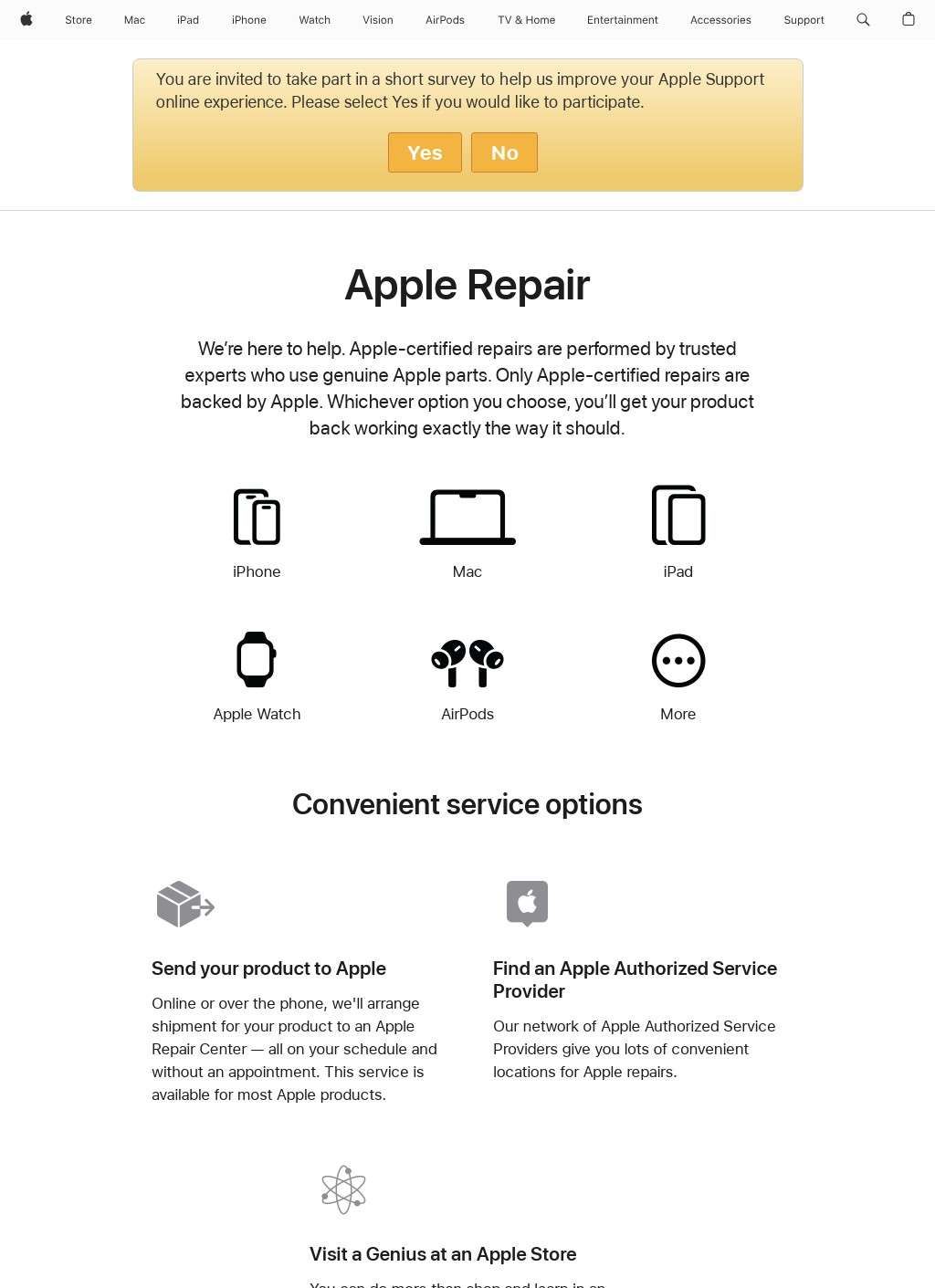
Apple Repair and Repair Status Check - Official Apple Support is the section of Apple's own support portal that handles hardware service for its devices, from starting a repair to tracking one already in progress. It covers iPhone, iPad, Mac, Apple Watch, AirPods and the rest of the hardware lineup, and it does so from a single entry point rather than scattering the process across separate microsites. The page is built around two verbs: fix something, or find out where an existing fix stands. Everything else branches off those.
Starting a repair with device routing
Start a repair and Apple Repair and Repair Status Check - Official Apple Support asks what device you have and what is wrong with it, then routes you toward the option that fits: booking a Genius Bar appointment at an Apple Store, handing the device to an Apple Authorized Service Provider, or mailing it in. The mail-in path is the one people underestimate. Apple Repair and Repair Status Check - Official Apple Support generates the shipping instructions and the box or label so the device can be sent off without a trip anywhere, useful if the nearest store is a long drive. Choosing between those three is the part that works best, since it filters by device and issue instead of dumping a generic list of locations on you.
Mail-in option without store visits
The status side is the quieter half of Apple Repair and Repair Status Check - Official Apple Support, and arguably the more useful once a device is already out of your hands. Apple Repair and Repair Status Check - Official Apple Support lets you look up an active case two ways: punch in the repair or case ID, or sign in with an Apple ID that has the case attached. Signing in pulls up more than one job at a time, which is the sensible route for anyone juggling repairs on several devices or keeping an eye on repair history over months. The bare case-ID lookup is there for people who would rather not log in, or who are chasing a repair that was started for them by someone else.
Tracking repair status by case ID or Apple ID
Cost is handled up front, which is a relief on hardware that can run expensive. Apple Repair and Repair Status Check - Official Apple Support gives an instant estimate for out-of-warranty work before you agree to anything, broken down by device and by the specific problem: a cracked screen, a worn battery, liquid damage and so on. That estimate is tied to the actual model, not a vague price band, so the number you see is the number that applies to your hardware. Paired with this is a coverage check that reads your device serial number and tells you whether AppleCare+ or the standard warranty still applies. Run that first and the estimate frequently drops to nothing, which is the whole point of checking eligibility before paying.
Looking up coverage with serial numbers
The ordering here is deliberate and worth calling out. Coverage lookup, then estimate, then repair choice. A user who follows Apple Repair and Repair Status Check - Official Apple Support in that sequence avoids the common mistake of booking a paid repair on a device that was covered the entire time. It is a small design decision that saves real money.
Instant estimates for out-of-warranty work
What sets this portal apart from a plain intake form is the Self Service Repair program it links into. For qualifying devices, Apple Repair and Repair Status Check - Official Apple Support opens access to genuine Apple parts, rental of the specialized tools a given repair needs, and the actual repair manuals Apple's own technicians work from. That is a meaningful concession from a company long associated with sealed hardware, and the portal treats it as a first-class option beside the store and mail-in routes, not a buried footnote.
Self Service Repair access for qualifying devices
It is not pitched at everyone, and the site is honest about that by gating it behind device eligibility and the tool-rental step. Someone comfortable opening a laptop or phone gets the parts and the documentation to do a battery or screen swap at home; someone who is not can ignore the whole branch and book a Genius Bar slot instead. Both audiences are served from the same page. Apple Repair and Repair Status Check - Official Apple Support also threads in trade-in and recycling information where the repair flow reaches a device that is more sensibly retired than fixed, so the dead-end case still has somewhere to go.
Trade-in or recycling when repair makes no sense
The reach extends past individual owners. Business and enterprise device fleets run through the same diagnostics, repair initiation and status tracking, with the Apple ID sign-in doing the work of holding multiple cases and devices under one view. For an IT team managing a stack of company Macs and iPhones, that consolidated case list is the difference between a coherent record and a pile of loose ticket numbers.
Managing business device fleets through one account
Two groups get the most out of Apple Repair and Repair Status Check - Official Apple Support. The first is the owner of a single device that has broken and wants a straight answer on cost, coverage and the fastest route to a fix. The second is anyone tracking work already underway on Apple Repair and Repair Status Check - Official Apple Support and wanting to know when the device ships back. Both are handled without the runaround, and the sign-in layer ties them together so a repair you started can be checked later without hunting for a reference number.
Who benefits most from this portal?
There is a limit worth stating plainly. This is service and support, not a store for new hardware, and it is not a troubleshooting knowledge base either. Apple Repair and Repair Status Check - Official Apple Support assumes you have already decided the device needs physical attention. If the issue turns out to be software, the portal is the wrong tool, and the repair flow will not talk you out of a repair you do not need beyond flagging warranty coverage. Within its lane, though, it is thorough. The estimate engine, the serial-based coverage check, the three service channels and the status lookup cover the full arc of a hardware problem from first crack to returned device.
Scope limited to hardware service only
Taken as a whole, Apple Repair and Repair Status Check - Official Apple Support does the unglamorous job of turning a broken device into a tracked, priced, scheduled repair, and it does it for the entire Apple hardware range in one place. The Self Service Repair link, the instant out-of-warranty estimates and the serial-tied coverage check are the parts that reward a visit, because each answers a question a worried owner asks before spending anything. A cracked screen on a Tuesday morning is a bad start to the day either way, but there is no reason to guess at the cost or the wait when the numbers are sitting on the same page as the booking form.