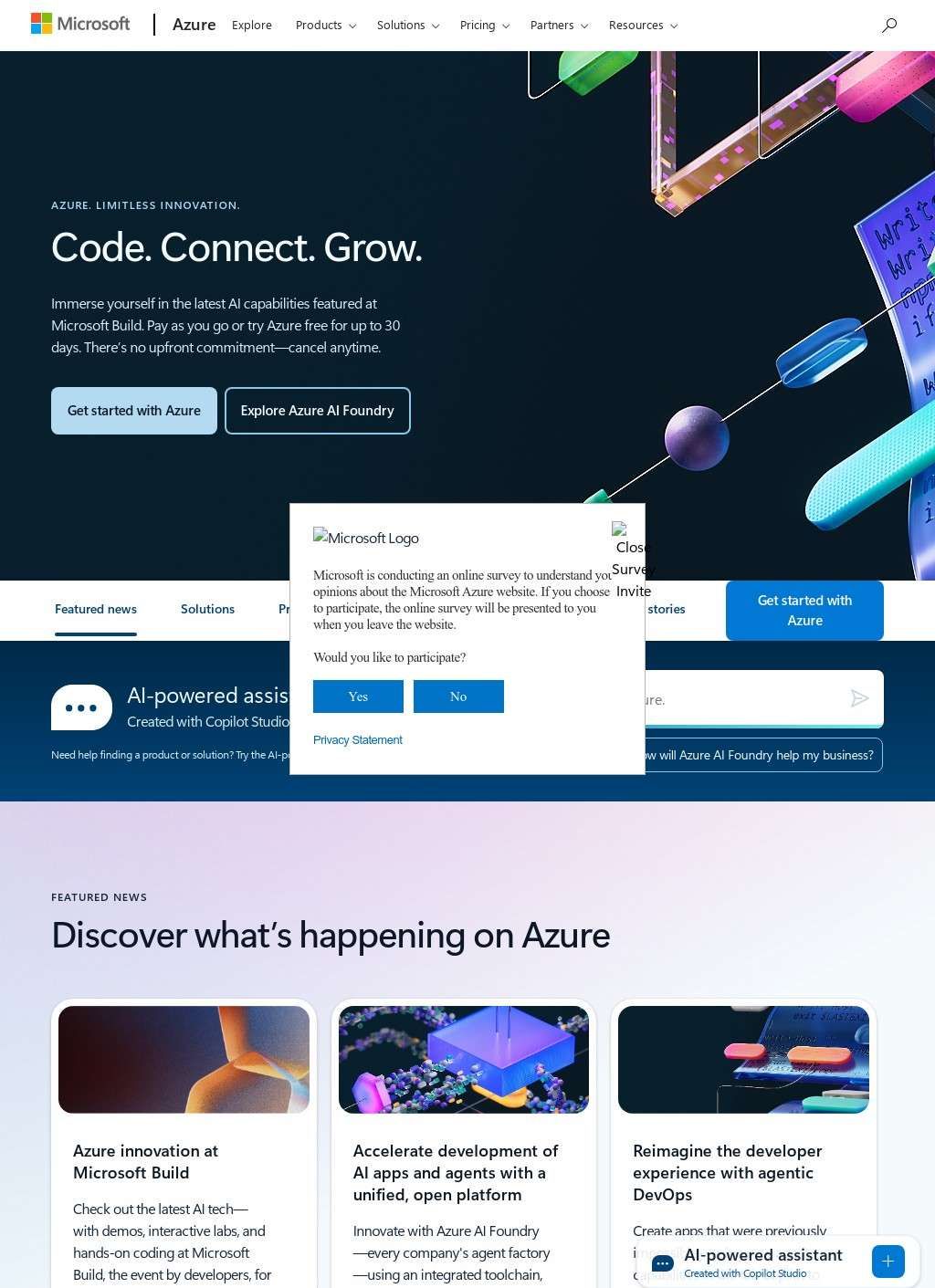
How many separate services can one cloud platform carry before the catalogue itself becomes the product? Microsoft Azure lists more than 200, spread across computing, storage, databases, analytics, AI, containers and hybrid management, and that sheer count is the first thing a prospective user has to reckon with.
Microsoft Azure is Microsoft's public cloud, and the range is wide enough that most workloads a company runs have a home somewhere in it. The breadth cuts both ways. A team can build almost anything on it, but a newcomer has to spend real time working out which of several overlapping services fits the job in front of them.
What sits inside the catalogue
The services are grouped into categories that map to how engineering teams already divide their work, and each grouping runs deep rather than wide and shallow. A short tour of the main ones shows where Microsoft Azure puts its weight.
Two things stand out from the shape of the catalogue. The depth in any single category is enough to run a serious workload without reaching for a second vendor, and the newer AI services sit right next to the plumbing they depend on, so a team is rarely forced to stitch a model in one place to data in another. That proximity is the argument Microsoft Azure makes for itself over assembling the same stack from separate providers.
AI and databases
The AI and machine-learning line is the busiest part of the catalogue right now. It spans Microsoft Foundry and its Foundry Models, Agent Service, IQ, Tools and Control Plane, Azure OpenAI within Foundry Models, Azure Speech, Azure Machine Learning, and the Copilot tools including GitHub Copilot.
The data side is just as broad: Azure Cosmos DB, DocumentDB, Azure SQL, Database for PostgreSQL and Managed Redis for storage, with Microsoft Fabric and Azure Databricks handling analytics. A team building an AI application on Microsoft Azure can source the model, the data store and the analytics layer without leaving the platform, which is the practical pull of a catalogue this size.
Compute, containers and hybrid
Underneath the AI headline sits the ordinary machinery most companies actually run day to day. Compute covers Linux and Windows Server virtual machines, Azure Functions for serverless code, Virtual Machine Scale Sets and API Management. Containers are handled thoroughly on Microsoft Azure, with Azure Kubernetes Service, Container Apps, Kubernetes Fleet Manager, Container Registry, Red Hat OpenShift, Container Instances and Container Storage all present, so a shop standardized on Kubernetes has the full toolchain.
The hybrid and multicloud set, Azure Arc, Azure Local, Defender for Cloud, Azure Monitor, Microsoft Sentinel and Azure Migrate, is aimed at companies that keep some systems on their own hardware and want one control plane over both.
Pricing and the paths in
Cost is where a catalogue this large gets intimidating, and the site answers with tools rather than promises. A pricing calculator, a free tier, savings plans, reservations and the Azure Hybrid Benefit give buyers several ways to estimate and lower spend up front. Application developers get low-code tools, Integration Services, serverless options and DevOps tooling, and there is dedicated migration and modernization support for .NET, Linux, Oracle and SAP workloads coming off older systems.
Solutions on Microsoft Azure are packaged for small and medium businesses, for cloud migration, for data analytics feeding AI, for AI apps and agents, and for sovereign-cloud requirements where data has to stay inside a country's borders.
The packaged solutions do useful triage. A small or medium business does not want to browse 200 services; it wants a starting point, and grouping Microsoft Azure's offerings by goal, cloud migration, data analytics feeding AI, AI apps and agents, sovereign cloud, gives that buyer a front door sized to the actual problem. Enterprises running mixed estates get the same treatment at the other end of the scale.
The migration and modernization tooling deserves its own note, because it targets the exact workloads that keep companies on older systems: .NET and Linux estates, plus Oracle and SAP deployments that are expensive and risky to move. Pairing that with the free tier and the pricing calculator gives a cautious IT team a way to test the water before a full commitment, and the sovereign-cloud option answers the regulated buyers who cannot put data just anywhere. Microsoft Azure is clearly built to bring existing systems across as much as to host new builds.
Around the products sits a partner ecosystem, the Microsoft Marketplace and partner resources, plus a learning stack: Azure Essentials and Accelerate, customer stories, analyst reports, videos and technical documentation. For the IT admins and developers who need to get productive fast, that documentation depth is one of the quieter reasons teams stay on Microsoft Azure once they start.
The audience reads straight off the way the site is organized: enterprises running mixed workloads, developers building on the services, IT admins managing them, and partners building on top to sell onward. The catalogue keeps growing, and the count of individual services now runs large enough that few users will ever touch more than a fraction of it.