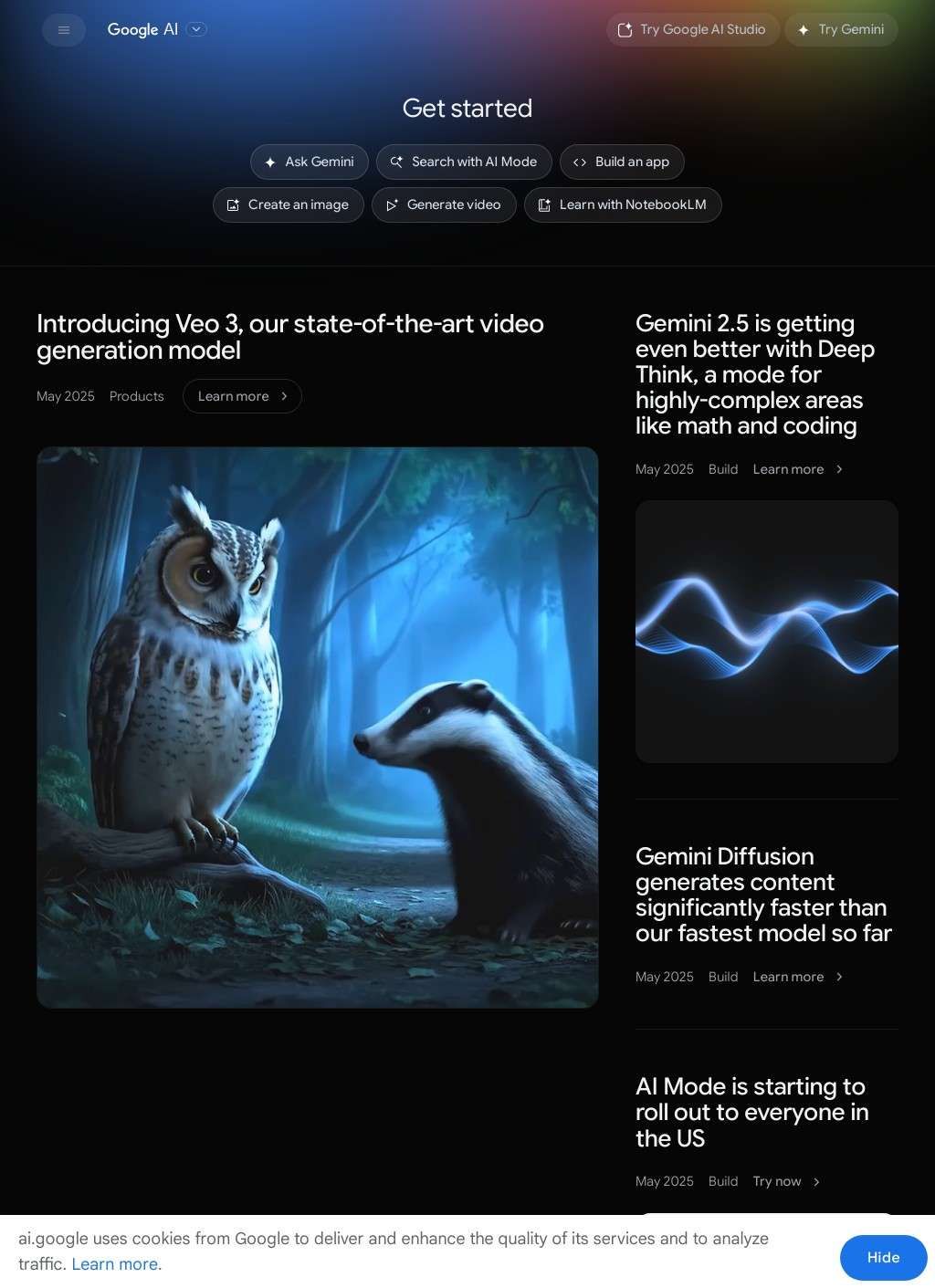
Developers trying to build with Gemini instead of just reading about it have one obvious place to start. Google AI for Developers is Google's developer-facing hub for its AI work, and the center of gravity is the Gemini model family: 2.5 Pro for the heavier reasoning jobs, Flash for the cheaper, faster end of the spectrum. The site hands over actual tools rather than marketing them, which is not a given among vendor platforms. You read a line of documentation, then you can go run it in the browser without configuring anything first.
Inside Google AI Studio's testing environment
That last part is easy to underestimate. Google AI Studio is a browser-based environment where you can prompt a model directly without standing up any infrastructure. It is free to start, and it exposes the parts of the workflow that usually stay hidden: system instructions, prompt tuning, token counting so you can see what a request costs in context length before you wire it into anything. For a developer poking at whether Gemini fits a problem, that loop of test, adjust, retest is the whole point, and Google AI for Developers keeps it short. A listing in a business directory might point you here, but the platform itself carries enough to evaluate without any preamble.
Gemini API and language SDKs
Past the playground, Google AI for Developers is built around the Gemini API, the route by which the models get embedded into someone else's application. The site carries SDKs for Python, JavaScript, Go and several other languages, alongside quickstart guides, code samples and tutorials. A Go backend team and a JavaScript front-end team are not forced into the same toolchain, and that is a quieter form of usefulness than any feature list conveys.
Documentation flow from quickstarts to reference
The documentation is where these platforms usually collapse into auto-generated reference with no path through it. Google AI for Developers avoids that trap. Quickstarts and tutorials sit next to the API reference, so a newcomer has a route from zero to a working call, and an experienced developer can skip straight to the method they need. Pricing for API usage is documented too, which is the detail that separates a weekend experiment from a planned deployment. Knowing the per-token cost up front changes how you architect a feature.
Multimodal tools for images and video
Beyond text generation, the catalogue widens into other modalities. Imagen handles image generation, Veo covers video, and the Gemini models themselves are multimodal with long-context windows, meaning they take in more than plain text and hold a great deal of it at once. That last property sounds abstract until you try feeding a model an entire codebase or a long document and watch it keep track across hundreds of pages.
NotebookLM as a research assistant
NotebookLM occupies a different corner of Google AI for Developers, and it is worth singling out because it ships as a finished product, not a raw API endpoint. Within Google AI for Developers it works as an AI research assistant: you give it your own sources, and it works against that material instead of the open web. For anyone wrangling a pile of documents, that grounding in a specific corpus is a genuinely different proposition from a general chatbot, and it is one of the cleaner demonstrations of what the underlying models can do in a contained context.
Safety resources and developer community
The platform rounds itself out with material that is easy to skip and probably should not be. There is documentation on model safety and a set of responsible AI resources, the kind of thing developers ignore until a deployment forces the question. There is also a developer blog, case studies, and links out to Google DeepMind research for people who want to follow the work back to its source. Google AI for Developers covers a reasonable spread: the person prototyping alone, the startup shipping a feature, and the enterprise team weighing safety documentation against a compliance requirement all find something pointed at them.
A unified path from docs to deployment
What Google AI for Developers does well is collapse the distance between reading and doing. Documentation, a free studio to test in, the API to ship with, and the pricing to plan around all live in one place, and the multimodal reach across Gemini, Imagen and Veo means a developer is not sent off to three separate properties to assemble a project. That coherence is the genuine strength, and it is harder to build than the individual pieces suggest.
Keeping up with rapid version changes
The remaining doubt is about pace. Google AI for Developers moves fast: model versions turn over, the 2.5 generation supersedes what came before, and a Studio interface that feels current can shift between projects. The documentation is strong on what exists today, yet a platform iterating this quickly puts the burden on the reader to confirm that a tutorial written for one model still holds for the next. Pricing is a moving target on any usage-metered API, and what pencils out at prototype scale can read very differently at production volume. None of that undermines the substance of Google AI for Developers. It does mean a careful developer keeps one question open: whether the version they learned last month is still the version they are billed for this one.